Table of Contents
The MacBook remains one of the most popular laptops for students, developers, designers, content creators, and professionals. While Apple delivers excellent hardware out of the box, the right accessories can transform a simple laptop into a powerful workstation. A well-designed MacBook setup improves productivity, comfort, organization, and overall user experience.
Whether you own a MacBook Air or a MacBook Pro, investing in the right accessories helps create a cleaner workspace while maximizing the potential of your device. From monitor light bars and desk mats to external displays and ergonomic accessories, the best MacBook accessories make daily work more enjoyable.
Why MacBook Accessories Matter
Most people spend several hours every day working on their computers. Small improvements to ergonomics, lighting, organization, and workflow can have a significant impact on productivity and comfort. Accessories help bridge the gap between a portable laptop and a professional workstation.
1. Monitor Light Bar
A monitor light bar is one of the most valuable upgrades for any MacBook desk setup. It provides focused illumination without taking up desk space. Unlike traditional lamps, monitor light bars mount directly on top of the display and illuminate the desk surface while minimizing glare.
Benefits include reduced eye strain, improved visibility, and a cleaner workspace. For users working late at night, a monitor light bar can significantly improve comfort during long sessions.
2. Large Desk Mat
A desk mat acts as the foundation of a clean workspace. Felt desk mats remain especially popular among MacBook users because they complement Apple's minimalist design language. A quality desk mat protects the desk surface, reduces noise, and creates a more organized environment.
3. Laptop Stand
A laptop stand improves ergonomics by raising the display closer to eye level. This helps reduce neck strain and creates additional space underneath the laptop for accessories or storage. Aluminum laptop stands are particularly popular because they match Apple's industrial design.
4. External Mechanical Keyboard
While MacBook keyboards are excellent, many users prefer mechanical keyboards for extended typing sessions. Compact 75% layouts are especially popular because they save space while retaining important functionality.
5. Wireless Mouse
A quality wireless mouse improves precision and comfort. Productivity-focused users often prefer ergonomic designs, while creators may prioritize customizable buttons and gesture support.
6. USB-C Hub
Modern MacBooks rely heavily on USB-C connectivity. A quality USB-C hub expands connectivity options by adding HDMI, USB-A, SD card readers, Ethernet ports, and additional USB-C connections.
7. External Monitor
An external monitor dramatically improves productivity by providing additional screen space. Popular choices include 27-inch 4K monitors and ultrawide displays for multitasking.
8. Monitor Arm
A monitor arm frees desk space while improving ergonomics. It allows precise positioning and contributes to a cleaner setup appearance.
9. Cable Management System
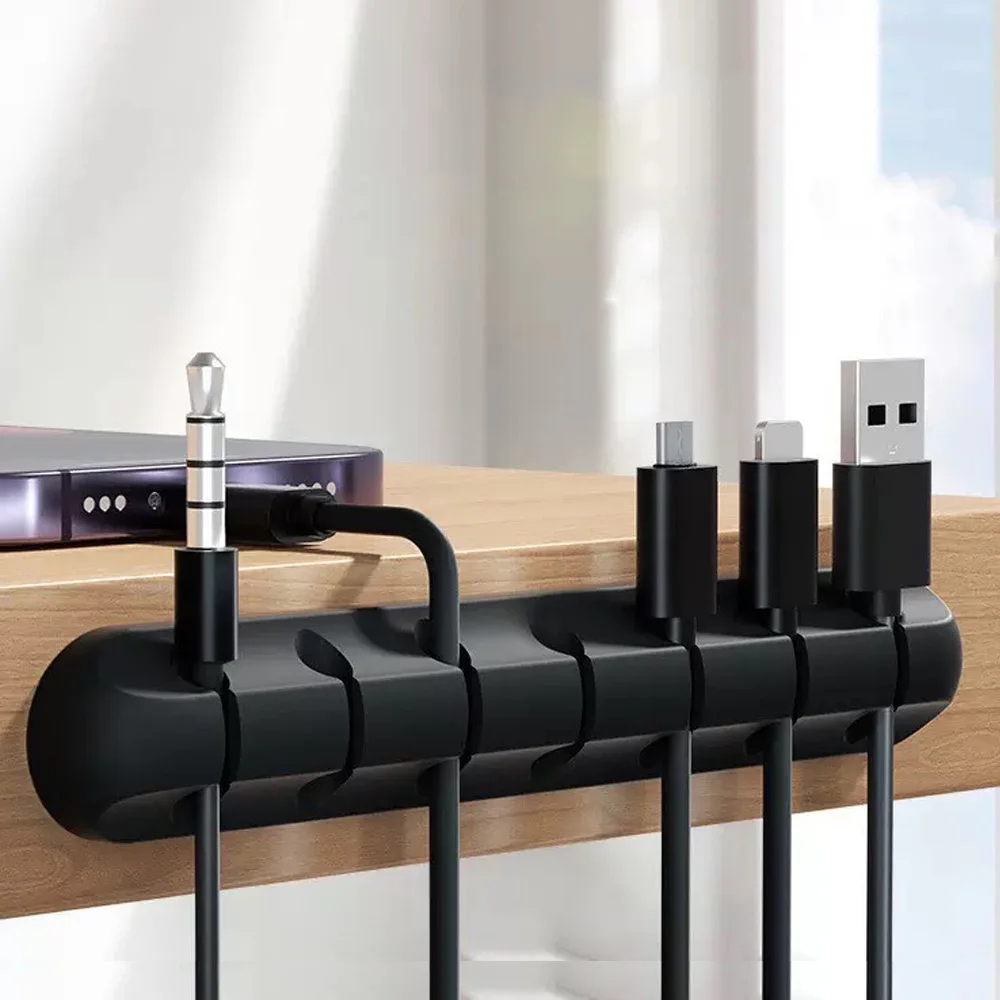
Visible cables can quickly ruin an otherwise premium workspace. Cable clips, sleeves, trays, and organizers help maintain a clean and professional appearance.
10. Wireless Charger
A wireless charging pad keeps your iPhone and AirPods charged while reducing cable clutter. It is one of the simplest ways to improve organization.
11. Desk Shelf
Desk shelves elevate monitors and provide additional storage space. They are especially useful for compact workstations where organization is important.
12. Studio-Quality Webcam
Remote workers and content creators can benefit from an upgraded webcam for professional video calls and content production.
13. Noise-Canceling Headphones
Noise-canceling headphones improve focus by reducing distractions. They are especially useful in shared workspaces and busy environments.
14. Ergonomic Chair
While not directly connected to the MacBook, an ergonomic chair may have the biggest impact on comfort during long work sessions.
15. Ambient Desk Lighting
Ambient lighting helps create a comfortable atmosphere while reducing contrast between the display and surrounding environment.
Best MacBook Setup Combinations
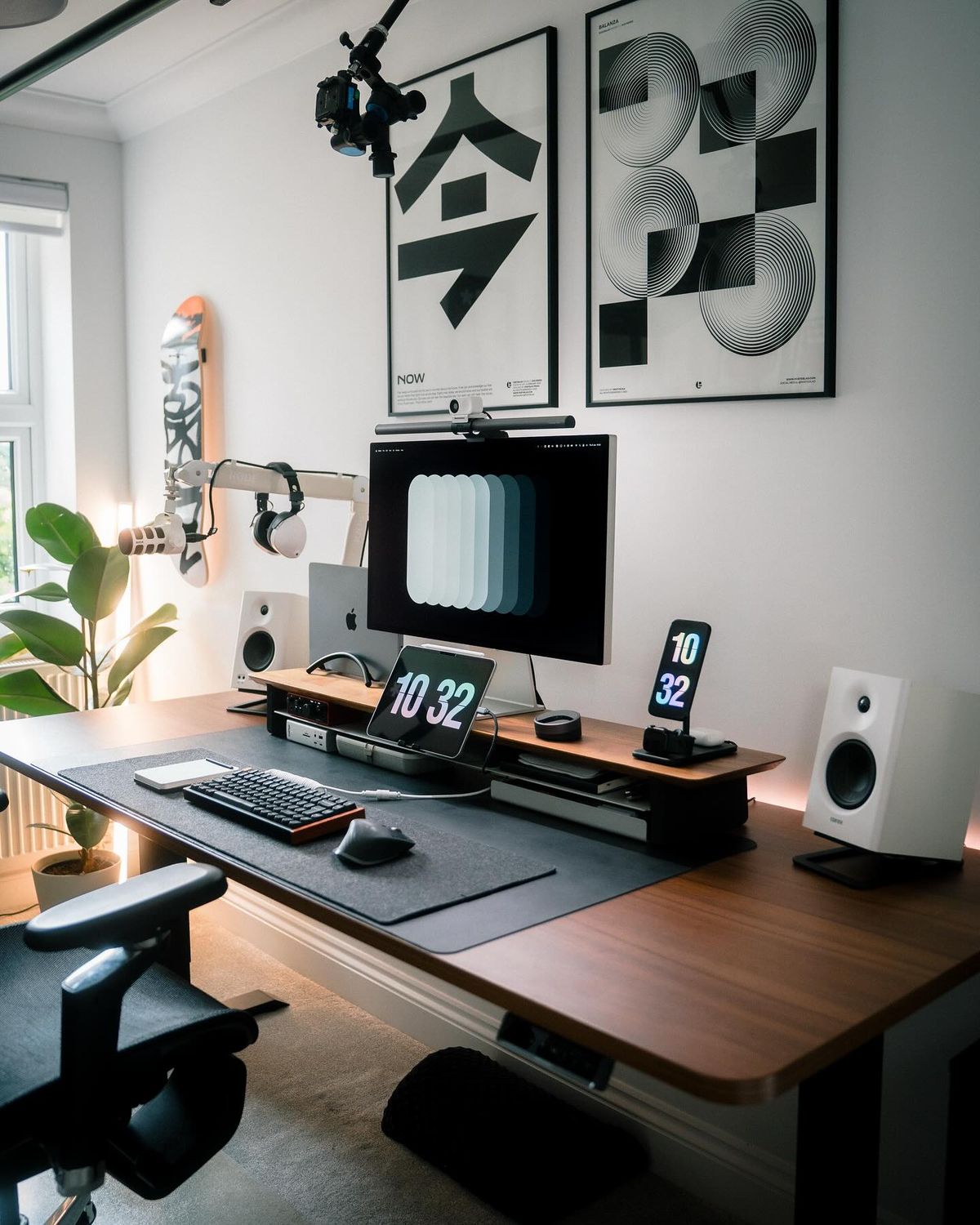
For students, a desk mat, laptop stand, and monitor light bar offer excellent value. Developers benefit from an external monitor, mechanical keyboard, and cable management system. Content creators should consider adding a monitor arm, webcam, and premium lighting solution.
Common Mistakes When Building a MacBook Setup
Many users focus exclusively on aesthetics and neglect ergonomics. Others purchase too many accessories that add clutter rather than value. The best setups balance functionality, comfort, and design.
Final Verdict
The best MacBook accessories in 2026 focus on improving productivity, comfort, and workspace organization. A monitor light bar, desk mat, laptop stand, mechanical keyboard, and cable management kit remain the highest-value upgrades for most users. By carefully selecting accessories that complement your workflow, you can create a workspace that looks premium and helps you perform at your best every day.
Recommended Gear
Useful upgrades for this workspace
Cable Management Tray
Keeps power strips and longer cable runs off the floor and out of sight.
Shop gearDesk Mat
Visually anchors your keyboard and mouse while hiding small cable shadows.
Shop gearPegboard Organizer
Moves small accessories off the desk without making them hard to reach.
Shop gearMonitor Light Bar
Adds usable task lighting without taking up desk surface area.
Shop gearRelated Products
Gear mentioned around this topic
cable management
Adhesive Cable Holder Clips Cord Management Wire Organizer for Desktop USB Charging Cable Nightstand Power Cord Mouse Cable
Flexible rubber adhesive cable holder clips for organizing desktop USB, charging, and mouse cables.
View product
cable management
Reusable Nylon Cable Organizer Ties
Durable and reusable nylon loop hoop tape straps for efficient wire and cable organization.
View product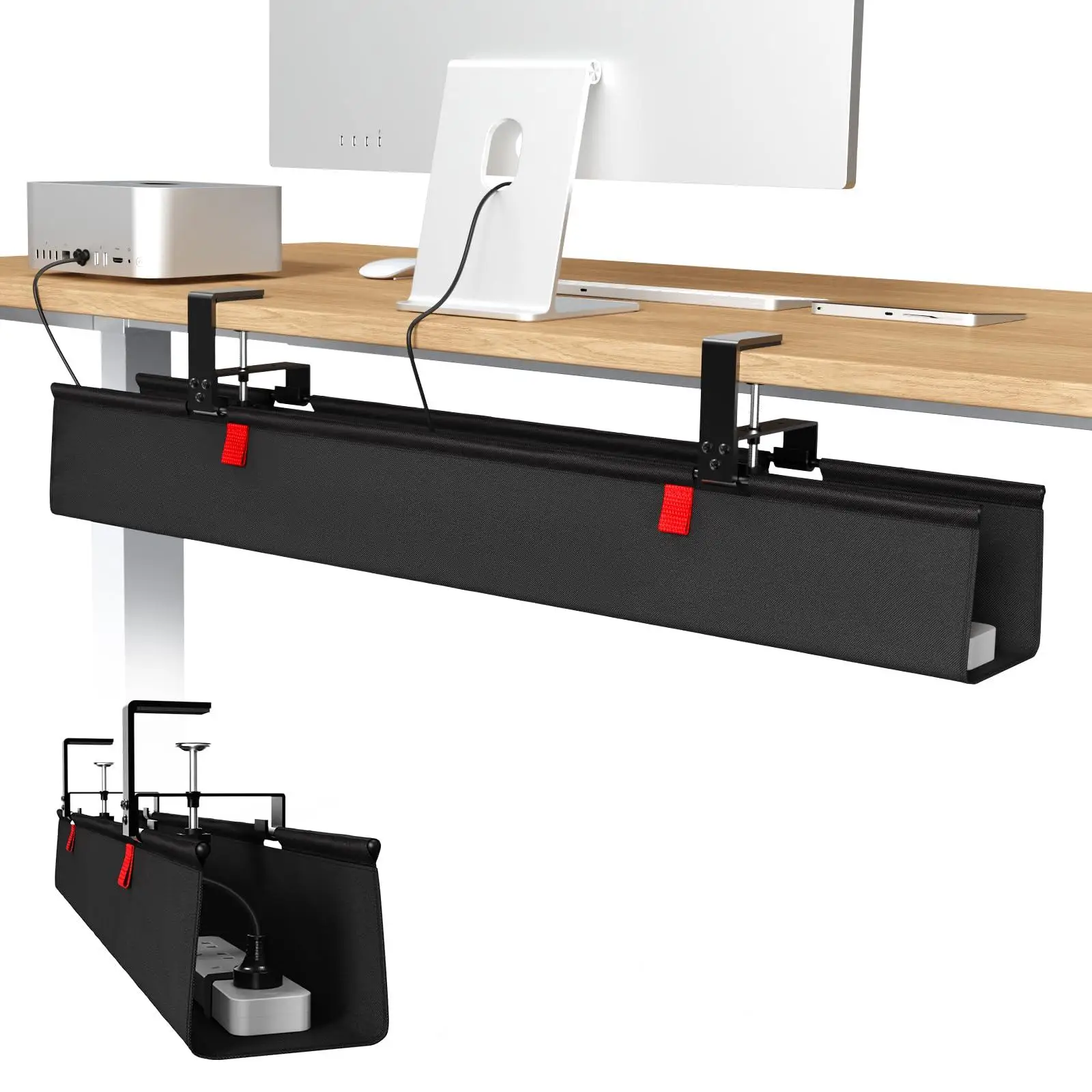
cable management
36-inch No Drill Under Desk Cable Management Tray
36-inch no-drill under-desk cable management tray made of premium fabric with a clamp mount for easy installation.
View product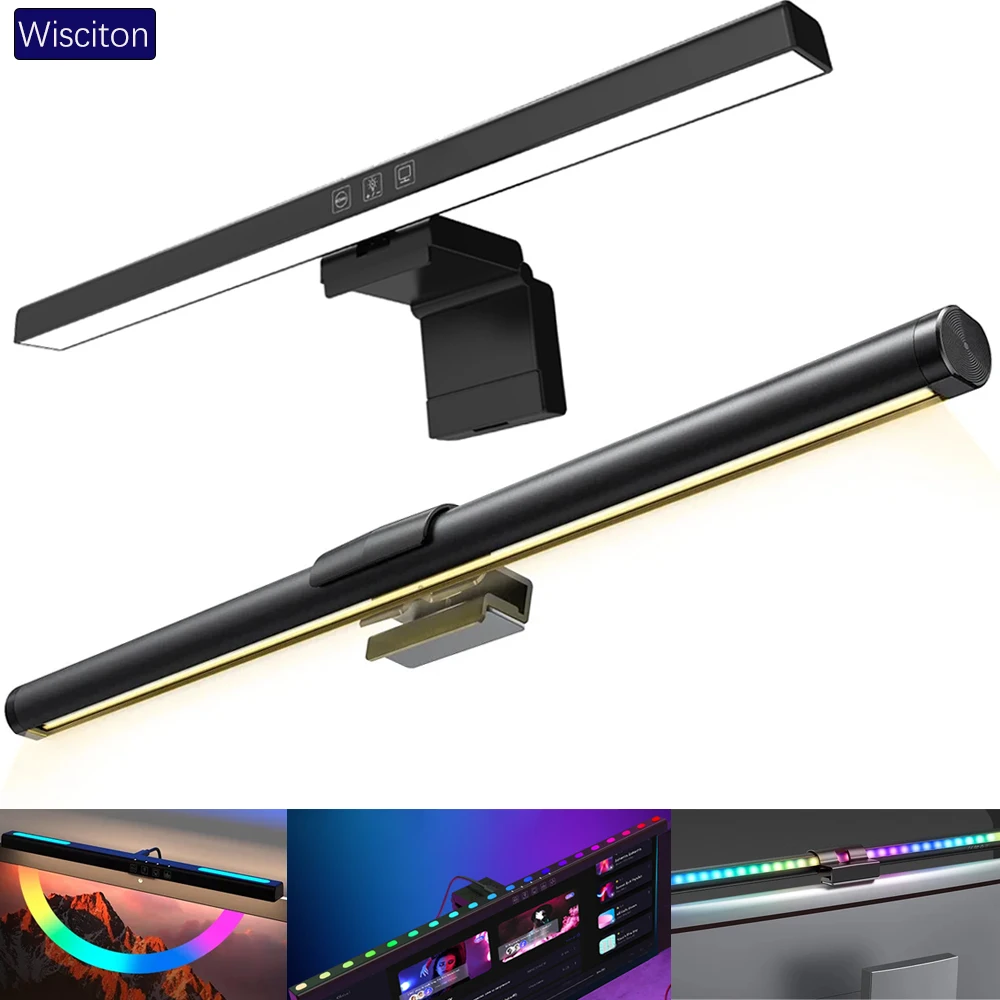
lighting
Wisciton Adjustable RGB Monitor Light Bar
Adjustable 33-60cm monitor light bar featuring RGB background lighting, dimming, and intelligent touch controls.
View product