Table of Contents
Minimal desk setups continue to dominate workspace trends in 2026. Whether you work from home, study remotely, create content, or spend long hours at your computer, a clean and organized workspace can dramatically improve comfort and productivity. The best minimalist setups focus on removing distractions while keeping essential tools easily accessible.
Contrary to popular belief, minimalism is not about owning fewer things. It is about intentionally choosing the right tools and arranging them in a way that creates a calm, functional, and inspiring environment. The goal is to maximize focus while maintaining an aesthetically pleasing workspace.
Why Minimal Desk Setups Are So Popular
Modern work environments are filled with distractions. Notifications, cables, paperwork, and unnecessary accessories can quickly overwhelm a desk. Minimalist setups reduce visual noise and create a workspace that encourages concentration. Many professionals report feeling more productive and less stressed after simplifying their desk environment.
1. Start With a Clean Desk Surface
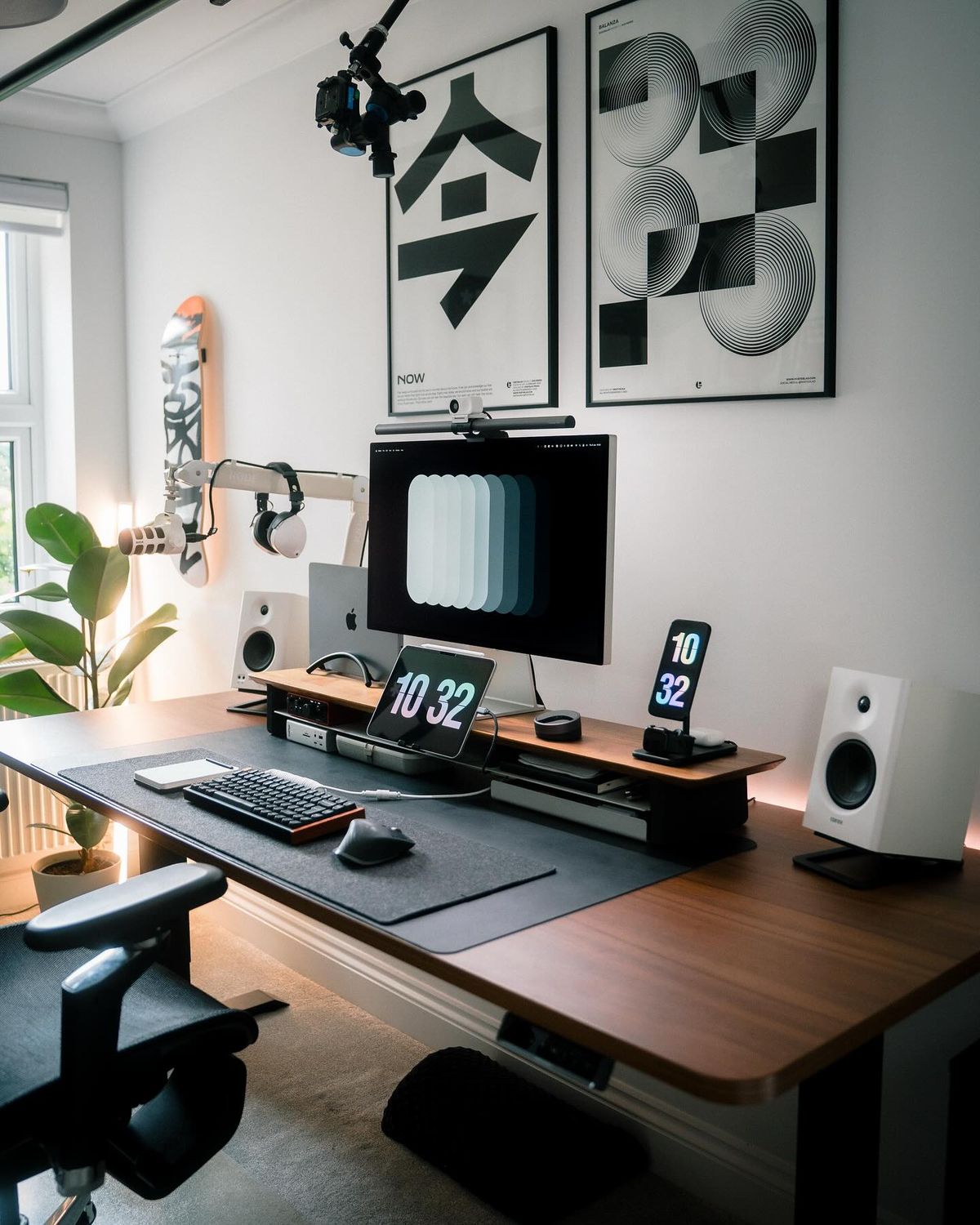
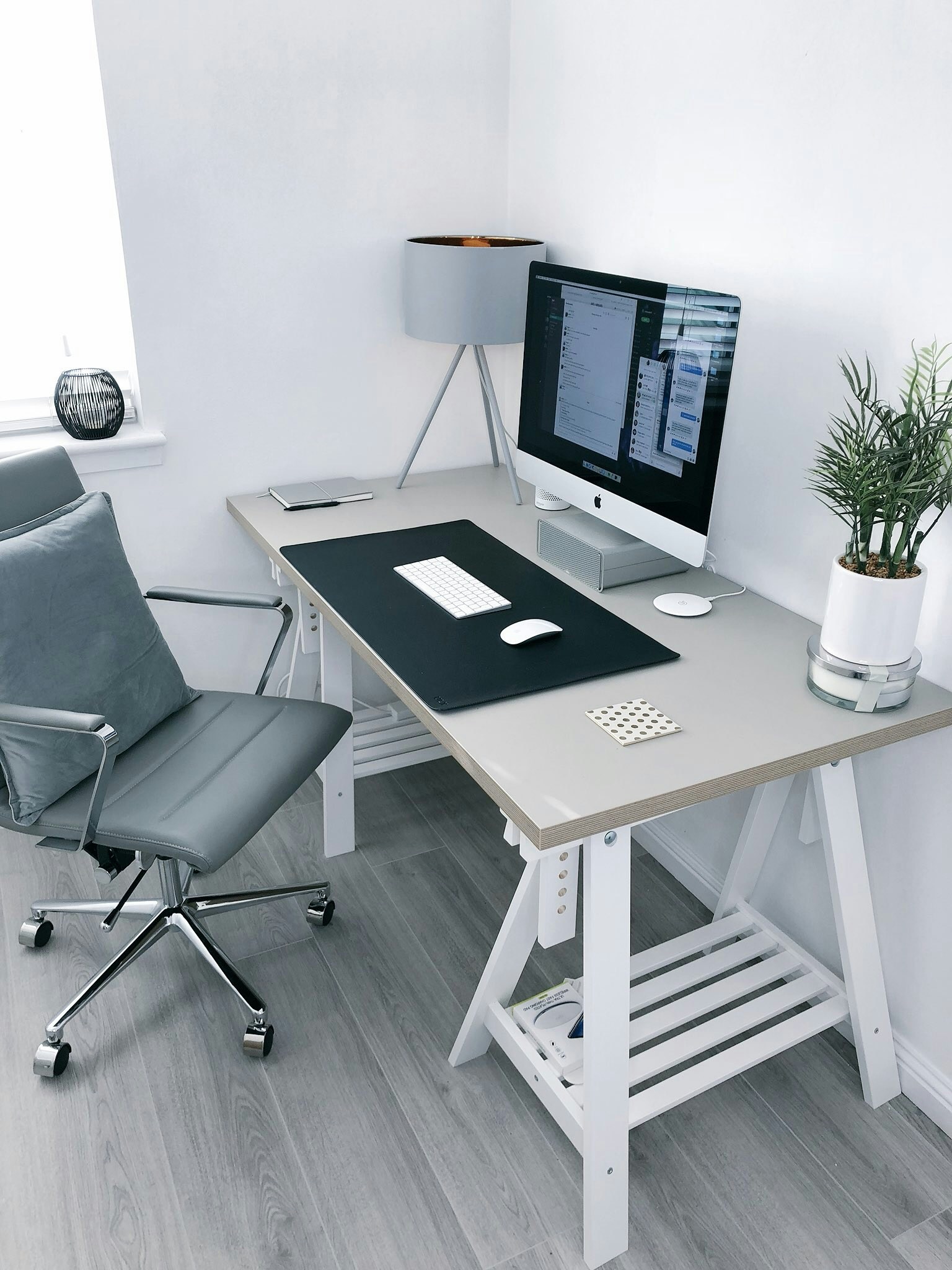
The foundation of every minimalist setup is a clean desk. Remove anything that is not used regularly. Keep only your monitor, keyboard, mouse, and a few carefully selected accessories. This instantly creates a more spacious and premium appearance.
2. Use a Large Desk Mat
A large felt or leather desk mat visually organizes your workspace while protecting the desk surface. It creates a defined area for your keyboard, mouse, and accessories while contributing to a clean and professional aesthetic.
3. Add a Monitor Light Bar
Monitor light bars have become a staple of modern desk setups. They save space, reduce eye strain, and eliminate the need for bulky desk lamps. A quality monitor light bar provides focused illumination without creating screen glare.
4. Hide Every Visible Cable
Nothing destroys a minimalist workspace faster than visible cables. Use adhesive cable clips, under-desk trays, cable sleeves, and wireless accessories whenever possible. Effective cable management can instantly make a setup look more expensive and professional.
5. Choose Neutral Colors
White, black, grey, and natural wood tones remain the most popular color choices for minimalist desk setups. These colors create a timeless aesthetic that works well in almost any room.
6. Upgrade to a Mechanical Keyboard
A compact mechanical keyboard not only improves typing comfort but also contributes to the visual appeal of your workspace. Popular layouts include 60%, 75%, and TKL keyboards, which provide more mouse space while maintaining functionality.
7. Use a Monitor Arm
Monitor arms free valuable desk space while improving ergonomics. Raising the display off the desk creates a more open appearance and provides additional room for accessories or storage.
8. Keep Decorations Simple
Minimalism does not mean eliminating personality. A small plant, framed print, or desk figure can add character without creating clutter. The key is moderation.
9. Optimize Lighting
Good lighting is essential for both aesthetics and comfort. Natural light remains ideal, but monitor light bars, ambient LED strips, and warm desk lighting can significantly improve the atmosphere of a workspace.
10. Create a Dedicated Charging Area
Wireless charging pads and organized charging stations help prevent cables from spreading across your desk. A dedicated charging zone keeps devices accessible while maintaining a clean appearance.
11-20. Advanced Minimalist Upgrades
21-25. Professional Workspace Ideas
Common Minimal Desk Setup Mistakes
Many people mistakenly remove useful tools in the pursuit of minimalism. The goal is not to have an empty desk but rather a functional desk. Another common mistake is neglecting ergonomics. A beautiful setup should also be comfortable enough for long work sessions.
Best Products for a Minimal Desk Setup
Some of the most impactful upgrades include large felt desk mats, monitor light bars, cable management kits, compact mechanical keyboards, monitor arms, and wireless charging pads. These accessories improve both appearance and functionality.
Final Thoughts
Minimal desk setups remain one of the best ways to improve productivity, reduce distractions, and create a workspace you genuinely enjoy using every day. By focusing on essential tools, proper organization, and thoughtful design choices, anyone can build a cleaner and more efficient workspace in 2026.
Recommended Gear
Useful upgrades for this workspace
Cable Management Tray
Keeps power strips and longer cable runs off the floor and out of sight.
Shop gearDesk Mat
Visually anchors your keyboard and mouse while hiding small cable shadows.
Shop gearPegboard Organizer
Moves small accessories off the desk without making them hard to reach.
Shop gearMonitor Light Bar
Adds usable task lighting without taking up desk surface area.
Shop gearRelated Products
Gear mentioned around this topic
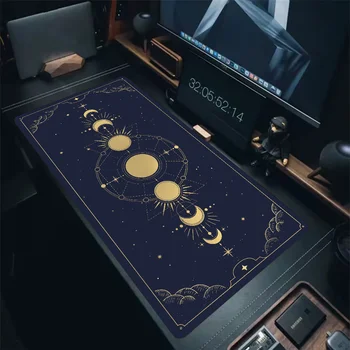
Desk Accessories
Astrology Tarot Desk Mat Mouse Pad
A colorful astrology-inspired desk mat with waterproof HD printing, smooth mouse control, stitched edges, and a non-slip rubber base for gaming and office setups.
View product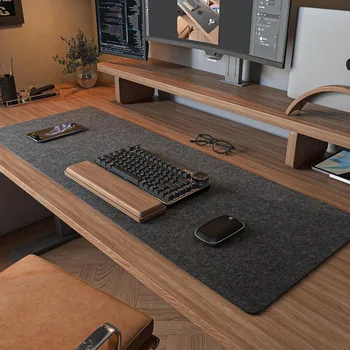
Desk Accessories
Wool Felt Desk Mat for Gaming and Office Setups
A soft wool felt desk mat designed to protect your desk, improve mouse control, and create a clean workspace for gaming, study, and office setups.
View product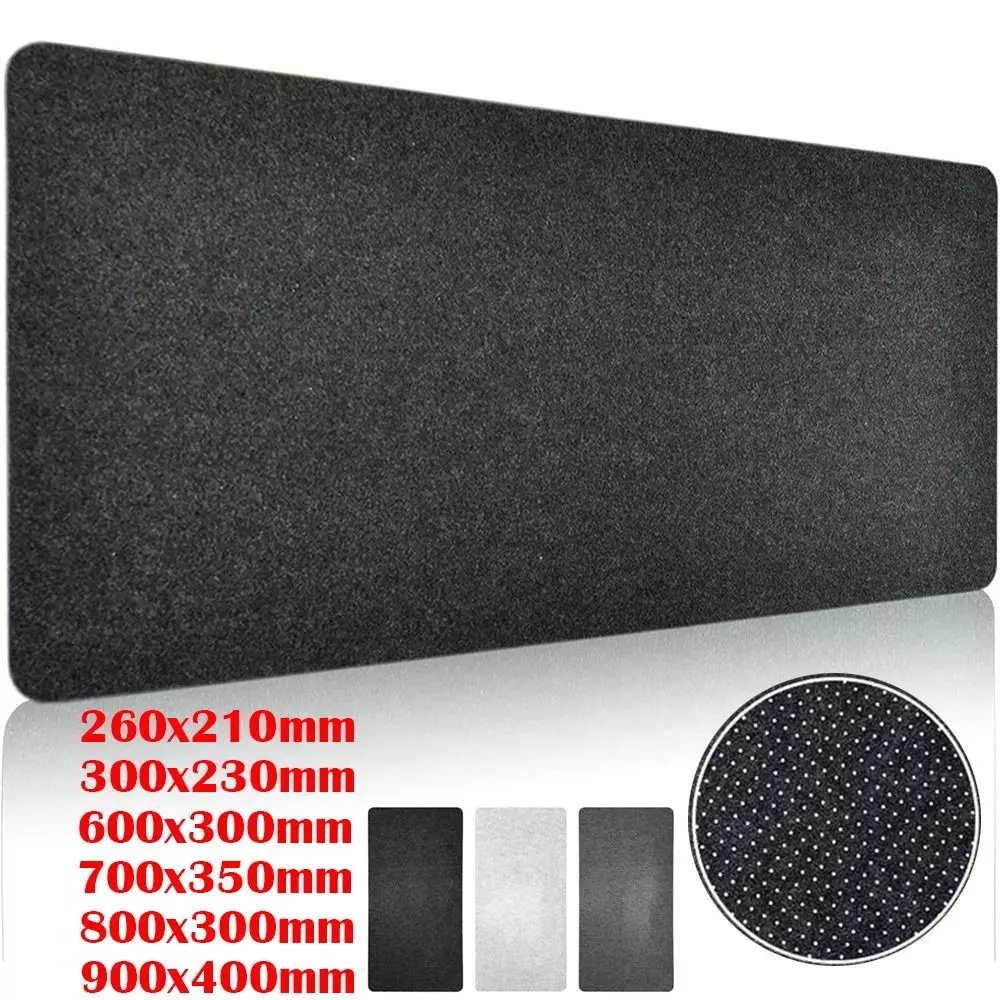
Desk Accessories
Large Wool Felt Desk Mat
A soft wool felt desk mat designed for clean desk setups, smooth mouse movement, writing comfort, and everyday workspace protection.
View product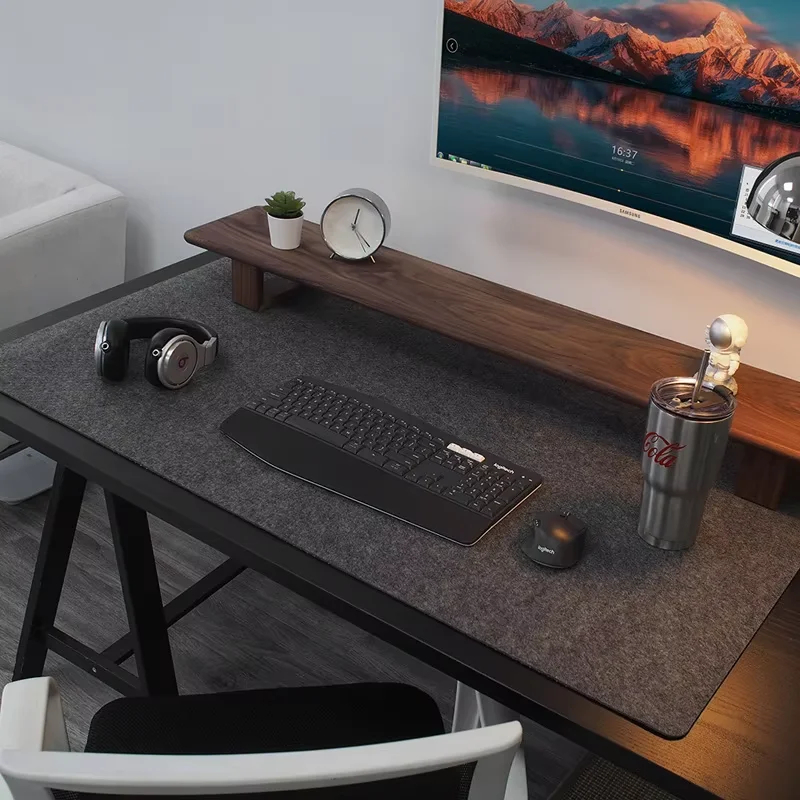
Desk Accessories
Premium Wool Felt Desk Mat
A premium wool felt desk mat designed to protect your workspace, improve comfort, and create a clean minimalist desk setup for work, study, and gaming.
View product