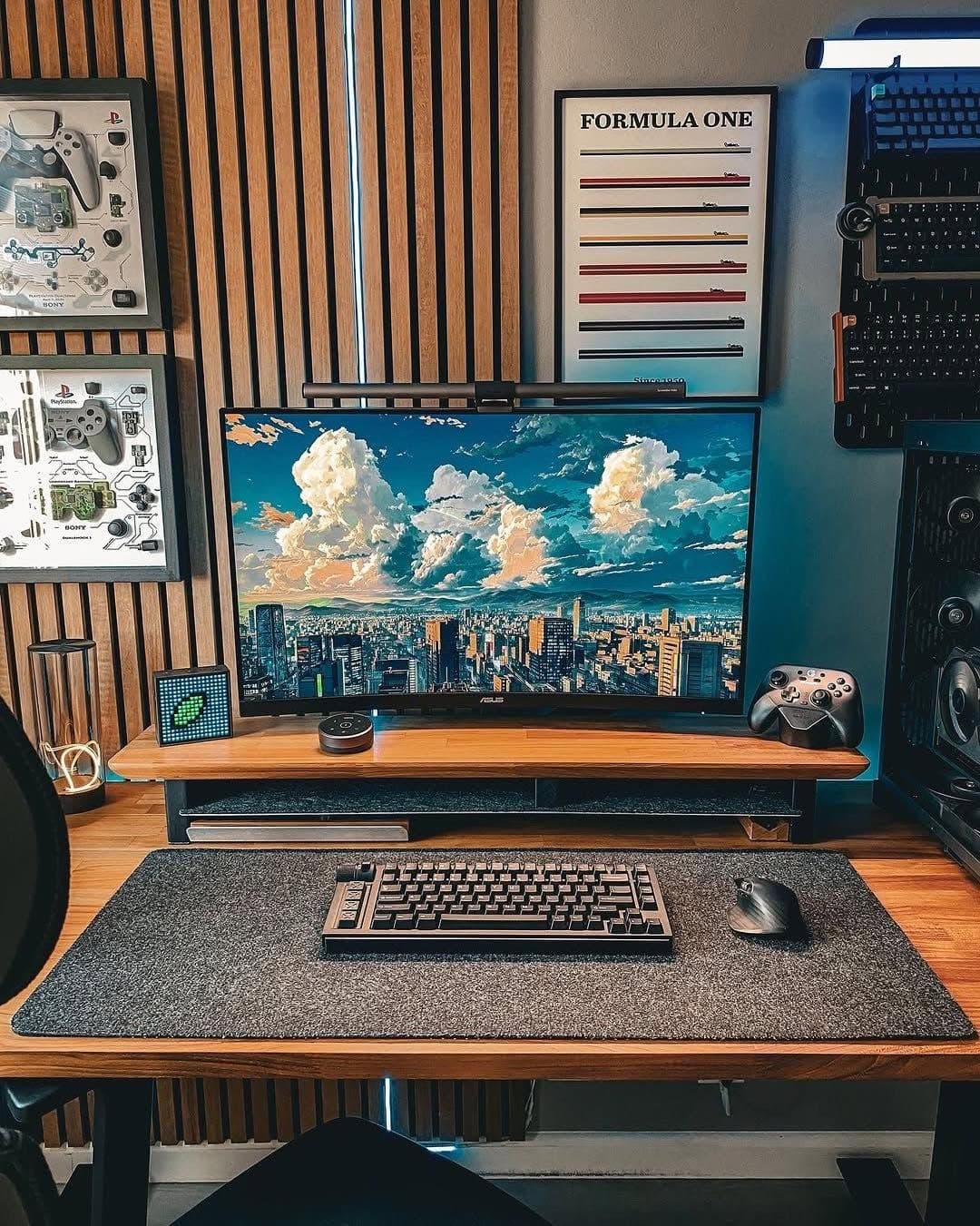
Dark Mode Developer Setup
A dark mode developer setup featured on SetupGallery.
SetupGallery Guide
Developer setups built for coding, focus, monitor space, and ergonomic input gear. Browse real examples, recommended gear, and short answers for building this workspace style.
Developer Desk Setup combines a clear primary work zone, reliable gear, intentional lighting, and cable control so the desk stays useful every day.
A dark mode developer setup featured on SetupGallery.
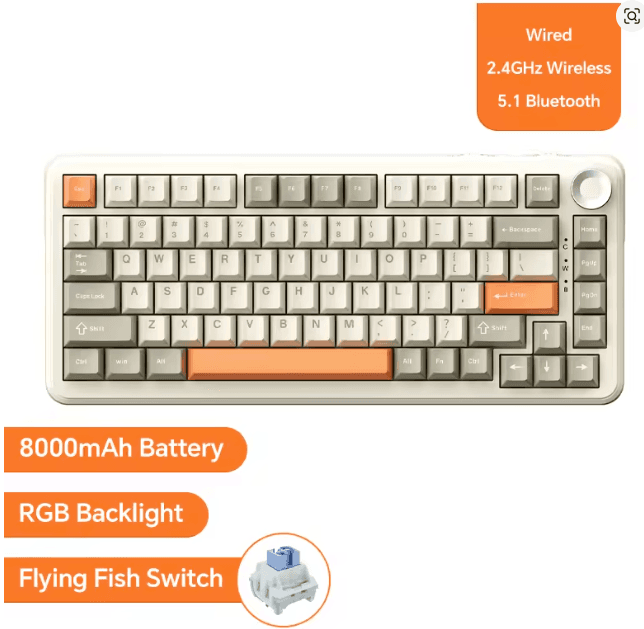
Premium wireless mechanical keyboard featuring Bluetooth 5.1, 2.4GHz connectivity, hot-swappable switches, RGB lighting, and an 8000mAh battery. Ideal for gaming, coding, productivity, and modern desk setups.
Use the examples above as a baseline, then adjust monitor height, input gear, lighting, and cable routing around your daily workflow.
Use the examples above as a baseline, then adjust monitor height, input gear, lighting, and cable routing around your daily workflow.
Use the examples above as a baseline, then adjust monitor height, input gear, lighting, and cable routing around your daily workflow.
The best productivity desk setup keeps the monitor at eye level, uses comfortable input gear, controls lighting, and keeps only daily-use items within reach.
A minimal desk setup usually needs a reliable keyboard, mouse, monitor or laptop stand, desk mat, cable management, and one focused lighting source.
It is a workspace optimized around developer priorities, with gear, layout, and styling choices selected for that use case.