Desk accessories occupy a frustrating middle ground in most setups. Some — a desk mat, a monitor light bar, a decent cable tray — make a real, daily difference. Others — an elaborate pen holder for a person who uses one pen, a decorative item that collects dust, a gadget bought for novelty — add clutter without adding value.
The accessories in this guide are the ones that earn their place on the desk every day.
Desk mat: the highest-impact purchase
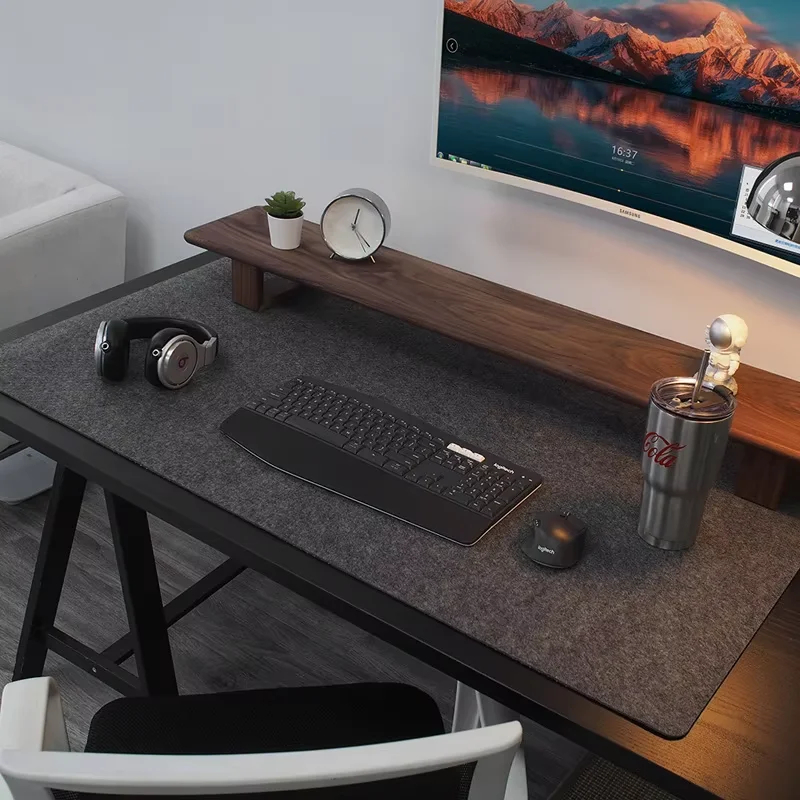
A large desk mat (70–90 cm wide minimum) transforms how a desk feels and looks more than almost any other accessory. It creates a defined workspace on the surface, protects the desk from scratches, reduces keyboard and mouse noise, improves mouse tracking, and gives the setup a unified, intentional appearance.
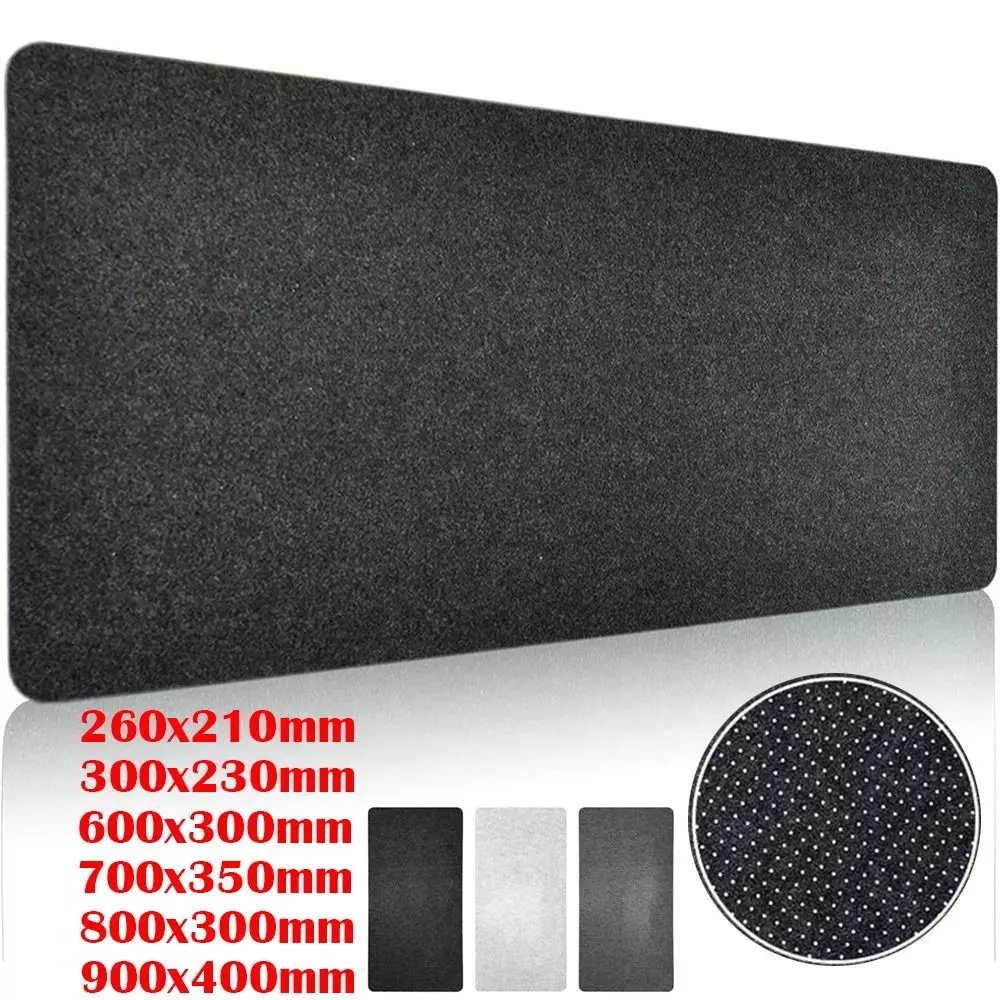
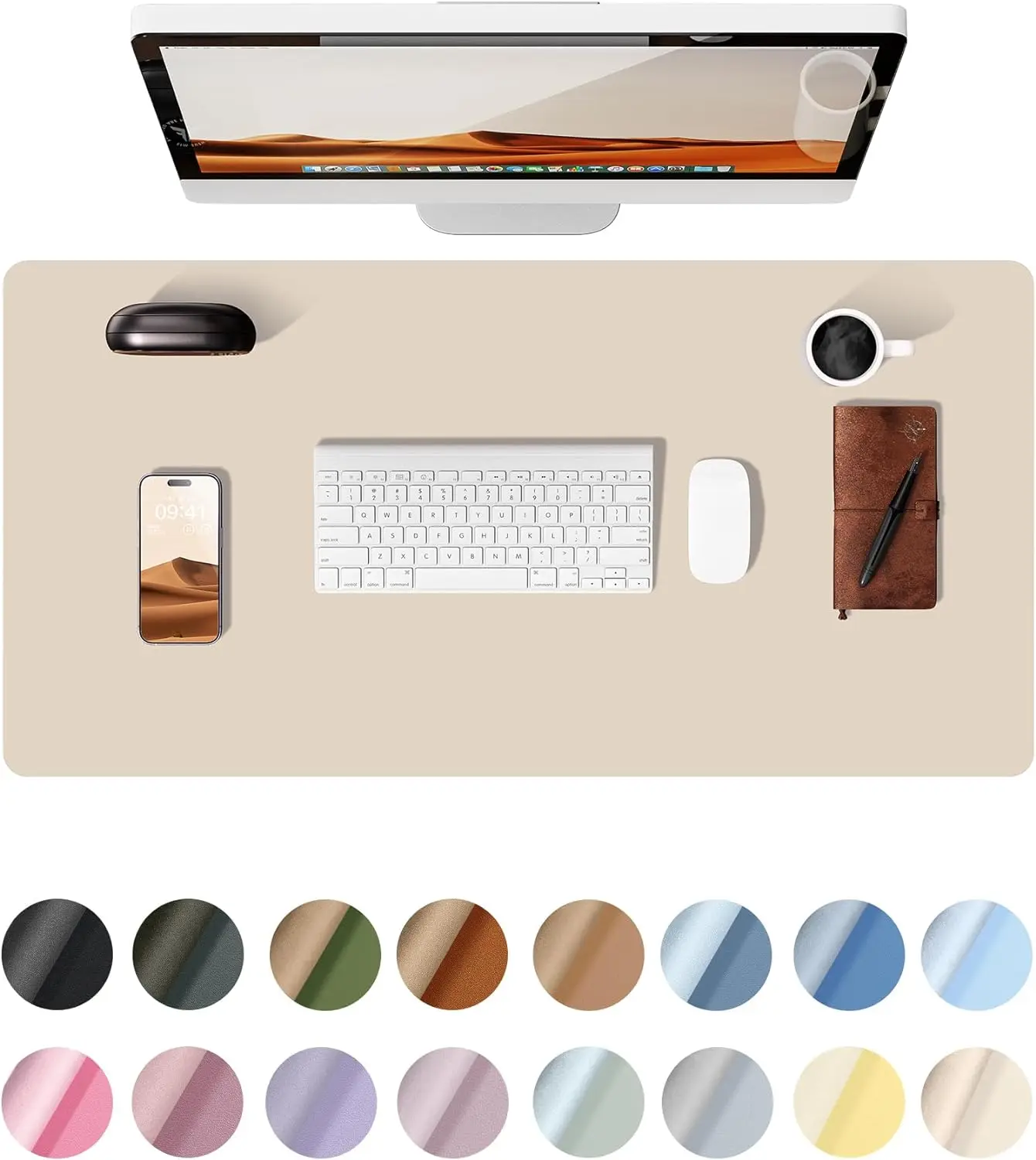
Wool felt desk mats are the premium choice — soft, durable, and available in neutral colours that work with any palette. Leather or PU leather mats are easier to clean. Fabric gaming mouse pads are less expensive and come in large sizes that cover the full surface.
The mat should be large enough to fit the keyboard and mouse at normal working positions, with space between them. Most standard gaming setups need at least 80 cm wide.
Desk Accessories
Large Wool Felt Desk Mat
$9.99
Desk Accessories
Premium Wool Felt Desk Mat
$14.99
desk mat
YSAGi Large PU Leather Desk Mat
$5.95
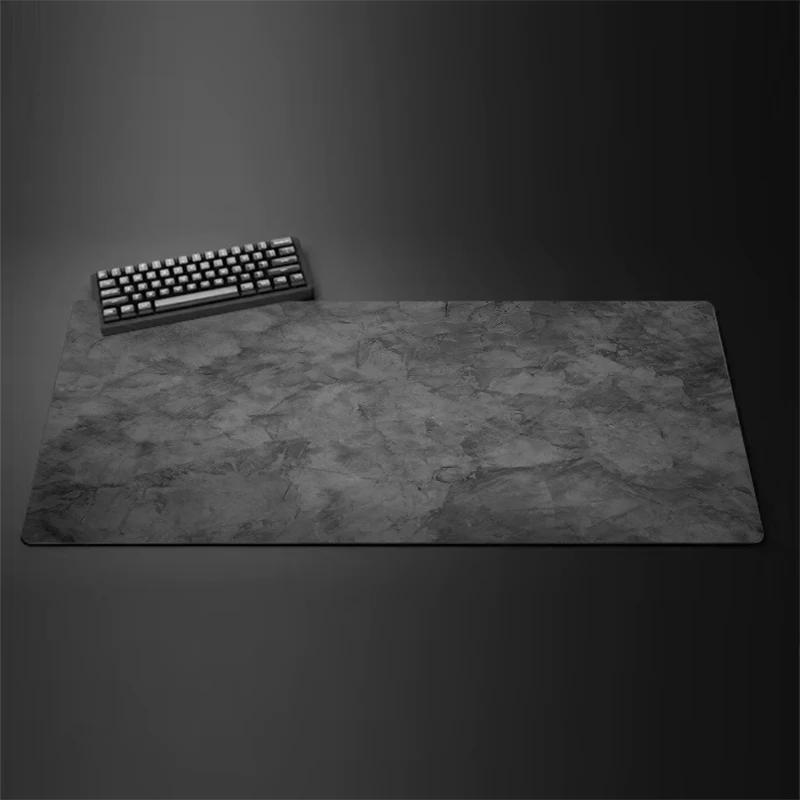
desk mat
Large Gray Overlocked Gaming Mouse Pad
$7.27
Monitor light bar: underrated ergonomic tool
A monitor light bar clips to the top of the monitor and lights the desk surface from above without creating glare on the screen. The result is that the keyboard and mat area are well-lit while the screen remains clear. This reduces the eye strain that comes from working with a brightly lit screen in a darker room.
A light bar with adjustable colour temperature — warm to cool — is more versatile than a fixed-temperature version. Some include ambient backlighting that faces the wall for a subtle glow.
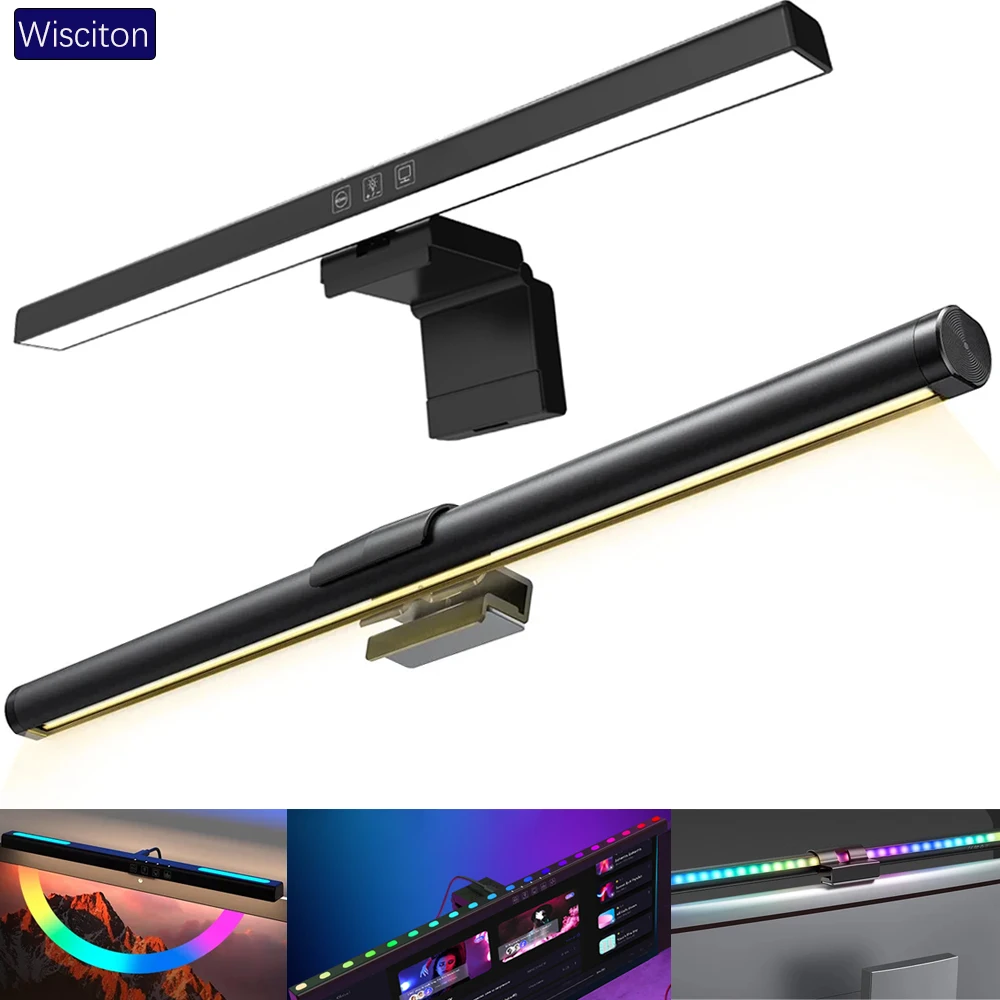
lighting
Wisciton Adjustable RGB Monitor Light Bar
$11.09
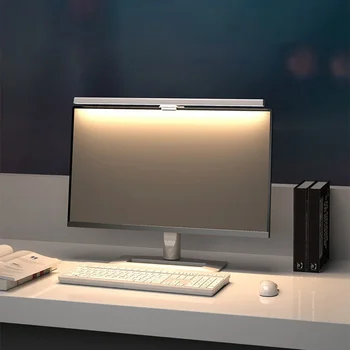
Lighting
HOMEFISH 50cm Monitor Light Bar
$24.99
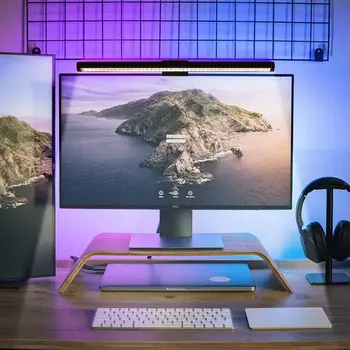
Lighting
RGB Monitor Light Bar for Desk Setups
$24.99
Cable management kit: mandatory, not optional
Loose cables on or under the desk make every other effort at a clean setup pointless. A basic cable management kit — an under-desk tray, some adhesive clips, and hook-and-loop ties — costs around £20–30 and handles the bulk of the problem. Pair it with a mounted power strip under the desk and the cable problem is mostly solved.
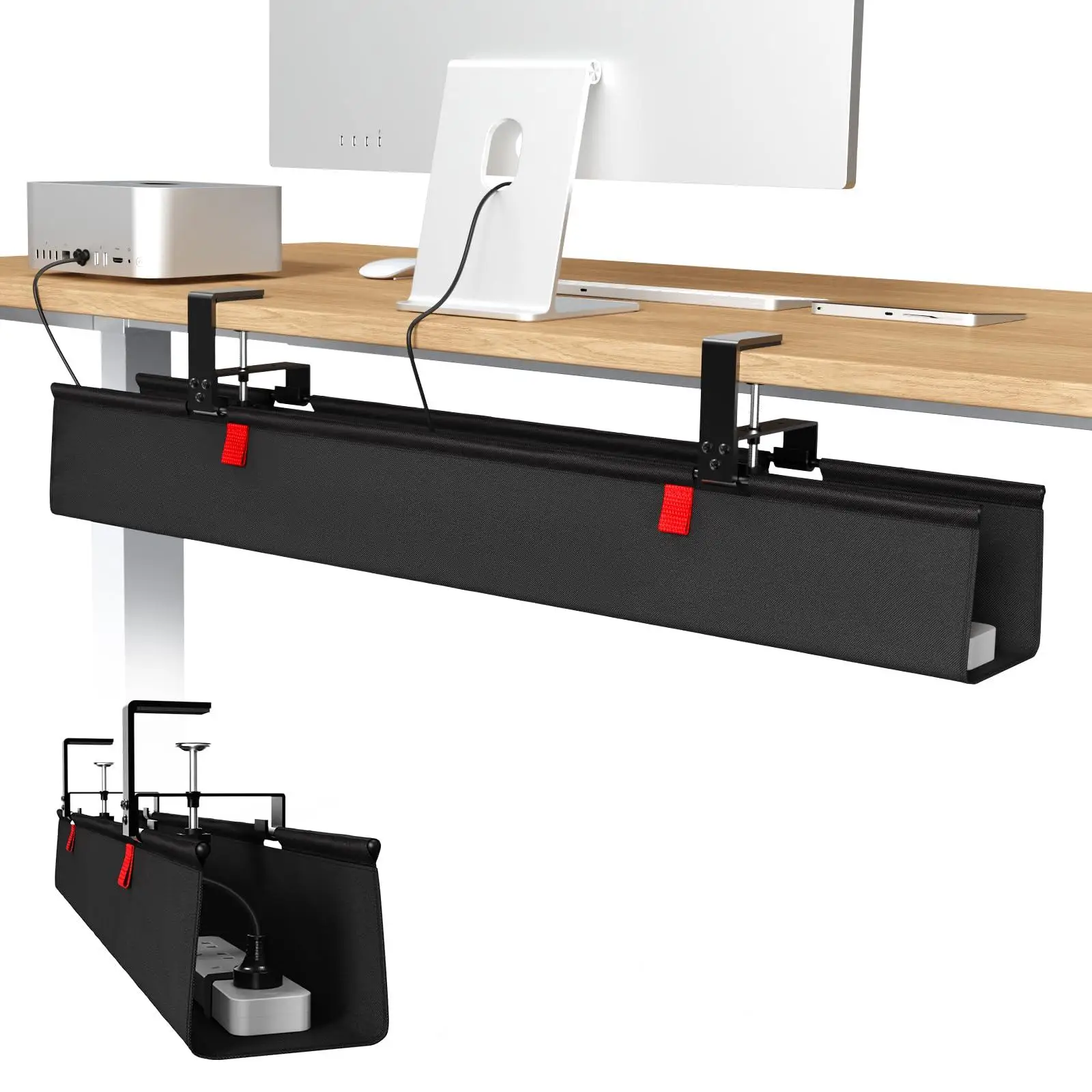
cable management
36-inch No Drill Under Desk Cable Management Tray
$44.11
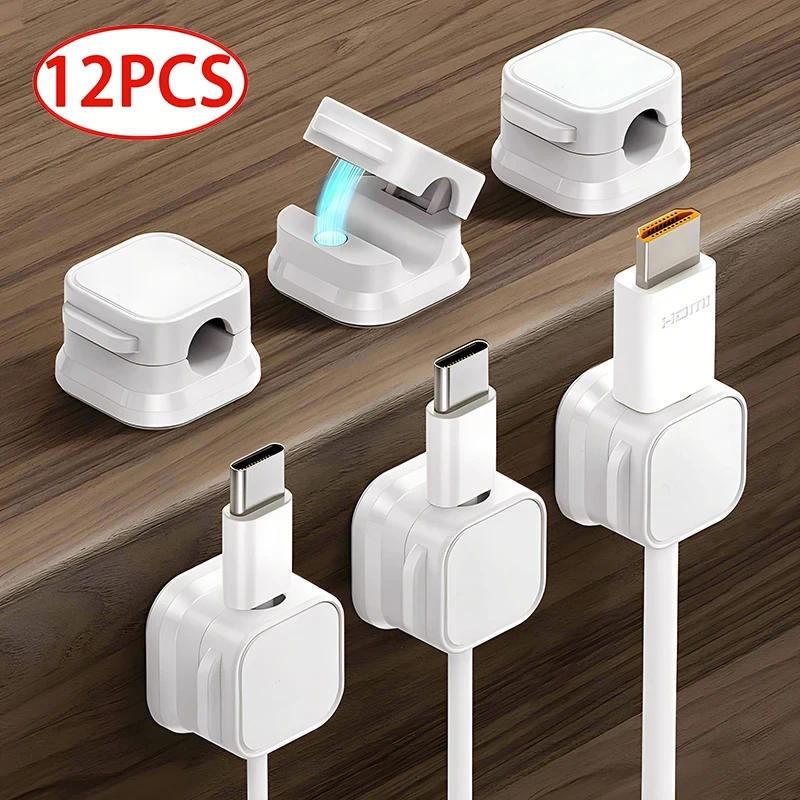
cable management
Magnetic Cable Clip Cable Holder
$6.99

cable management
Reusable Nylon Cable Organizer Ties
$1.73
Monitor riser: storage and ergonomics in one
A monitor riser lifts the screen to the correct ergonomic height and creates a shelf underneath. The shelf holds a keyboard when pushed back, drives, a USB hub, or small accessories. It solves two problems with one purchase.
See the full monitor riser guide for choosing the right height and type.
Mechanical keyboard: tactile upgrade
If the keyboard is used for several hours a day, a mechanical keyboard with switches that suit your typing style is a genuine improvement over a membrane keyboard — more accurate, more durable, and more satisfying to type on. It is not a necessary accessory for everyone, but for heavy typists it is hard to go back.
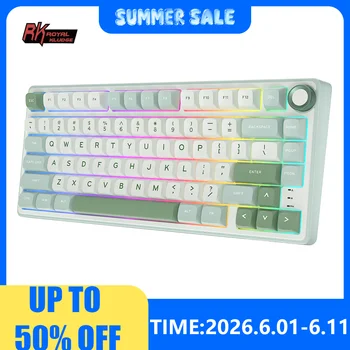
Keyboards
RK Royal Kludge R75 Wired Mechanical Keyboard
$49.99
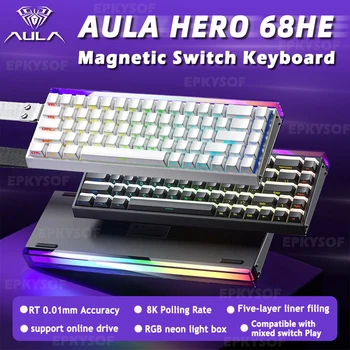
Keyboards
AULA HERO 68HE Magnetic Gaming Keyboard
$59.99
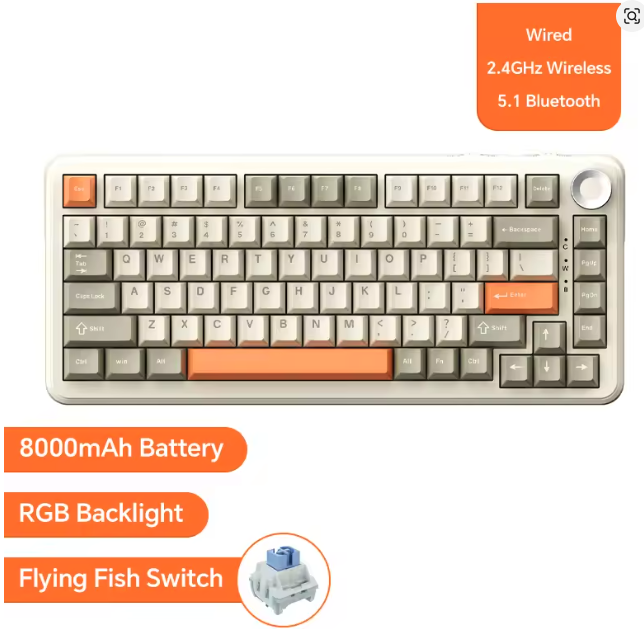
AJAZZ AK820 Pro Wireless Mechanical Keyboard
$59.99
What to skip
- Elaborate pen holders for people who use one pen
- Wireless charging pads duplicating a phone's own charger
- Decorative items bought for aesthetics but never actually noticed
- Gadgets that solve problems you do not have
The test: if you can remove the accessory and not notice its absence within a week, it did not belong on the desk.
Browse the SetupGallery shop for all accessories, and minimal desk setups for real examples of accessory-forward setups.