The difference between a desk that stays tidy and one that accumulates clutter is not willpower. It is whether there is a designated place for everything that belongs on or near the desk. When there is no home for something, it gets put down wherever there is space. That is how clutter starts.
Good desk organisation is a system design problem. These ideas solve it.
Start by removing everything that should not be there
Before organising, audit what is on the desk. Most desks have items that do not belong there — receipts, old cables, accessories for devices no longer owned, stationery used twice a year, packaging. Remove all of it.
Whatever remains should meet one test: is it used at the desk at least once a week? If not, it belongs in a drawer, a shelf, or elsewhere. Keeping the desk surface to only active items is the most effective single change.
Fix the cables first
Visible cables undo every other organisation effort. A tidy desk with three loose cables trailing off the back still looks messy. Cable management is the foundation:
1. Mount the power strip under the desk 2. Use an under-desk cable tray for the bulk 3. Run individual cables along the desk back edge with adhesive clips 4. Use hook-and-loop ties to bundle cables that travel together
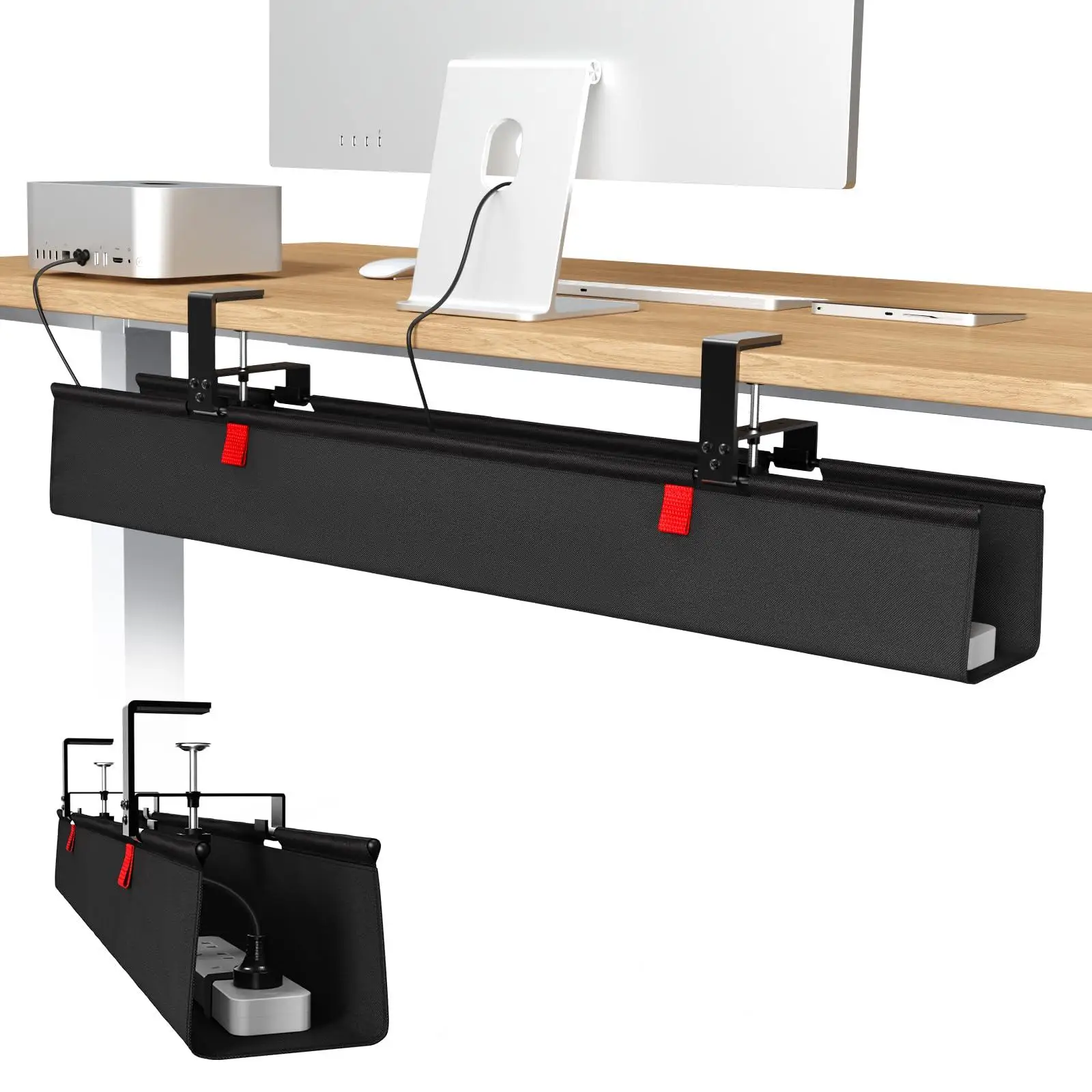
cable management
36-inch No Drill Under Desk Cable Management Tray
$44.11

cable management
Reusable Nylon Cable Organizer Ties
$1.73
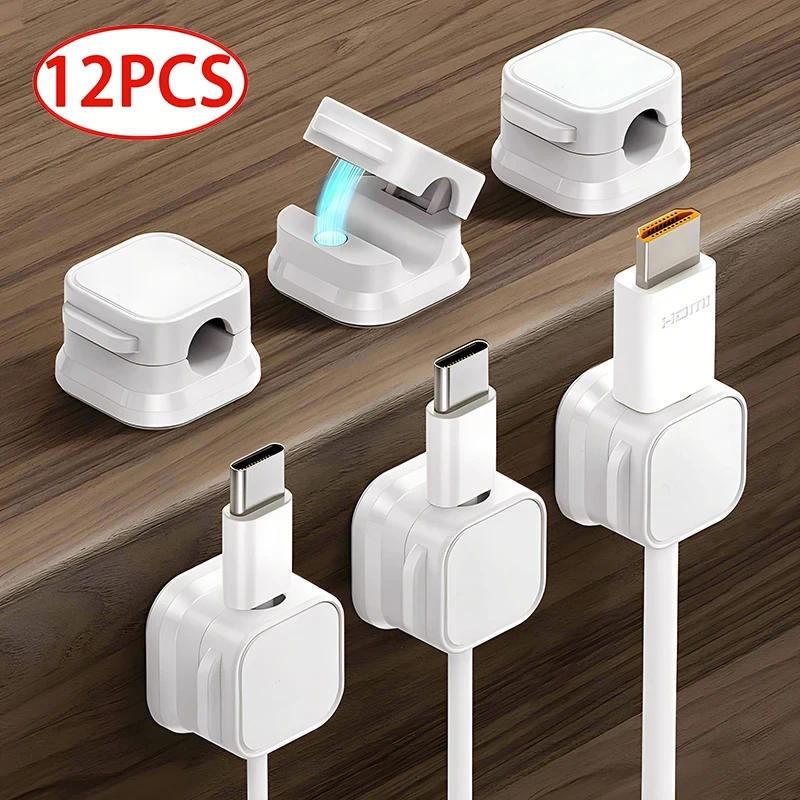
cable management
Magnetic Cable Clip Cable Holder
$6.99
See the full cable management guide for step-by-step instructions.
Use a desk mat as the organisational boundary
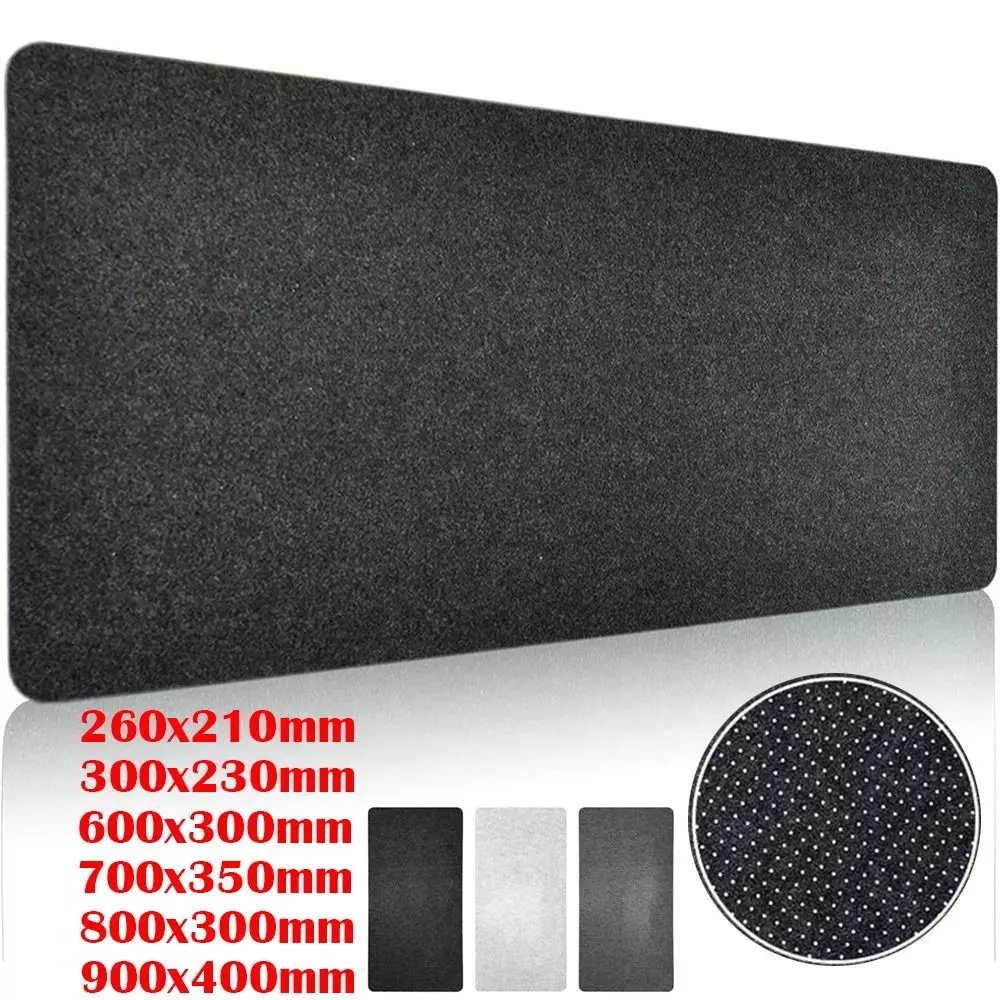
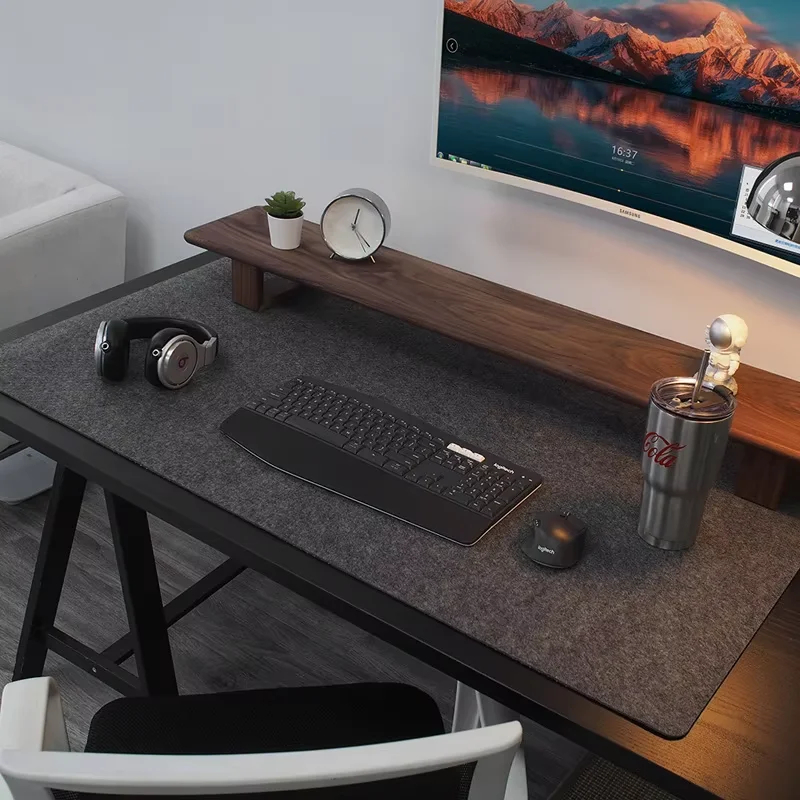
A desk mat that covers most of the surface creates a visual and functional boundary. Items inside the mat belong on the desk. Items outside the mat should not be there. This simple rule makes it easy to reset the desk — anything outside the mat boundary goes away.
Assign a specific place for every item
Floating items — a phone charger that sometimes goes here, sometimes there; a notebook that moves around — create clutter. Each item that stays on the desk needs a specific location.
A few practical fixes: - Phone: a charging pad or cable dock in the same corner every time - Notebook: a fixed spot behind the keyboard when not in use - Headphones: a headphone stand or hook mounted to the monitor arm - Pens: a single small cup in one corner - Earbuds: a small tray or charging case, not loose on the mat
The test: when you sit down at the desk, every item should be exactly where you left it. If something has migrated, it means it does not have a clear home.
Raise the monitor to create under-shelf storage
A monitor riser lifts the display and creates a shelf beneath it — large enough for a keyboard when pushed back, a laptop on its side, an external drive, or a small notebook. This usable space under the monitor is one of the most overlooked desk organisation tools.
See our monitor riser guide for how to choose the right one.
Go vertical with wall space
Wall space above the desk is free real estate. A single floating shelf handles speakers, reference books, small plants, and decorative items without using any desk surface. A pegboard holds headphones, cables, controllers, and small accessories in view and within reach while keeping them completely off the desk.
Establish a reset routine
Organisation systems fail when items accumulate faster than they are put away. A simple rule: at the end of each working day, spend 60 seconds resetting the desk to its default state. Every item back in its place, nothing left loose on the mat. This takes less than a minute when the system is in place and prevents the slow accumulation that requires a major tidy to fix.
Browse minimal desk setups for real examples of clean, organised workspaces.