Programming is a physically demanding activity in a subtle way. It involves sustained fine motor work (typing, mouse precision), sustained visual work (reading small text on a bright screen), and sustained static posture. Over a long session all three accumulate into fatigue that has nothing to do with the cognitive difficulty of the work.
A good coding setup mitigates all three. Here is what actually matters.
Monitor: size and resolution over refresh rate
For coding, resolution matters more than refresh rate. A 1440p (2560×1440) or 4K (3840×2160) monitor at 27–32 inches displays significantly more code per screen than a 1080p display, and text is noticeably sharper. The extra pixels directly reduce the need to scroll and let you keep more context visible at once.
Refresh rate above 60 Hz is largely irrelevant for coding — the cursor and UI elements are not moving fast enough to benefit from 144 Hz in the way games do. Spend the budget on resolution instead.
A second monitor is useful for most developers: primary monitor for the editor and terminal, secondary for documentation, browser, or communication. A vertical secondary monitor (rotated 90 degrees) is surprisingly effective for reading documentation, viewing long log outputs, and git history.
Keyboard: switches for long typing sessions
Coding involves more sustained typing than most computer work. A mechanical keyboard with a switch tuned for long typing sessions makes a real difference to both comfort and accuracy.
Linear switches (Cherry MX Red, Gateron Yellow) are quiet and require low force — comfortable for all-day typing. Tactile switches (Cherry MX Brown, Topre) provide feedback without the loud click of a clicky switch — popular for coding because you feel the actuation without disturbing others. Clicky switches (Cherry MX Blue) are satisfying for some typists but divisive in shared spaces.
Key travel depth also matters. Low-profile switches and membrane keyboards have shorter travel, which some typists find tiring over long sessions. Standard mechanical keycaps with 4 mm travel are the common choice for sustained coding.
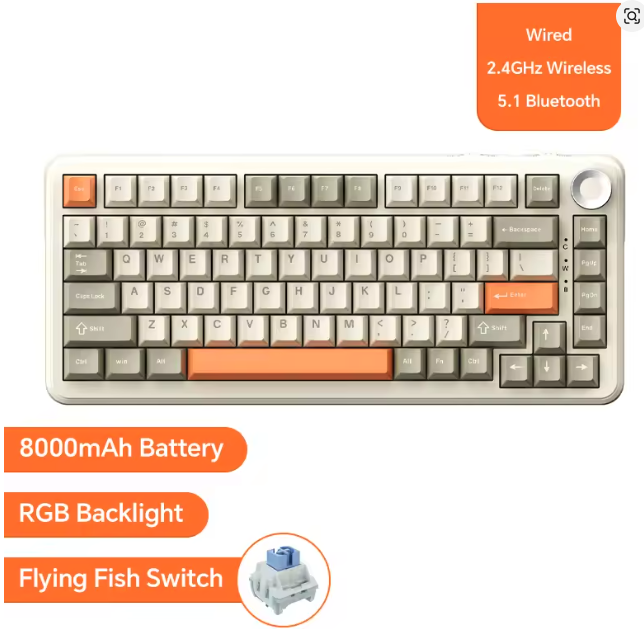
AJAZZ AK820 Pro Wireless Mechanical Keyboard
$59.99
Keyboards
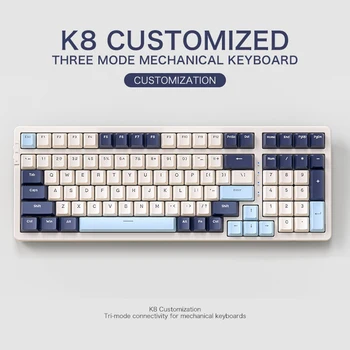
FREEWOLF K8 100-Key Wireless Mechanical Keyboard
$39.99
Keyboards
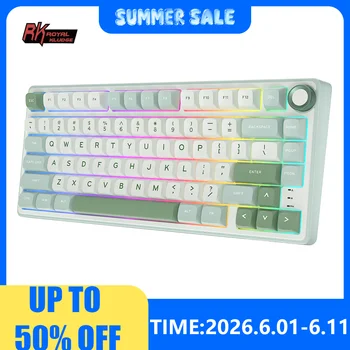
RK Royal Kludge R75 Wired Mechanical Keyboard
$49.99
Ergonomics for long sessions
Coding sessions regularly run longer than other desk activities. The ergonomic investment is proportionally more worthwhile. Three adjustments matter most:
Chair height: Feet flat, knees at 90 degrees, lumbar support engaged. See the ergonomic desk setup guide for the full setup process.
Monitor height: The top of the screen at or slightly below eye level, at arm's length (60–70 cm for a 27-inch monitor). Most developers benefit from raising the monitor 10–15 cm above the stock stand height.
Keyboard tilt: Slightly negative tilt (back edge slightly lower than front) keeps wrists straight. The default slight positive tilt pushes wrists into extension during long sessions.
Lighting for code readability
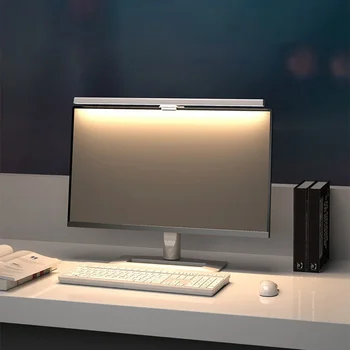
Dark mode in the editor (VS Code, JetBrains, Vim/Neovim) reduces the average screen brightness and makes long sessions more comfortable. Pair dark mode with appropriate room lighting: a desk lamp or monitor light bar so the surrounding room is not dramatically darker than the screen.
The contrast between a bright screen and a dark room causes eye strain. Bias lighting behind the monitor reduces this contrast — an LED strip facing the wall creates a soft ambient glow that keeps the eye from constantly re-adjusting.
lighting
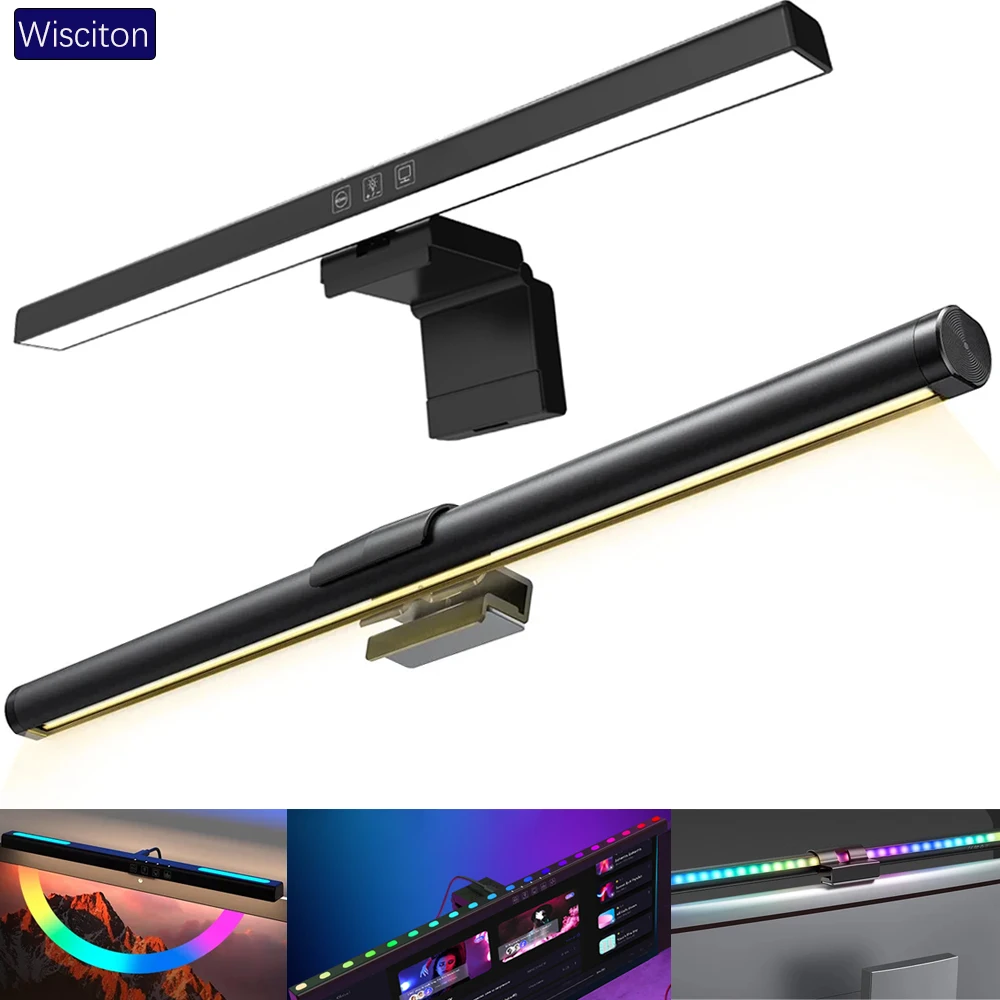
Wisciton Adjustable RGB Monitor Light Bar
$11.09
Lighting
HOMEFISH 50cm Monitor Light Bar
$24.99
Desk mat for wrist comfort
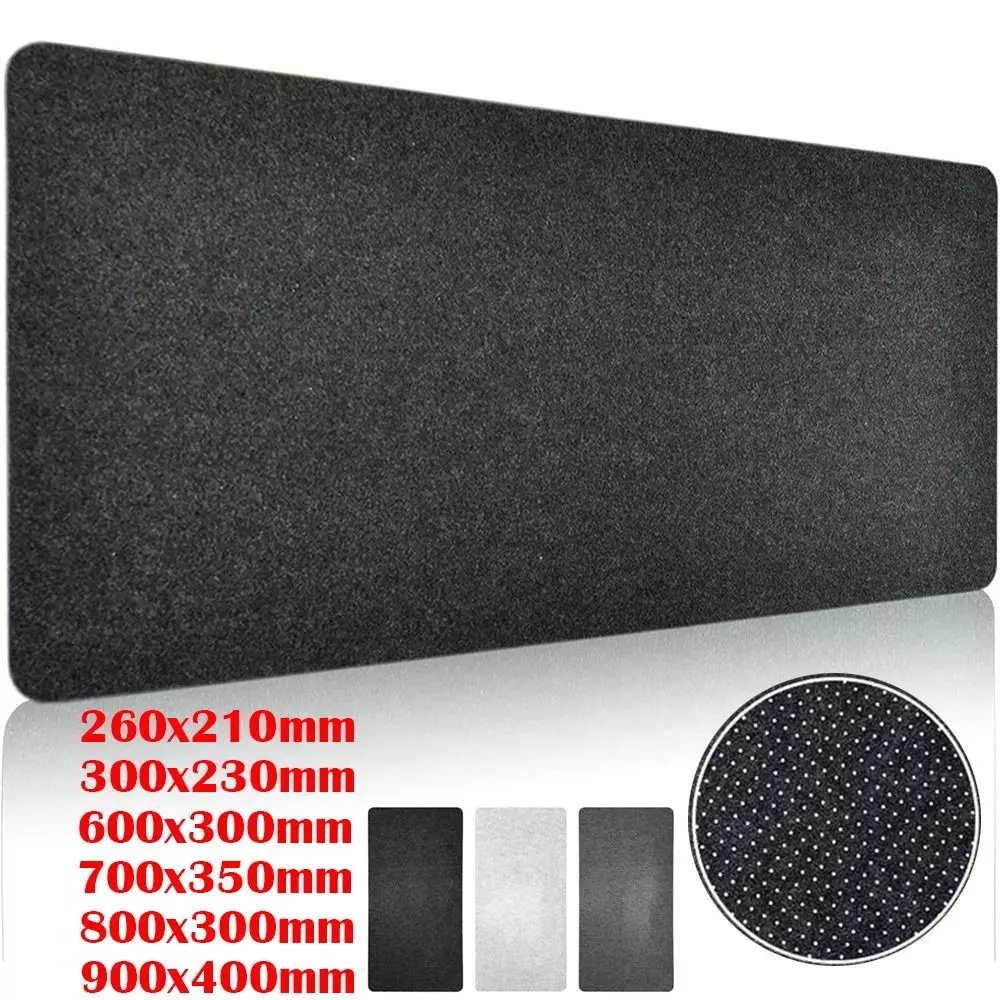
A desk mat beneath the keyboard and mouse provides a softer surface under the wrists during typing and reduces fatigue slightly over long sessions. Wool felt desk mats are particularly good for this — slightly cushioned, smooth enough for mouse use, and quiet.
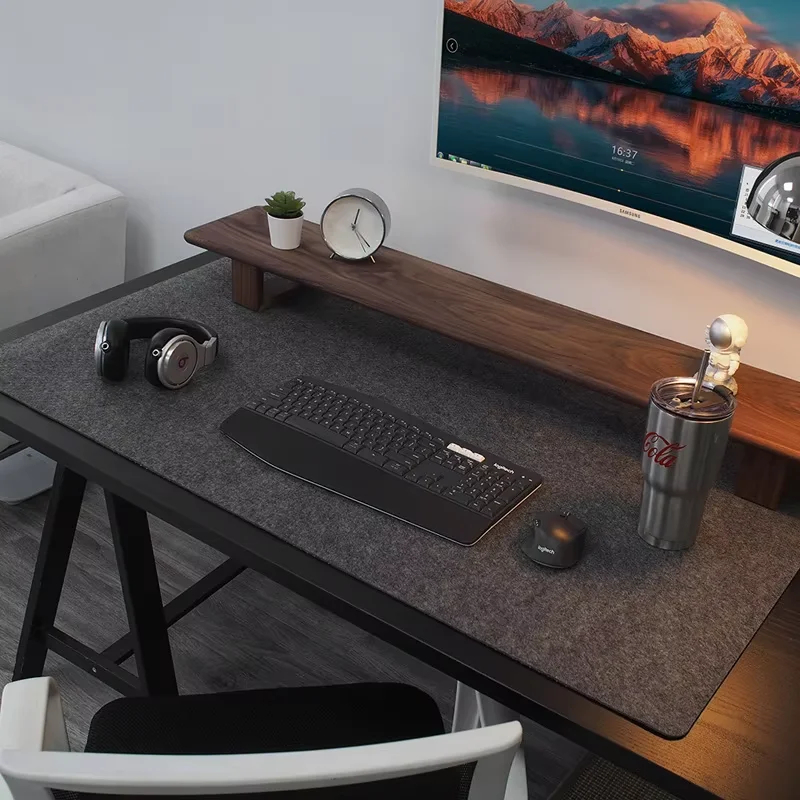
Browse the home office setups and minimal setups gallery sections for real developer workspace configurations.