Minimalism at the desk is misunderstood. It is not about having an expensive, empty desk with one perfect lamp and nothing else. It is about removing everything that does not serve the work — and then making what remains look intentional.
The result is a workspace that is genuinely easier to focus in, easier to maintain, and more pleasant to spend time at.
The minimalist desk formula
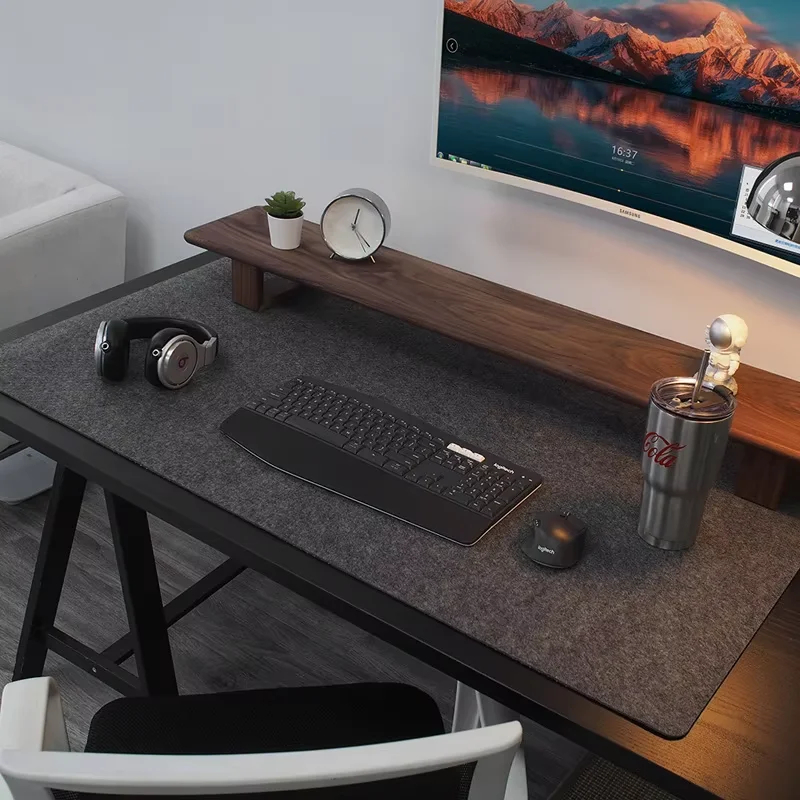
The most consistently effective minimal desks share a pattern: one monitor (or laptop on a stand), a keyboard, a mouse on a mat, a single light source, and nothing else on the surface except one or two intentional items. That is it. Every additional item on the surface should be justified by daily use.
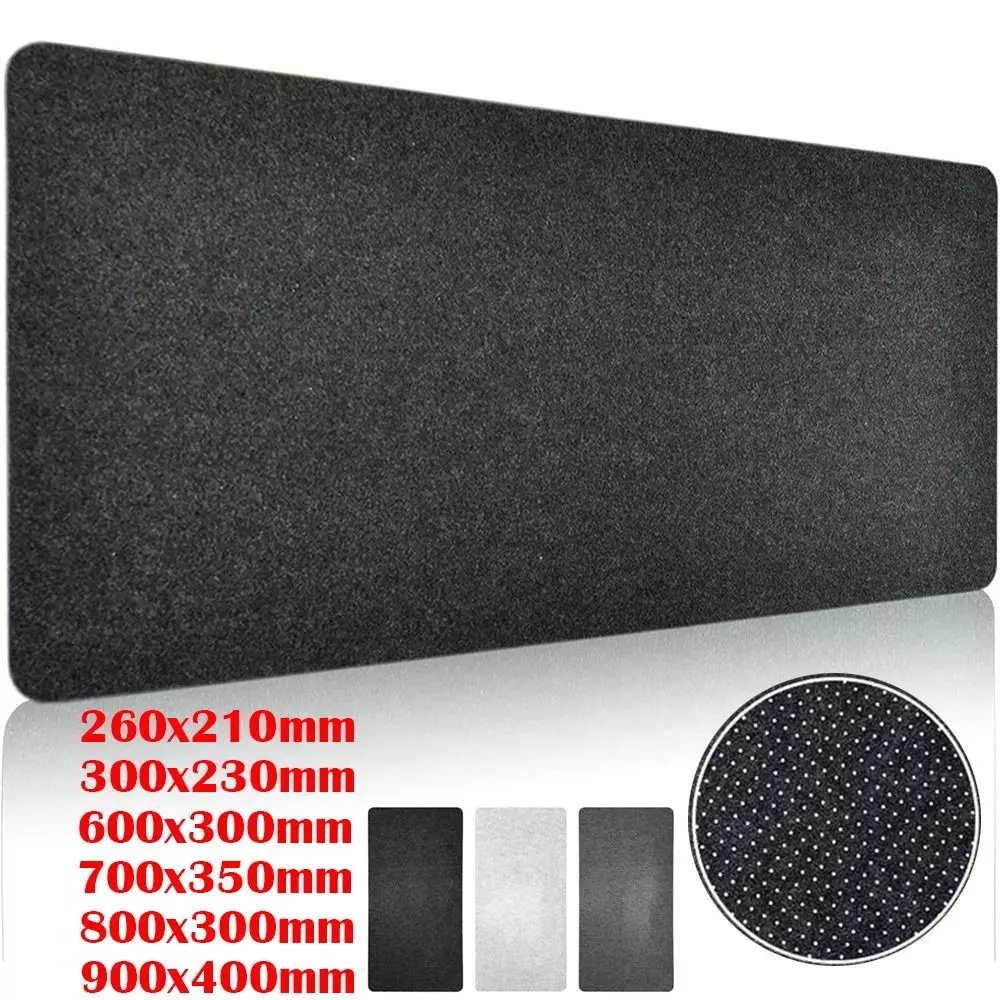
The mat ties it together. A large desk mat in a neutral colour — slate grey, warm sand, off-white — covers the surface and makes the items on it look deliberate rather than placed. Without the mat, a keyboard and mouse on a bare surface can look temporary. With it, the same keyboard and mouse look like they belong.
Desk Accessories
Large Wool Felt Desk Mat
$9.99
Desk Accessories
Premium Wool Felt Desk Mat
$14.99

desk mat
Large Size Wool Felt Desk Pad
$3.54
Choose a neutral palette
Minimalist setups work because they are visually quiet. A neutral palette — white, light grey, black, natural wood — removes colour competition so the eye rests on the space rather than individual items. Two colours maximum: a background neutral and one accent.
White setups: a white or off-white desk with light wood accents and neutral accessories. Timeless, photograph well, go with any room.
Dark setups: a black or dark grey desk with minimal accessories. High contrast, dramatic, works particularly well with a single desk lamp creating focused light.
Natural wood: warm, organic, pairs well with plants and soft lighting. The desk itself provides the colour; accessories stay neutral.
Fix the cables before anything else
A minimalist setup with visible cables is not minimalist — it is just sparse. Cables are the single largest visual distraction on most desks. Deal with them before adding any accessories:
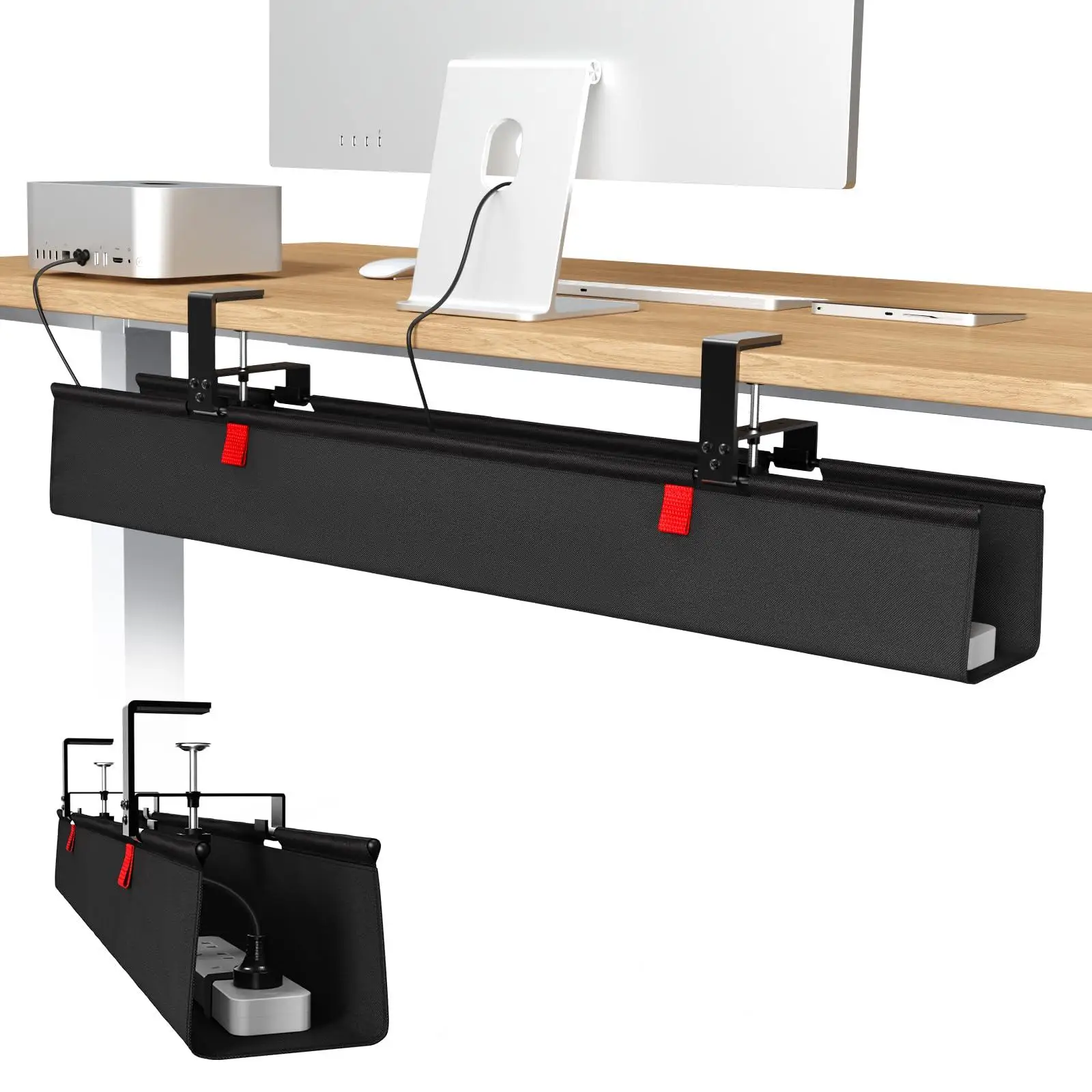
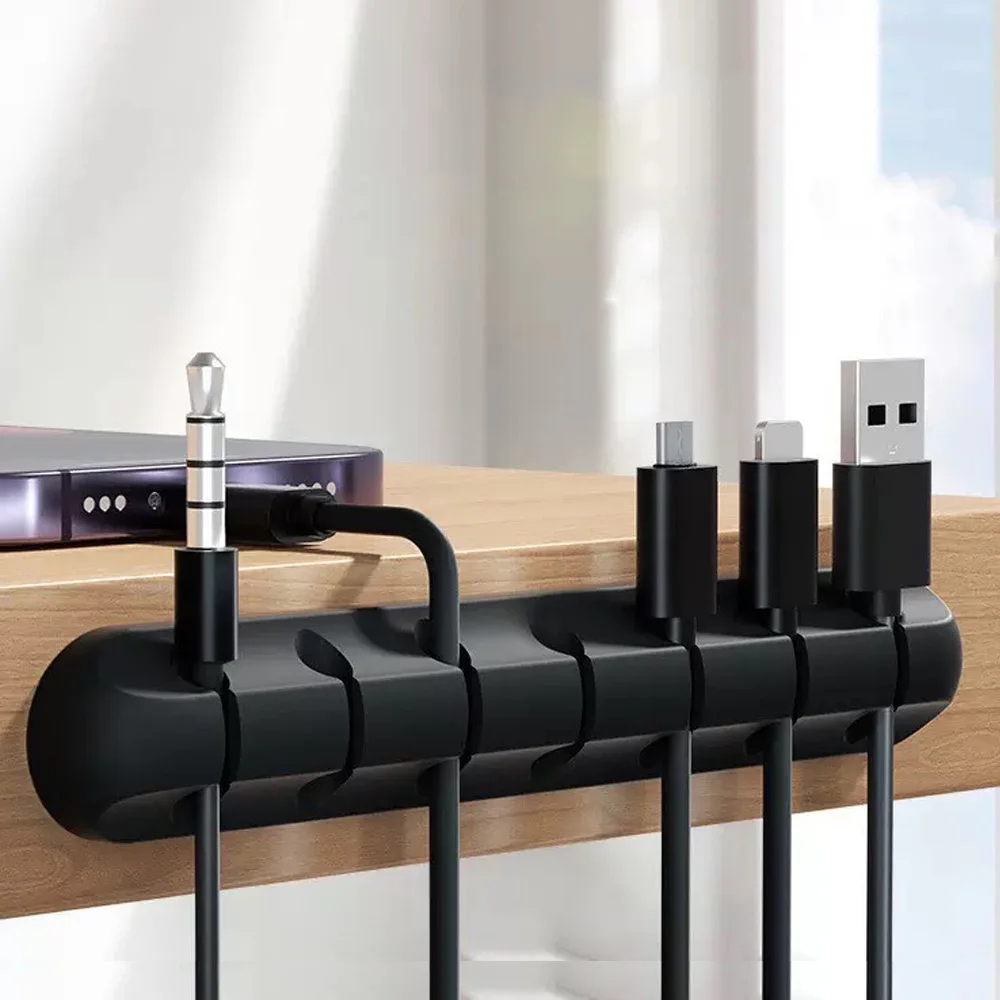
1. Mount the power strip under the desk 2. Use an under-desk cable tray for the bundle 3. Route individual cables along the back edge with small adhesive clips 4. Use a single Velcro wrap to keep each run tidy
Once cables are gone, the surface cleans itself.
cable management
36-inch No Drill Under Desk Cable Management Tray
$44.11
cable management
Adhesive Cable Holder Clips Cord Management Wire Organizer for Desktop USB Charging Cable Nightstand Power Cord Mouse Cable
$0.00
Light the surface, not the room
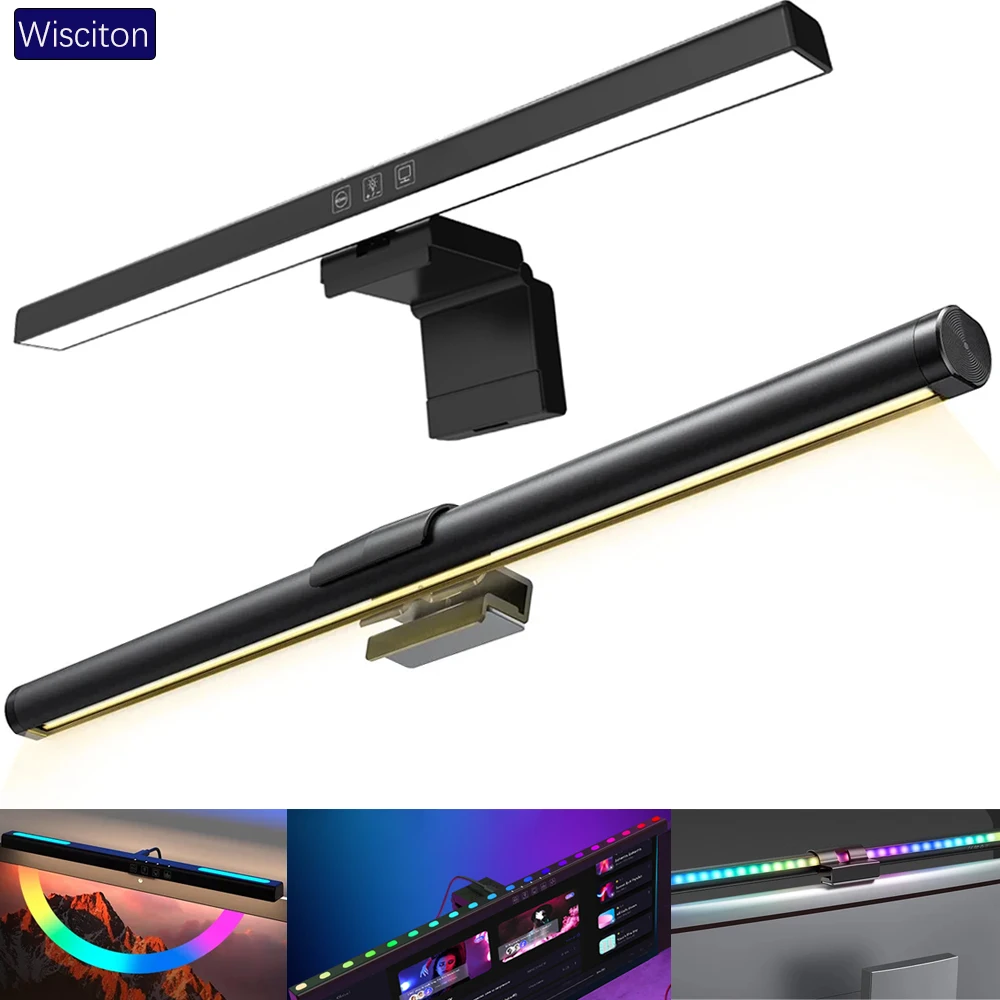
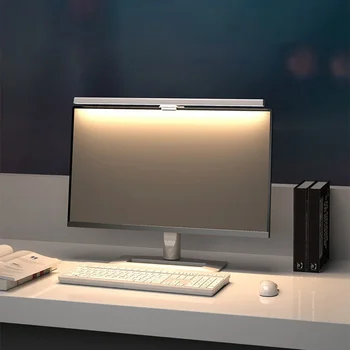
A monitor light bar positioned on top of the screen lights the desk mat and keyboard from above without creating screen glare. It provides exactly the right amount of light for the work area while leaving the rest of the room at ambient light levels. The result is a focused pool of light on the desk that feels clean and intentional.
A warm-temperature desk lamp to one side adds a secondary source and prevents the room feeling flat when working in the evening.
lighting
Wisciton Adjustable RGB Monitor Light Bar
$11.09
Lighting
HOMEFISH 50cm Monitor Light Bar
$24.99
What to put on the desk (and what to remove)
Keep: - Monitor or laptop on a stand - Keyboard and mouse on the mat - Desk lamp or monitor light bar - One small item: a plant, a ceramic cup for pens, or a framed print
Remove: - Everything not used daily - Multiple pen holders, trays, and organisers - Loose cables and unused adapters - Old paperwork or reference materials that can be filed
The discipline is ongoing, not a one-time tidy. A five-minute weekly reset keeps a minimalist desk minimal.
Browse minimal desk setups in the gallery for real examples across different room types and budgets. See also our desk organisation guide.