Streaming has a different priority order than most desk activities. For a regular gaming setup, the monitor and peripherals drive the experience. For streaming, audio quality is the most important technical factor — viewers will close a stream for bad audio far faster than for a compressed video. Lighting is second, because how you look on camera affects whether people stay.
This guide covers the streaming setup priorities in the right order.
Audio first: microphone setup
The difference between a headset microphone and a dedicated USB microphone is clearly audible in most streams. A USB condenser or dynamic microphone picks up voice clearly, rejects background noise more effectively, and simply sounds more professional.
Two microphone types work for streaming: - USB condenser microphones (e.g. Blue Yeti, Rode NT-USB Mini): easy to set up, good sensitivity, work well in quiet rooms. Pick up more ambient noise. - USB dynamic microphones (e.g. Rode PodMic, Shure MV7): reject more background noise, better for rooms with some ambient sound (fans, air conditioning, traffic).
Microphone placement matters as much as the microphone itself. A condenser mic placed 15–20 cm from your mouth sounds significantly better than the same mic placed 40 cm away at the back of the desk. A boom arm or microphone stand places the mic in the optimal position without taking up desk surface.
Lighting for camera
The most common lighting mistake in streaming is sitting with a window behind the camera or above it. Backlighting silhouettes the streamer and the camera adjusts the exposure to the bright background, darkening the face further. Front lighting — light coming from in front of you, toward the camera — is what makes a face look clear and well-lit on screen.
A ring light positioned in front of the camera at roughly eye height is the classic solution. A softbox or a large diffused LED panel works better for most environments because it creates softer, more flattering light than a ring light's circular pattern.
Even without dedicated lighting, repositioning an existing desk lamp to light your face from the front makes a significant difference. Position it above the camera slightly, angled down.
Dual monitors: game on primary, chat and dashboard on secondary
Most streamers find a second monitor essential within the first month of streaming. The primary monitor runs the game or primary content. The secondary monitor runs the streaming software (OBS or Streamlabs), chat, and any dashboards or alerts. This keeps the stream information visible without overlaying the game or interrupting the main workflow.
Browse streaming setups in the gallery to see how streamers lay out their dual-monitor configurations.
Webcam placement
The webcam should be at approximately eye level and positioned on top of the monitor or on a desk mount just above or to the side of the primary screen. A webcam below the screen looks up at the streamer's chin; a webcam positioned well above looks down at the top of the head. Eye level or slightly above is the target.
An external webcam at 1080p60 is noticeably sharper than most built-in laptop cameras. A DSLR or mirrorless camera as a webcam via a capture card delivers the highest quality but requires more setup and budget.
RGB lighting and background aesthetics
Streamers use RGB lighting for two purposes: to look visually interesting on camera and to set an atmosphere. LED strips behind the monitor, under the desk, and on shelves create a coloured ambient glow that reads well on camera. Keep the colours consistent — a single palette looks intentional; random colours look chaotic.
Your background is your brand. What appears in the frame behind you matters. A dedicated setup corner with RGB, shelves, posters, or collection items works well. Keep it tidy and consistent — viewers come back partly for the visual identity.
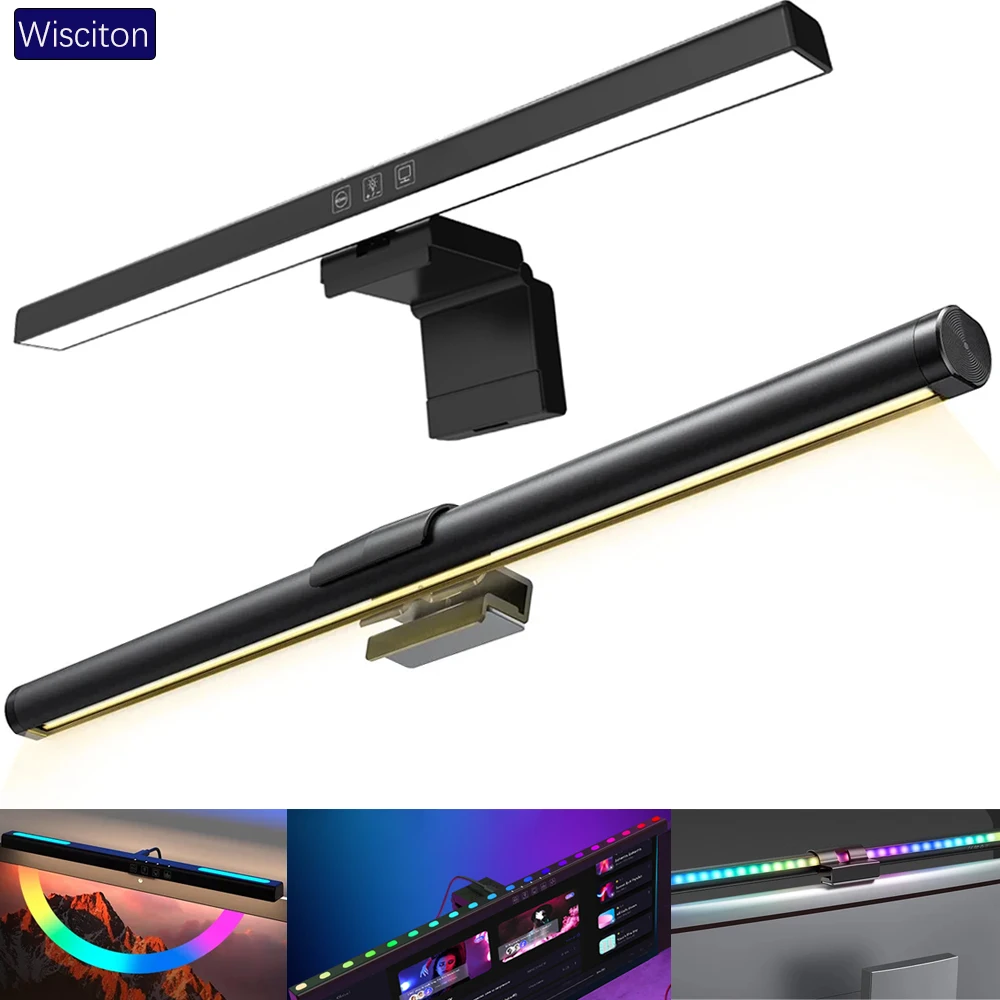
lighting
Wisciton Adjustable RGB Monitor Light Bar
$11.09
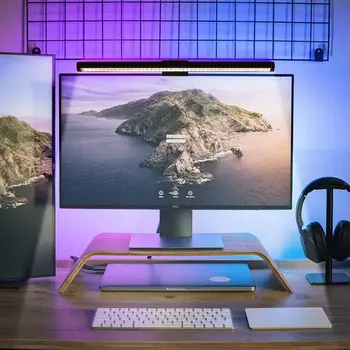
Lighting
RGB Monitor Light Bar for Desk Setups
$24.99