Room corners are awkward for furniture. Most furniture runs along walls and ignores corners entirely, leaving a triangular patch of floor that ends up holding a plant at best. A corner desk claims this space and turns it into the most surface-efficient desk arrangement possible.
The trade-offs are real — corner setups create cable routing challenges, monitor positioning questions, and a reach zone in the corner that can be dead space if not planned. These ideas address each.
Choose the right L-shaped desk proportions
L-shaped desks vary significantly in proportions. Some are equal on both sides — a true L with matching leg lengths. Others have a longer primary side (typically 140–160 cm) and a shorter return (60–90 cm).
For a primary work or gaming setup plus a secondary use (a printer, a secondary monitor, reference materials), an unequal L works well. The longer side holds the primary setup; the shorter return holds secondary items. For truly equal use of both sides — two computers, or a split work/gaming setup — equal proportions make more sense.
Depth matters more in a corner because the very corner of the desk is hard to reach from a sitting position. Choose a desk with a corner section of at most 60–70 cm depth. A deeper corner creates a dead zone that gets used for storage at best.
Monitor positioning in a corner
The common approach is to place the monitor in the corner itself, facing the room diagonally. This puts the monitor directly in front of the seat and uses the corner depth efficiently.
The alternative is to place the monitor on one of the arms of the L, facing straight ahead along that wall. This works well if the primary screen is on one side and secondary items on the other. It is also better ergonomically — looking diagonally into a corner is a slight rotation from neutral.
For a multi-monitor setup, placing the primary monitor slightly to one side of the corner and the secondary monitor to the other creates a natural spread without requiring either screen to face directly into the corner.
The corner dead zone: what to put there
The deep corner area — the section directly behind the seat when facing forward — is hard to reach and easy to fill with clutter. Good uses for the corner zone:
- A cable spine and power strip out of sight
- A small desktop shelf holding speakers, a plant, or decorative items
- A monitor riser centred in the corner with the screen facing diagonally
- A small laptop stand for a secondary device that is used occasionally
Avoid putting active work items in the corner — anything you need to reach frequently belongs on the reachable arm of the L, not in the dead zone.
Cable management in a corner
Corner setups have two cable-routing challenges: cables need to travel from each arm of the L to the corner (where the power strip typically lives), and cables from the corner to the wall socket usually run along a wall that is less accessible.
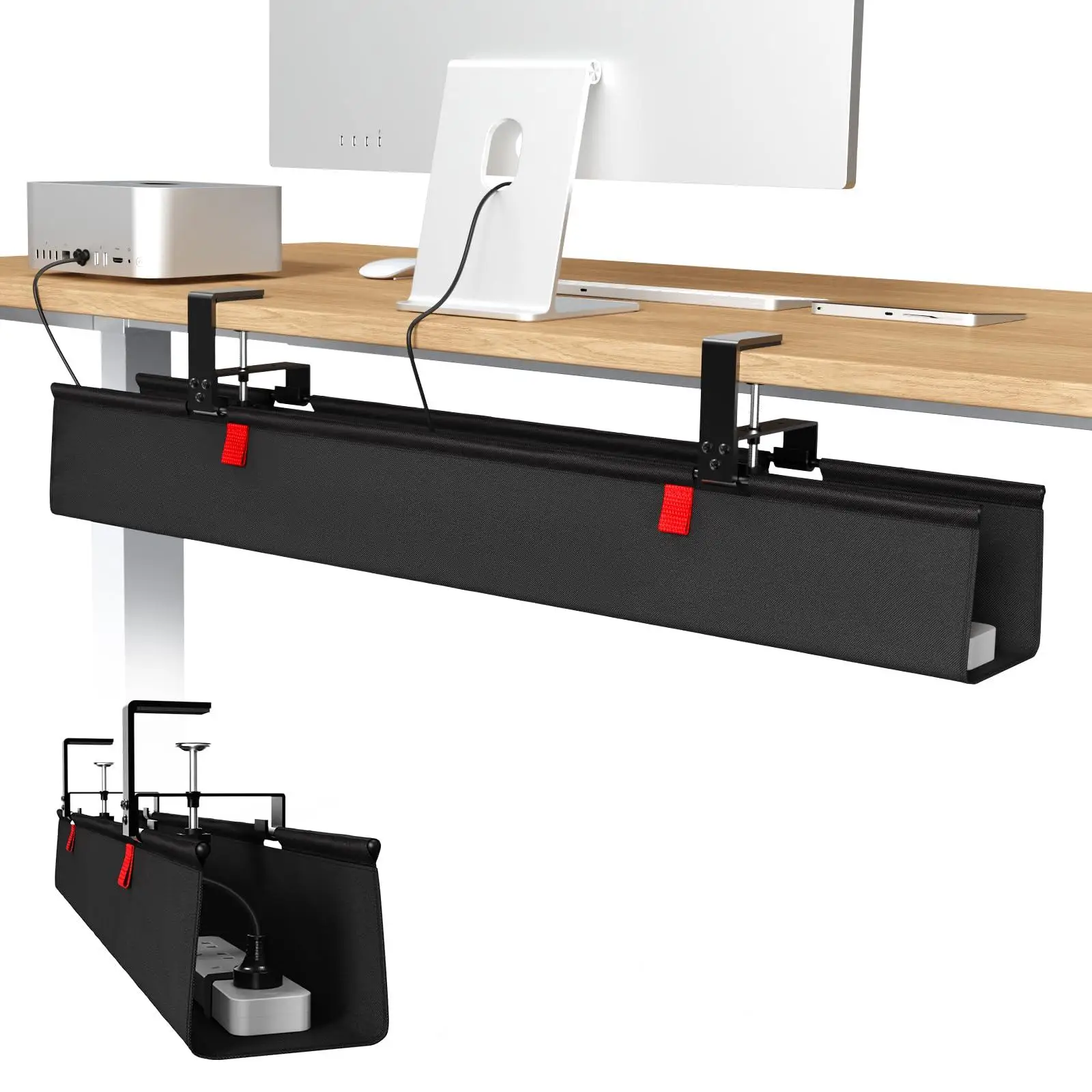
The solution: mount the power strip in the corner section under the desk. Both arms of the L run cables back to the corner, which keeps run lengths short. Use an under-desk cable tray on each arm, meeting in the corner. A single cable spine from the corner down to the wall socket handles the final run.
cable management
36-inch No Drill Under Desk Cable Management Tray
$44.11
cable management
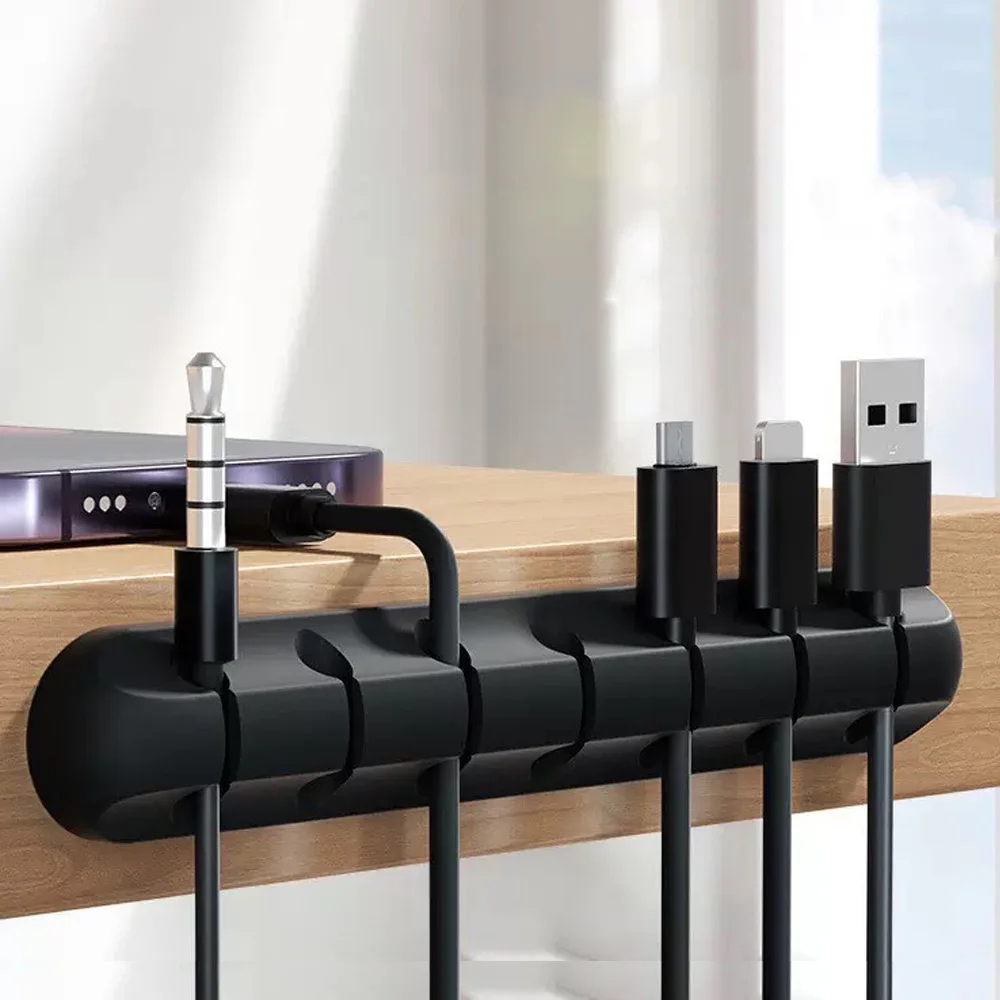
Adhesive Cable Holder Clips Cord Management Wire Organizer for Desktop USB Charging Cable Nightstand Power Cord Mouse Cable
$0.00
Make the corner a feature
Corner setups have one strong aesthetic advantage: the surrounding walls create a natural backdrop that frames the setup when photographed. Two walls of shelving, LED lighting on the walls, posters, or collection items all work better in a corner because both walls are within the frame. Browse the gaming setups gallery for examples of corner battlestations that use this well.