Working or gaming in a small space presents a real constraint: every centimetre counts, and a poor layout makes the whole room feel cramped. But small spaces also have an advantage — they force you to be deliberate. Every item on the desk earns its place.
These ideas work for bedroom desks, studio apartment corners, and any room where the desk is sharing space with everything else.
Choose a narrow desk, not a shallow one
The most common mistake in small spaces is choosing a desk that is too shallow — under 50 cm deep — in an attempt to save floor space. A shallow desk pushes the monitor too close to your eyes and leaves almost no usable surface for a keyboard, mouse, and any accessories.
A better trade-off is a narrower desk. A 90–100 cm wide desk takes up less wall space than a 140 cm desk while keeping 60 cm of depth. If you use a laptop rather than a tower PC, 60 cm deep is enough for a monitor, keyboard, and a small desk mat with clear space remaining.
Wall-mounted fold-down desks are another strong option for very tight spaces. They fold flat against the wall when not in use and provide a full working surface when open. The trade-off is that they require wall mounting and limit what you can leave set up permanently.
Use a monitor arm to reclaim the desk surface
The monitor stand that ships with most displays takes up a significant footprint on the desk surface. A monitor arm replaces it with a clamp-mounted arm that holds the monitor off the surface entirely, freeing the full area beneath and behind for storage or a clean surface.
In a small setup this is not just a nice-to-have — it meaningfully increases the usable desk area. Pair it with a keyboard that slides partly under the monitor when not typing, and the surface stays clear.
A monitor arm also lets you push the monitor to the back of the desk and pull it forward when working, which works well when the desk doubles as a surface for other activities.
Go vertical for storage
Small desks run out of horizontal space fast. The solution is to go vertical. A monitor riser with storage underneath handles the monitor height and gives you a shelf for drives, a notebook, a charging pad, or small accessories. A pegboard on the wall above the desk organises cables, headphones, controllers, and small tools without using any desk surface.
Wall-mounted shelves above the desk extend the effective workspace upward. A single shelf above the monitor holds speakers, plants, or reference materials without cluttering the surface. Keep it to one shelf — a wall of shelves starts to feel oppressive above a small desk.
Keep cable management tight
In a small setup, loose cables are immediately visible and make the whole space feel messier than it is. The standard approach applies here: mount the power strip under the desk, use a small cable tray for the bulk of the cables, and use adhesive clips to route individual cables along the back edge.
Because the desk is smaller, cable runs are shorter — which makes cable management easier in a small space than in a large one. A single 30 cm under-desk tray is enough for most compact setups.
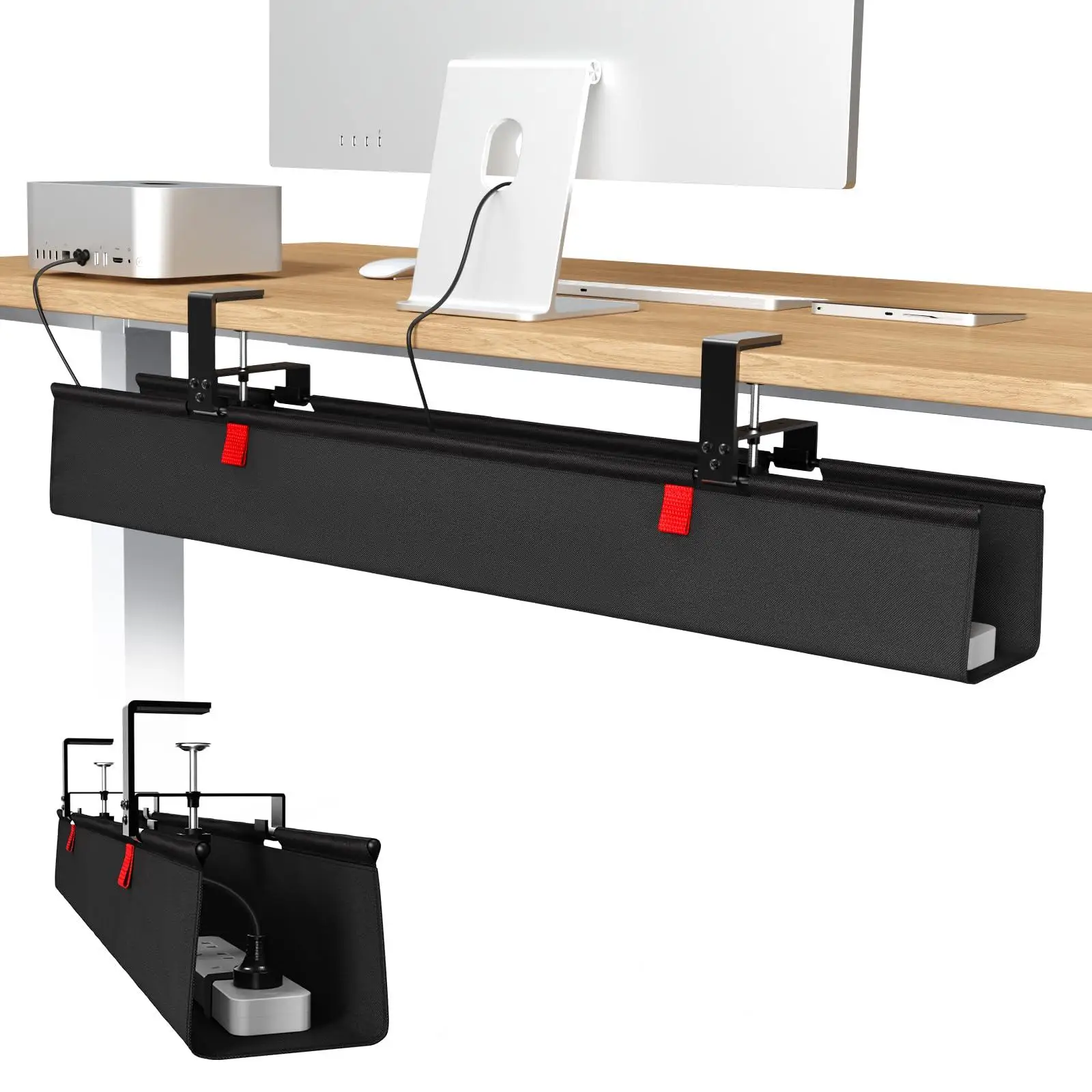
cable management
36-inch No Drill Under Desk Cable Management Tray
$44.11
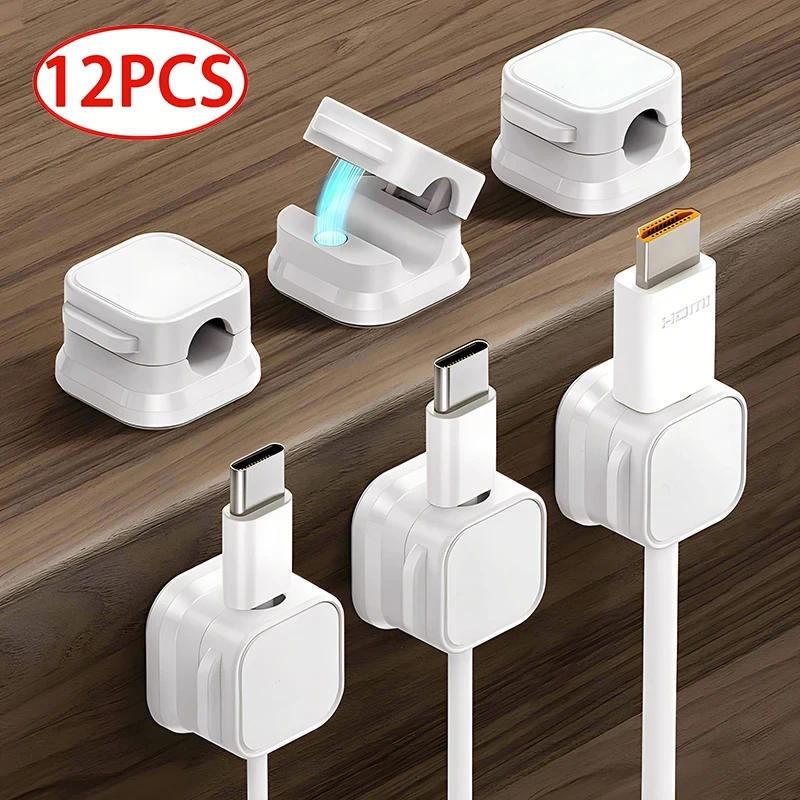
cable management
Magnetic Cable Clip Cable Holder
$6.99
Choose a compact keyboard and mouse
A full-size keyboard with a numpad extends roughly 44 cm across the desk. A tenkeyless keyboard (no numpad) is about 36 cm. A 65% or 75% compact keyboard reduces that further to around 29–32 cm, freeing several centimetres of desk space to the right of the keyboard.
For most people who do not use the numpad regularly, the switch to a compact keyboard is immediate and permanent. The freed space feels significant on a small desk. Pair it with a compact wireless mouse to reduce cable clutter further.

Keyboards
RK Royal Kludge R75 Wired Mechanical Keyboard
$49.99
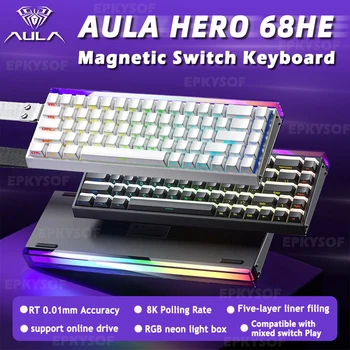
Keyboards
AULA HERO 68HE Magnetic Gaming Keyboard
$59.99
Pick the right chair
In a small room, the chair takes up as much visual and physical space as the desk. A large gaming chair with headrests and wide armrests can make a compact room feel overwhelmed. A mid-size task chair or a simple office chair on casters fits more proportionally and rolls out of the way when not in use.
If the room is very tight, a chair that tucks fully under the desk when pushed in is worth prioritising — it keeps the floor clear and the room feeling open.
Use a desk mat to define the workspace
In a small room the desk can feel like it bleeds into the rest of the space. A desk mat — covering most of the desktop surface — visually defines the work area and makes the setup feel contained and intentional even in a cluttered room.
Browse compact gaming setups and minimal desk setups in the gallery for real examples of small-space desk setups done well. See also our cable management guide for keeping tight spaces tidy.