Dark desk setups are among the most visually striking when executed well. Deep blacks, deliberate RGB accent lighting, glowing screens, and hidden cables create an atmosphere that other aesthetics cannot match. The challenge: darkness is unforgiving. In a bright, neutral setup, imperfections are less visible. In a dark setup, every loose cable, mismatched surface, and inconsistent accessory colour is immediately apparent.
Getting a dark setup right requires more attention to detail, not less.
The dark desk palette
A dark setup works with three to four surfaces in the palette:
Primary dark: near-black or very dark grey. This is the desk surface, the keyboard, and any monitor stands. Consistent dark surfaces across all large items.
Secondary dark: dark grey or charcoal, slightly lighter than the primary. This is the desk mat. A desk mat that is slightly lighter than the desk surface adds depth.
Accent: one colour, applied consistently through RGB lighting, keycap colour accents, and any coloured accessories. Popular choices: electric blue, deep purple, neon green, warm amber. Pick one and use it everywhere.
Metal: brushed aluminium or matte black metal accents. Avoid shiny chrome — it reflects too much in a dark room and breaks the palette.
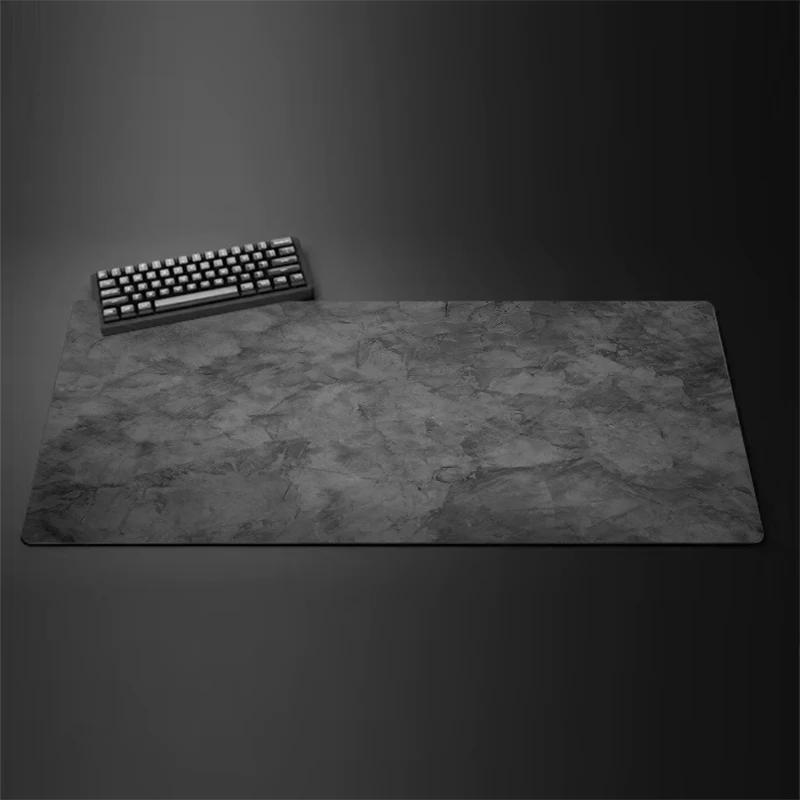
desk mat
Large Gray Overlocked Gaming Mouse Pad
$7.27

desk mat
Multi Size Wool Felt Desk Mat & Mouse Pad
$4.75
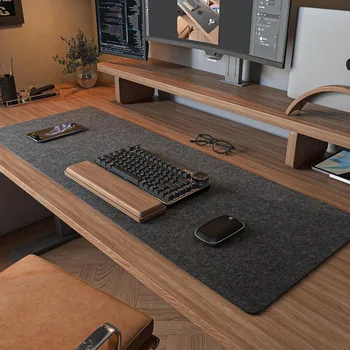
Desk Accessories
Wool Felt Desk Mat for Gaming and Office Setups
$9.99
Lighting is the most critical element
In a dark setup, the light sources are intentional design elements — not just illumination. Three layers:
Monitor backlighting: An LED strip behind the monitor facing the wall creates a halo in the accent colour. This is the signature visual element of most dark setups. The colour and intensity completely define the mood.
Monitor light bar: A white or warm-white light bar on top of the monitor illuminates the desk surface for practical use. In a dark setup this creates a contrast pool of light on the desk mat that looks intentional.
Ambient accent lighting: LED strips under the desk, on the back of the chair, along shelves, or under a floating shelf above the desk. These fill the room with low-level accent colour.
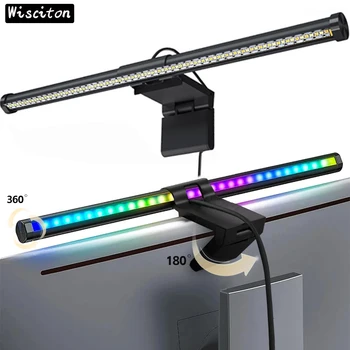
Lighting
Wisciton RGB Monitor Light Bar
$19.99
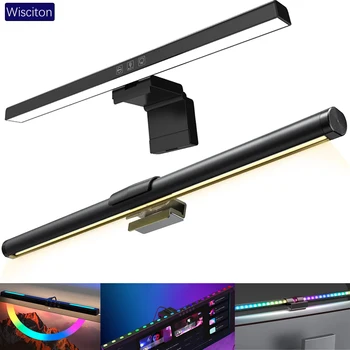
Lighting
RGB Monitor Light Bar for Gaming and Work Setups
$19.99

lighting
Wisciton RGB LED Monitor Light Bar
$9.67
Cable management is non-negotiable
In a bright setup, cables become less visible against the lighter background. In a dark setup, cables on a dark surface are still visible — and the high contrast of a cable against an RGB-lit background makes them impossible to ignore.
Black cables with black cable management hardware blend into a dark setup well. Mount the power strip under the desk, route cables along the back edge, and use black adhesive clips and black hook-and-loop ties to keep everything tightly managed.
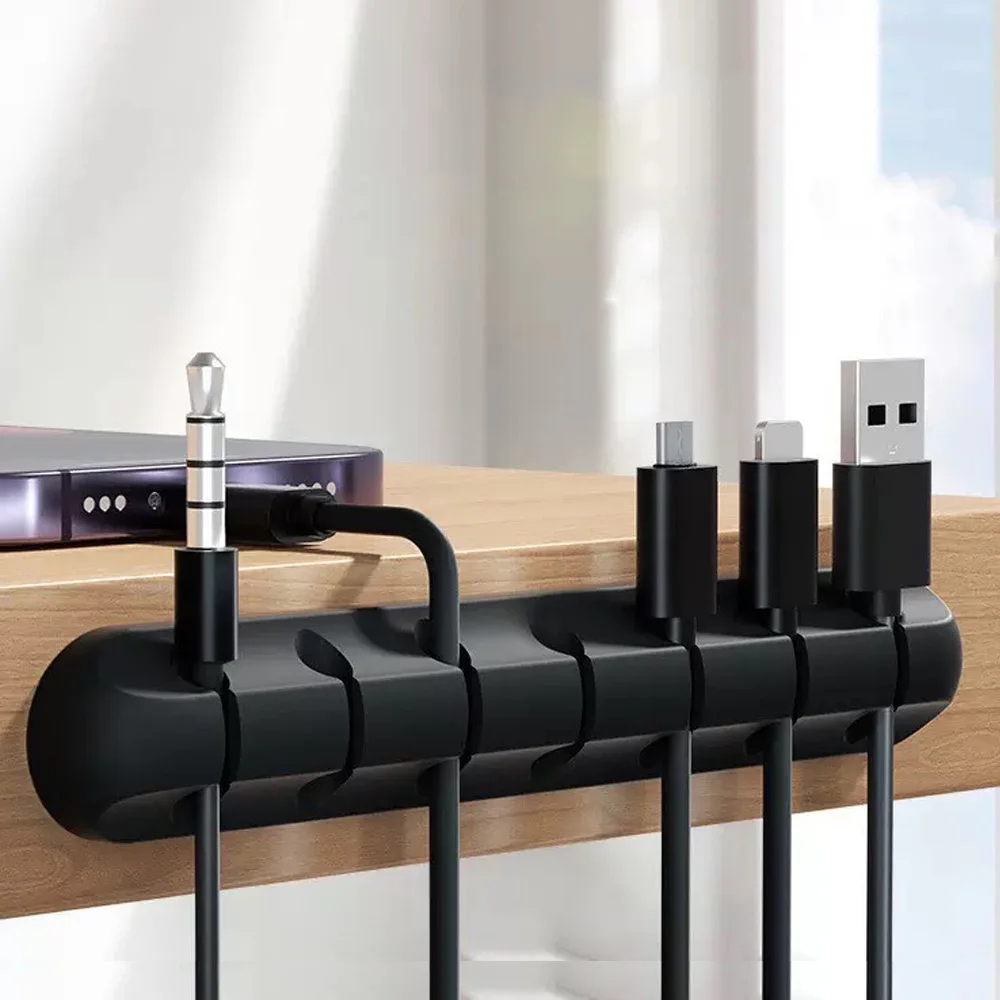
cable management
Adhesive Cable Holder Clips Cord Management Wire Organizer for Desktop USB Charging Cable Nightstand Power Cord Mouse Cable
$0.00

cable management
Reusable Nylon Cable Organizer Ties
$1.73
Keyboard and accessories in a dark setup
A black or dark grey keyboard with a coloured keycap accent or a single-colour backlight is the most consistent choice. A matte black keyboard disappears into the desk mat in a way that looks intentional. Backlit keycaps in the accent colour reinforce the palette without being a separate, competing visual element.
A dark setup with a white keyboard can work if the white is used deliberately as a high-contrast element, but it requires more careful coordination across other accessories to avoid looking mismatched.
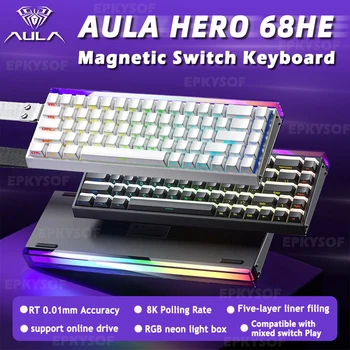
Keyboards
AULA HERO 68HE Magnetic Gaming Keyboard
$59.99
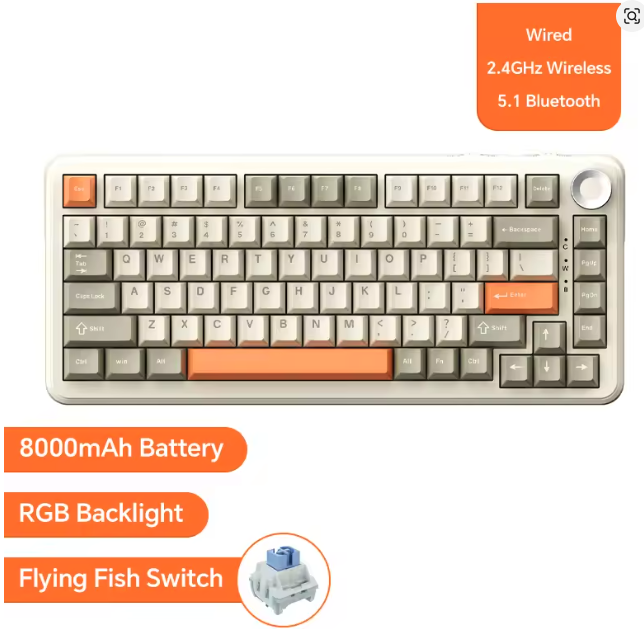
AJAZZ AK820 Pro Wireless Mechanical Keyboard
$59.99
Browse dark desk setups in the gallery for real configurations with different accent colours and room sizes.