The home office market is full of expensive gear that promises to transform your working day. Some of it genuinely does. Most of it does not. The challenge with setting up a home office on a budget is not finding cheap things — it is knowing which things actually matter and which are nice-to-have extras you can add later.
This guide takes a priority-first approach. Start with the items that have the greatest effect on your comfort, focus, and productivity. Defer the rest until the budget allows.
The honest priority order
Not everything in a home office has equal impact. A bad chair causes physical pain after two hours. A second monitor has a measurable effect on focus tasks. A nice cable tray is pleasant but irrelevant if the chair hurts.
Spend in this order:
1. Chair 2. Monitor (if you are working from a laptop) 3. Desk 4. Keyboard and mouse 5. Lighting 6. Everything else
This order surprises people who expect the desk or monitor to come first, but the chair is where you will feel a poor choice most acutely and most quickly.
The chair: spend what you can here
A cheap office chair — the kind that costs under £50 — typically lacks adjustable lumbar support, has fixed armrests, and uses foam that compresses within six months. The result is back pain, shoulder tension, and a general reluctance to sit at your desk for long stretches. These are not minor inconveniences. They directly affect how much you work and how you feel at the end of the day.
A reasonable budget for a chair that supports you properly is £100–£200. At this price, chairs from mainstream office furniture brands — not gaming chairs, which often prioritise looks over function — offer adjustable seat height, lumbar support, and armrests that can be set to elbow height. Second-hand office chairs from reputable brands (Herman Miller, Humanscale, Steelcase) in good condition at this price point can outperform new chairs at twice the cost.
The adjustments that matter: seat height so your feet are flat on the floor and knees at 90 degrees, lumbar support that contacts your lower back without pushing it forward, and armrests at elbow height so your shoulders are relaxed.
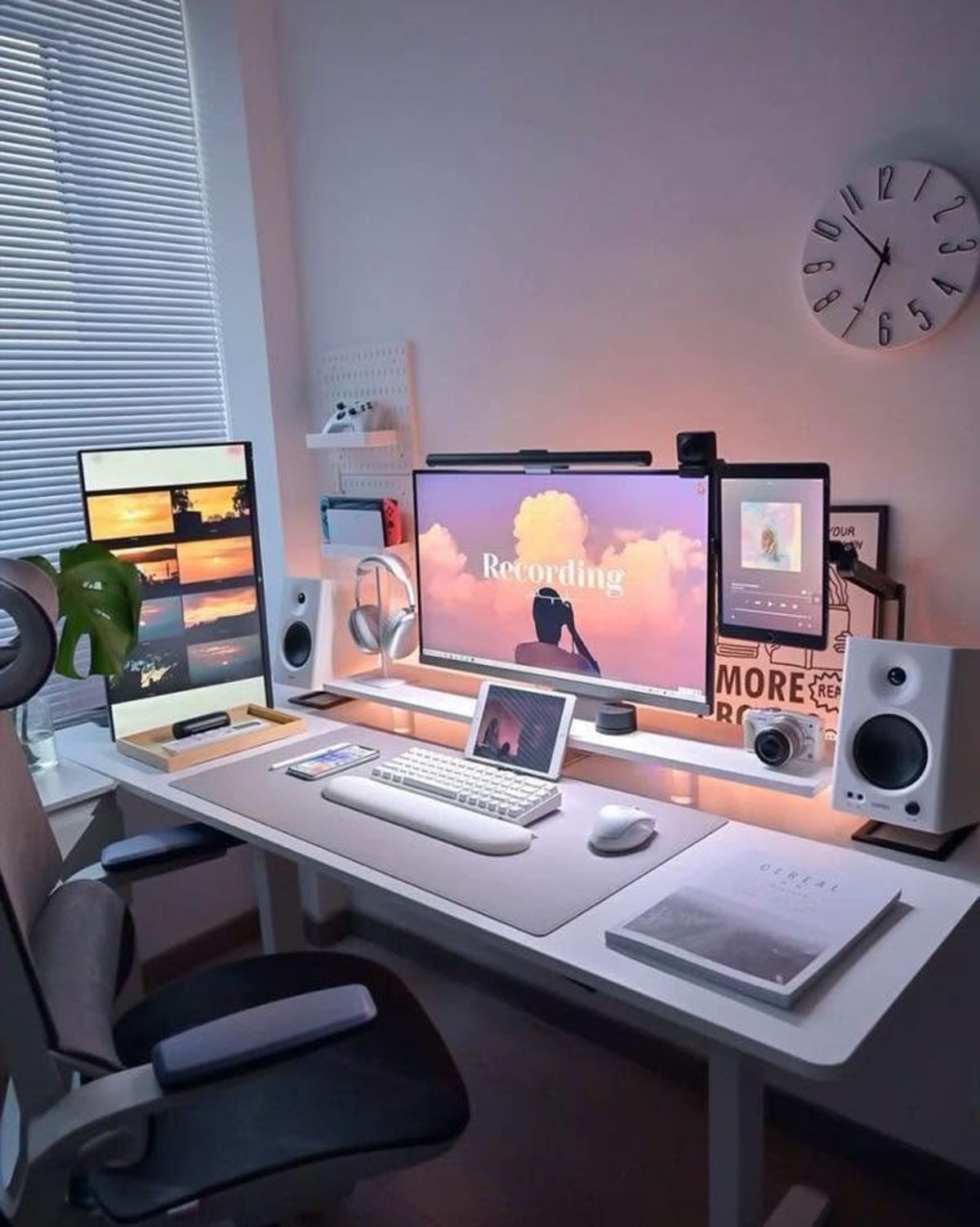
A functional home office doesn't require expensive furniture — the right chair and monitor position matters far more than brand names
The monitor: add a screen to your laptop
If you work from a laptop and do not have an external monitor, this is the second-highest-impact upgrade. Working from a single small screen consistently reduces productivity on tasks that involve switching between applications or referencing multiple windows simultaneously. It also means hunching toward the laptop screen rather than sitting upright.
A 24-inch 1080p monitor can be found new for £100–£150, and refurbished for significantly less. IPS panels offer better colour accuracy and viewing angles than TN panels, which matters for long-session comfort. Refresh rate is not a priority for office work.
Pair the monitor with a laptop stand to raise the laptop screen to a secondary position and keep both displays at a comfortable viewing height. Total cost for monitor, stand, and external keyboard: £150–£200 when bought carefully.
The desk: functional before beautiful
A desk needs to be the right size and structurally solid. A 120 cm desk fits a single monitor, keyboard, and mouse with room to spare. A 140 cm desk is more comfortable. Wood-effect surfaces and white finishes cost the same as each other but show dust differently — consider what you will actually see every day.
Avoid very deep desks (over 75 cm) unless you have space for them. Extra depth moves the monitor further away and makes the area behind the keyboard into wasted space. 60 cm is the functional minimum for a monitor at a comfortable distance.
Simple, flat-packed desks from mainstream furniture retailers are structurally adequate for office work. A solid-wood top is nicer but unnecessary. The functional priority is stability — no wobble when you type.
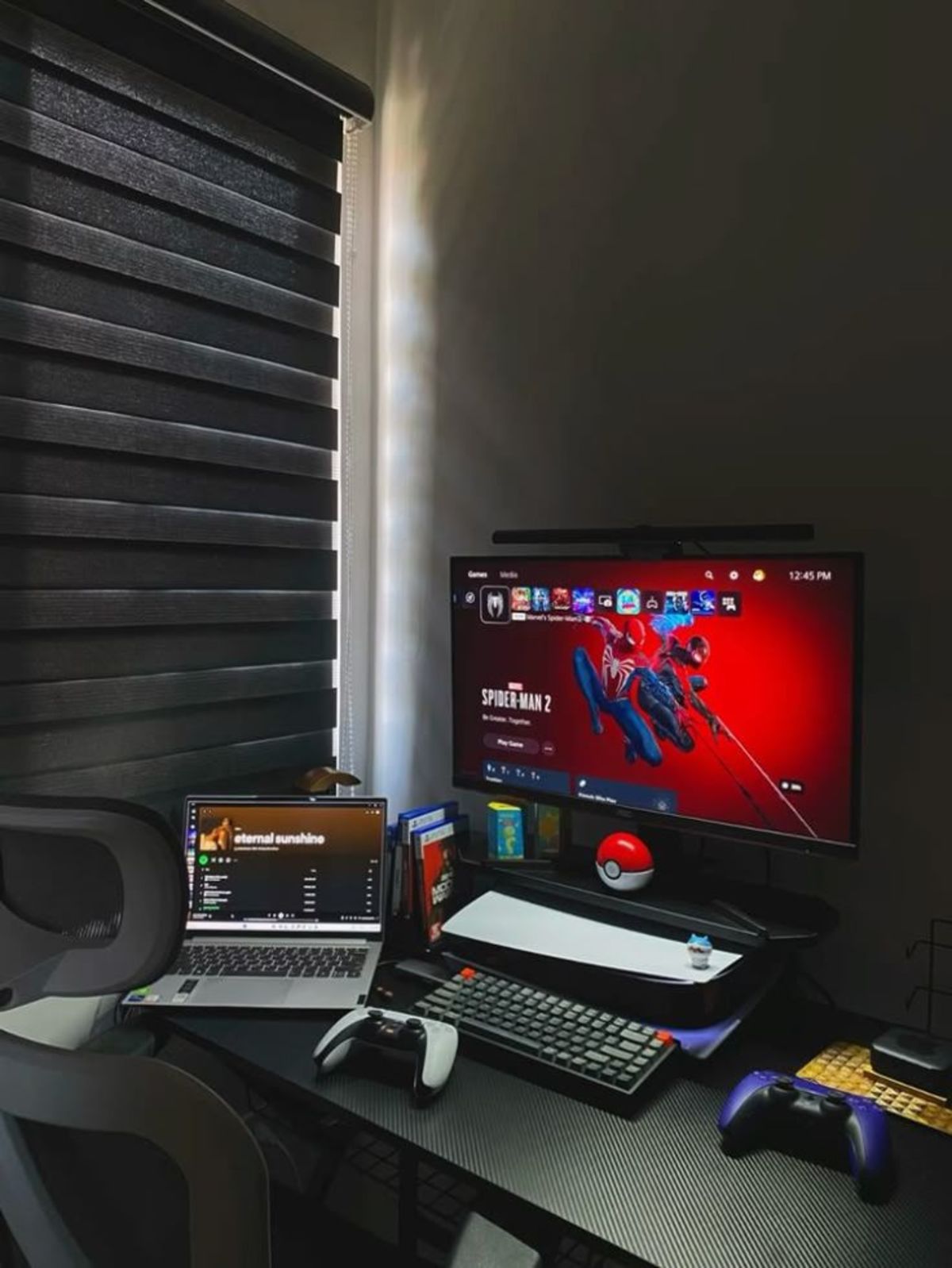
A 120 cm desk, an IPS monitor, and a good lamp: the core three that define how the space actually feels to work in
Keyboard and mouse: wired or wireless, basic or premium
For pure office work — typing, email, documents — any full-size keyboard with well-spaced keys works. An inexpensive wireless keyboard and mouse removes cables from the desk surface without any meaningful downside for office use. Budget £20–£30 for a basic wireless set.
If you type for extended periods — writing, coding, data entry — a mechanical keyboard is worth considering. The better tactile feedback reduces fatigue and makes typing more accurate. Mechanical keyboards range from £50 upwards; at the lower end, keyboards with Gateron or Outemu switches offer a significant step up from membrane keyboards at a modest price.
Lighting: the overlooked ergonomic factor
Working in a room lit only by your monitor screen causes eye strain quickly. A simple desk lamp positioned to one side — not directly behind or in front of you — provides enough ambient light to balance the screen brightness without creating glare.
A lamp that diffuses light broadly is better than a focused spotlight. Daylight-spectrum bulbs (5000–6500 K) are good for focus tasks. Warmer bulbs (2700–3000 K) reduce alertness, which may suit end-of-day reading but not morning focus work.
Budget: £15–£30 for a functional desk lamp.
What to skip at first
A desk mat: Useful and pleasant, but not impactful. Add it when the primary items are in place.
A monitor arm: Worth having eventually, but a cheap monitor stand achieves most of the benefit. Defer it.
Acoustic panels: Unless your room is unusually echoey and you are on video calls all day, this is a luxury.
Cable management products: Route cables behind the desk with a couple of adhesive clips and move on. Proper cable trays and sleeves can wait.
Webcam: Most modern laptop webcams are adequate. A better webcam matters mainly if you are on video calls professionally where appearance is important. It is not a day-one purchase.
A realistic budget breakdown
| Item | Budget | Notes |
|---|---|---|
| Chair | £120–180 | Second-hand premium if possible |
| Monitor (24") | £110–150 | New IPS; refurbished for less |
| Desk (120 cm) | £60–100 | Flat-pack from a main retailer |
| Keyboard + mouse | £25–40 | Wireless set or budget mechanical |
| Desk lamp | £20–30 | Daylight spectrum |
| Total | £335–500 |
This is a complete, comfortable, and productive home office. Everything beyond this is an upgrade, not a requirement.
Browse the home office setups gallery to see how real people have built productive workspaces, and the minimal desk setup ideas guide if you want design inspiration.