A laptop's design optimises for portability: lightweight, compact, battery-powered. This makes it an excellent travel computer and a mediocre long-term desk computer when used as supplied. The screen is typically too low, too small, and too close. The keyboard is fine for occasional typing but tiring for an eight-hour session. The trackpad replaces the mouse adequately but not well for precision work.
The right accessories fix each of these problems at minimal cost and with no modification to the laptop itself — and the laptop remains fully portable when you pack up.
The foundation: a laptop stand
The most impactful single accessory for a laptop-based setup is a laptop stand. It raises the laptop screen to approximately the correct ergonomic height (monitor top at or slightly below eye level) and takes it off the desk surface, freeing space for an external keyboard and mouse in the correct position.
Laptop stands come in two types: fixed height (a simple riser, usually 15–20 cm, at a fixed angle) and adjustable (arm-style, adjustable for height and angle). For a desk setup, a fixed stand is cheaper and more stable. An adjustable arm is more flexible if you share the desk or switch between sitting and standing positions.
When using a laptop stand, the laptop keyboard and trackpad become unusable — you need an external keyboard and mouse. That is the intended configuration.
Add an external keyboard and mouse
With the laptop elevated on a stand, a compact external keyboard in front of the stand and a mouse to the side gives the correct typing position: forearms roughly parallel to the floor, wrists neutral.
Wireless peripherals work best for a laptop setup — a single USB dongle or Bluetooth connection keeps the desk tidy without additional cable runs. The setup becomes dock-able: one cable to the power/dock and the laptop is connected to the whole setup; unplug to take it portable.
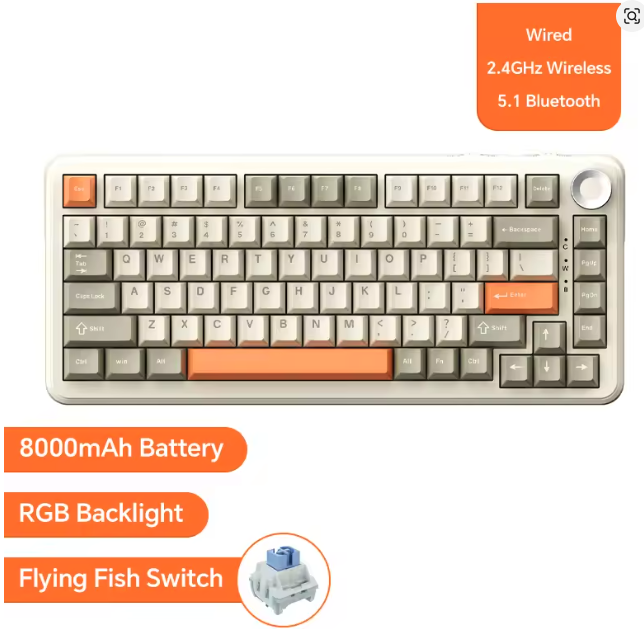
AJAZZ AK820 Pro Wireless Mechanical Keyboard
$59.99
Keyboards
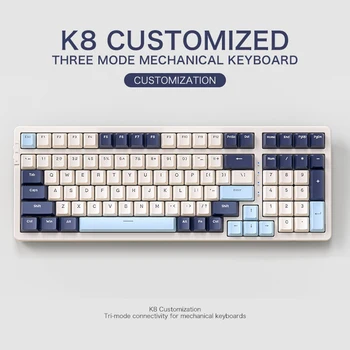
FREEWOLF K8 100-Key Wireless Mechanical Keyboard
$39.99
External monitor: the biggest productivity upgrade
An external monitor is more impactful than any other laptop desk accessory. A 24–27 inch external monitor provides significantly more visible area than the laptop screen, displays at a comfortable viewing distance, and sits at the correct ergonomic height without needing the laptop raised.
With a docking station or USB-C hub, the external monitor, keyboard, mouse, and any other peripherals all connect through a single cable to the laptop. Docking and undocking takes seconds.
Using the external monitor as the primary and the laptop screen as a secondary (pushed to the side or behind the external monitor on its stand) is a common configuration. Clamshell mode (laptop lid closed, using only the external monitor) is cleaner but requires that the laptop is connected to power or placed in a well-ventilated position.
Cable management for a laptop setup
A laptop setup typically runs three to four cables: monitor cable, charger, and any USB connections to peripherals. A single USB-C hub or docking station consolidates these into one cable from the laptop, which makes connecting and disconnecting quick and clean.
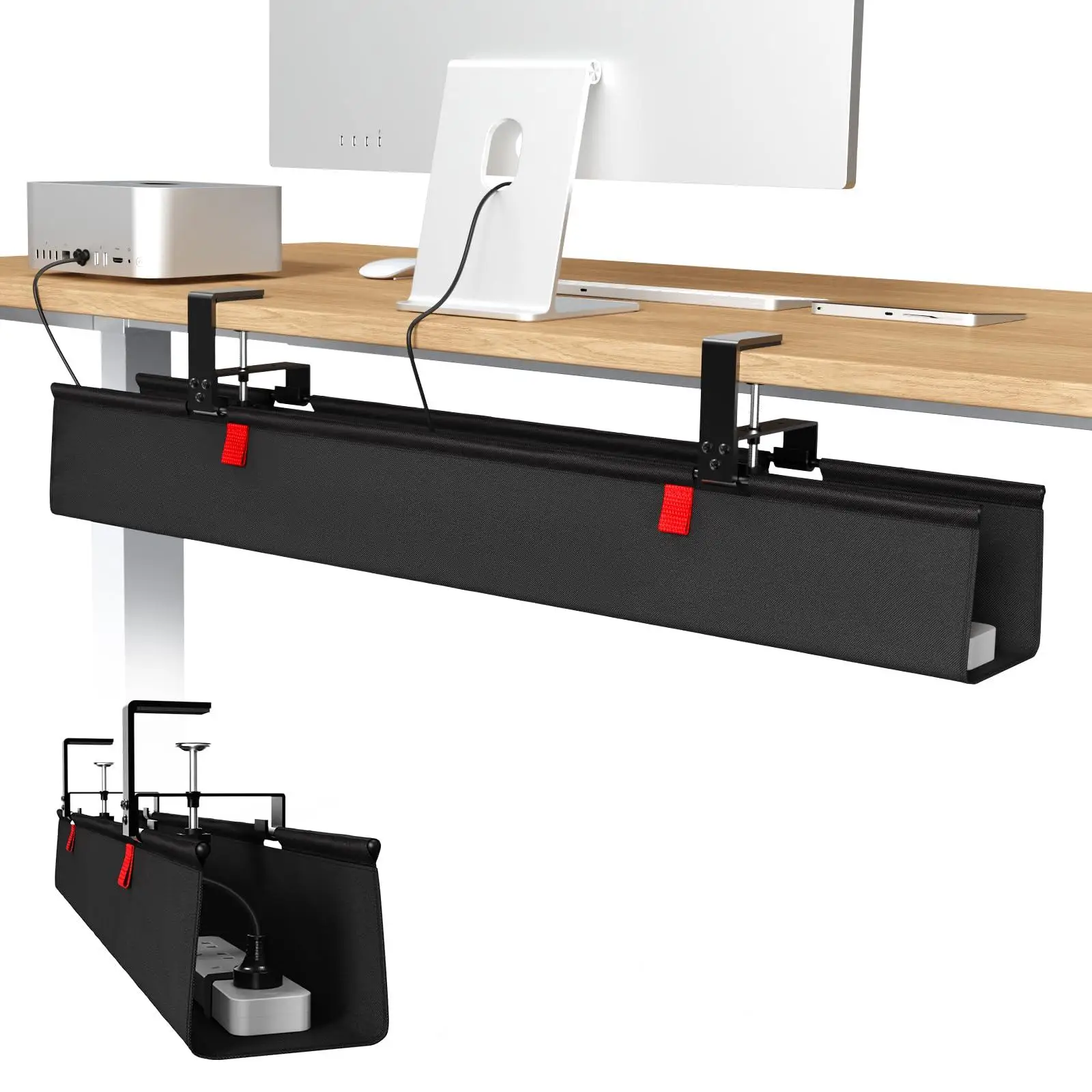
An under-desk cable tray handles the runs from the hub/dock to the peripherals. A short cable spine from the desk edge to the power strip at the wall completes the setup.
cable management
36-inch No Drill Under Desk Cable Management Tray
$44.11
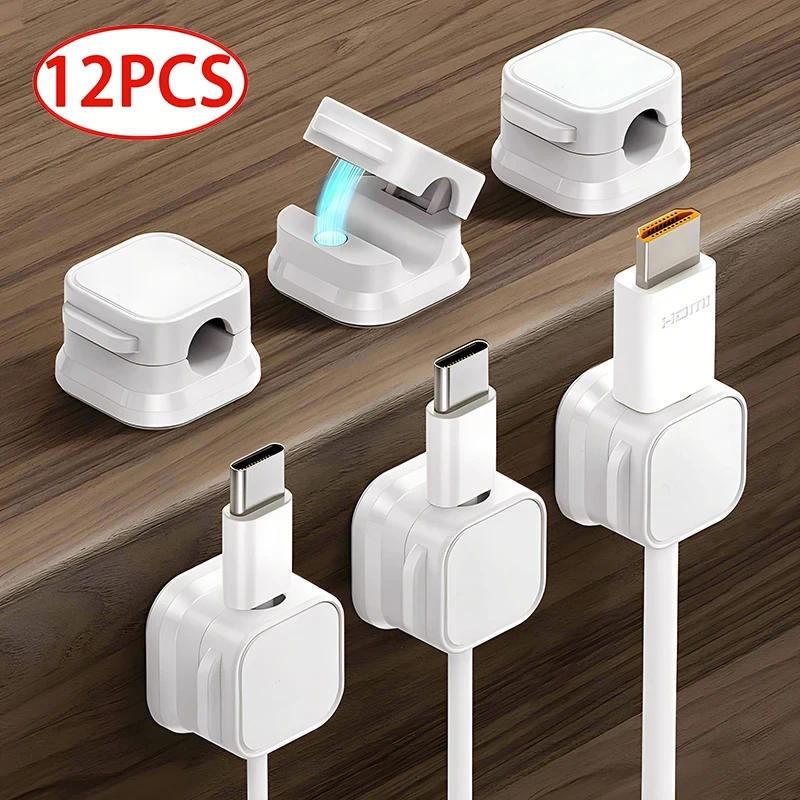
cable management
Magnetic Cable Clip Cable Holder
$6.99
Desk mat for the complete look
A desk mat completes a laptop setup visually. It ties the laptop stand, keyboard, and mouse area together and makes the arrangement look deliberate rather than improvised.
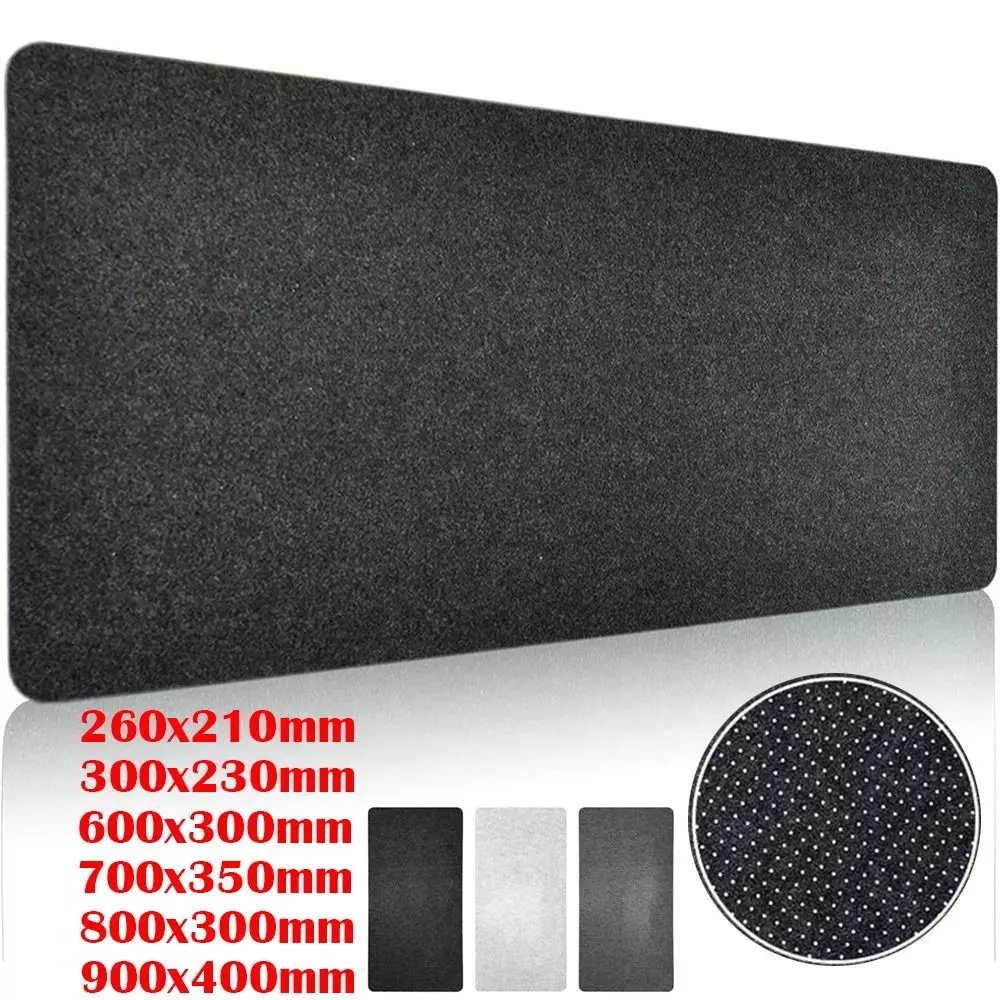
Desk Accessories
Large Wool Felt Desk Mat
$9.99
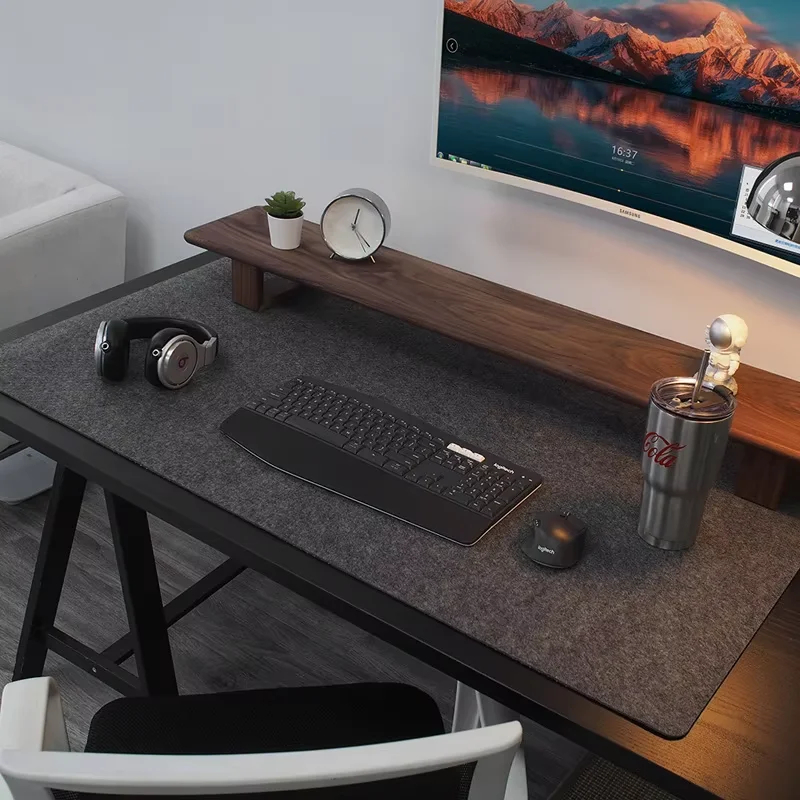
Desk Accessories
Premium Wool Felt Desk Mat
$14.99
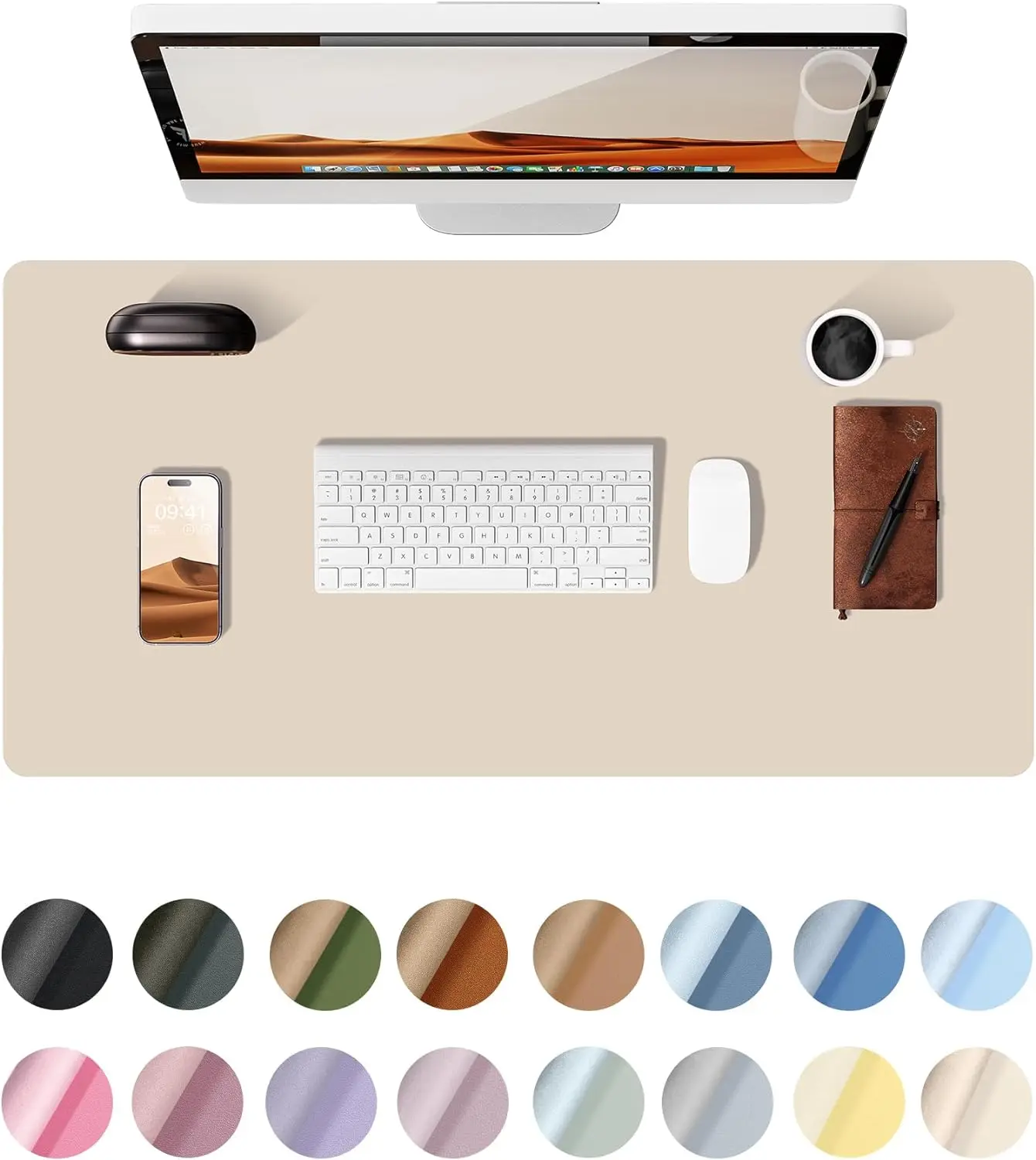
desk mat
YSAGi Large PU Leather Desk Mat
$5.95
Browse home office setups and minimal setups for real laptop desk configurations.