The difference between a work-from-home setup that drains you and one that supports you is rarely about having expensive equipment. It is almost always about a few specific decisions made well: the right chair height, the right monitor position, and a space that signals to your brain that it is time to work.
These ideas are organised by impact — starting with the changes that make the biggest difference.
Separate your work space from your living space
The most important thing a work-from-home setup can do is create a psychological boundary between work time and non-work time. This does not require a separate room. A dedicated corner of a bedroom or living room, consistently used only for work, creates a spatial cue that the brain learns to associate with focus.
Face the desk away from the bed or sofa if possible. When you close the laptop and stand up, the act of leaving the desk signals the end of the working day in a way that closing a laptop while sitting on the sofa does not.
Get the monitor off the laptop
Working from a laptop screen alone puts the screen too low, too small, and too close. The result is neck flexion (looking down), eye strain from a small display, and a posture that gets worse across an eight-hour day.
An external monitor — even a second-hand 24-inch IPS display — raises the screen to the correct height, increases the visible area significantly, and lets you position the keyboard at the correct height independently. This single upgrade has more impact on day-to-day comfort than any other.
A laptop stand raises the laptop screen to roughly the same height as the external monitor, making both displays usable at the same time without one being much lower than the other.
Set up your video call background deliberately
On video calls, the wall behind you is your professional backdrop. A tidy background — a wall, a shelf with a few items, or a simple plant — reads as organised and professional. A bed, a laundry pile, or a kitchen visible through a doorway reads as distracted.
Good positioning: sit with your back to a wall or a bookshelf, facing a window or a desk lamp. The light on your face should come from in front of you, not from behind (which silhouettes you). A ring light or a daylight desk lamp aimed at your face from slightly above makes a significant difference to how you look on calls.
Control noise for calls and focus
Home environments are noisier than offices during work hours. Background noise on calls — traffic, pets, neighbours, a partner on their own calls — is consistently reported as one of the most disruptive elements of remote work.
A USB microphone or a headset with a directional microphone picks up your voice clearly while rejecting background sound. This is a more practical solution than soundproofing and costs significantly less. For your own focus during deep work, over-ear headphones or earphones with passive noise isolation help consistently.
Add a second surface for paperwork
If your work involves any physical materials — notebooks, printed documents, a second device — a small floating shelf or a side table at desk height prevents the main surface from becoming cluttered. Keeping the desk clear of everything except the current task is one of the simplest ways to maintain focus.
Light the space for long hours
A single overhead light above or behind the monitor creates harsh contrast between the bright screen and the darker room. A desk lamp positioned to the side reduces this contrast and makes long sessions more comfortable. A monitor light bar positioned on top of the screen lights the desk surface without creating screen glare.
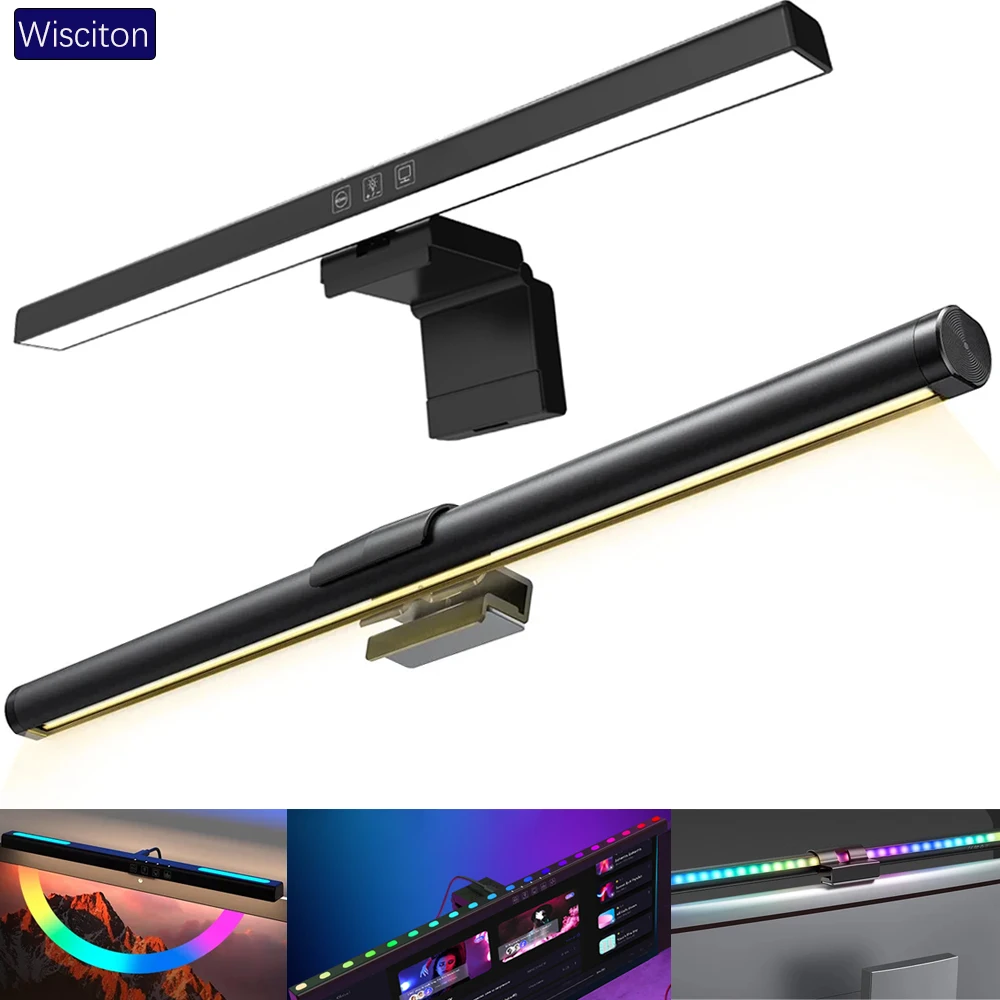
lighting
Wisciton Adjustable RGB Monitor Light Bar
$11.09
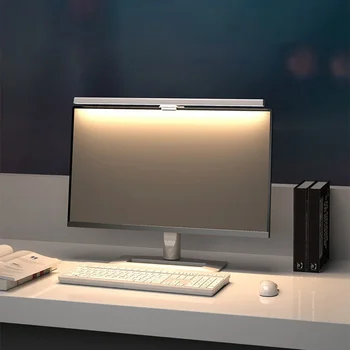
Lighting
HOMEFISH 50cm Monitor Light Bar
$24.99
Use a desk mat to anchor the setup
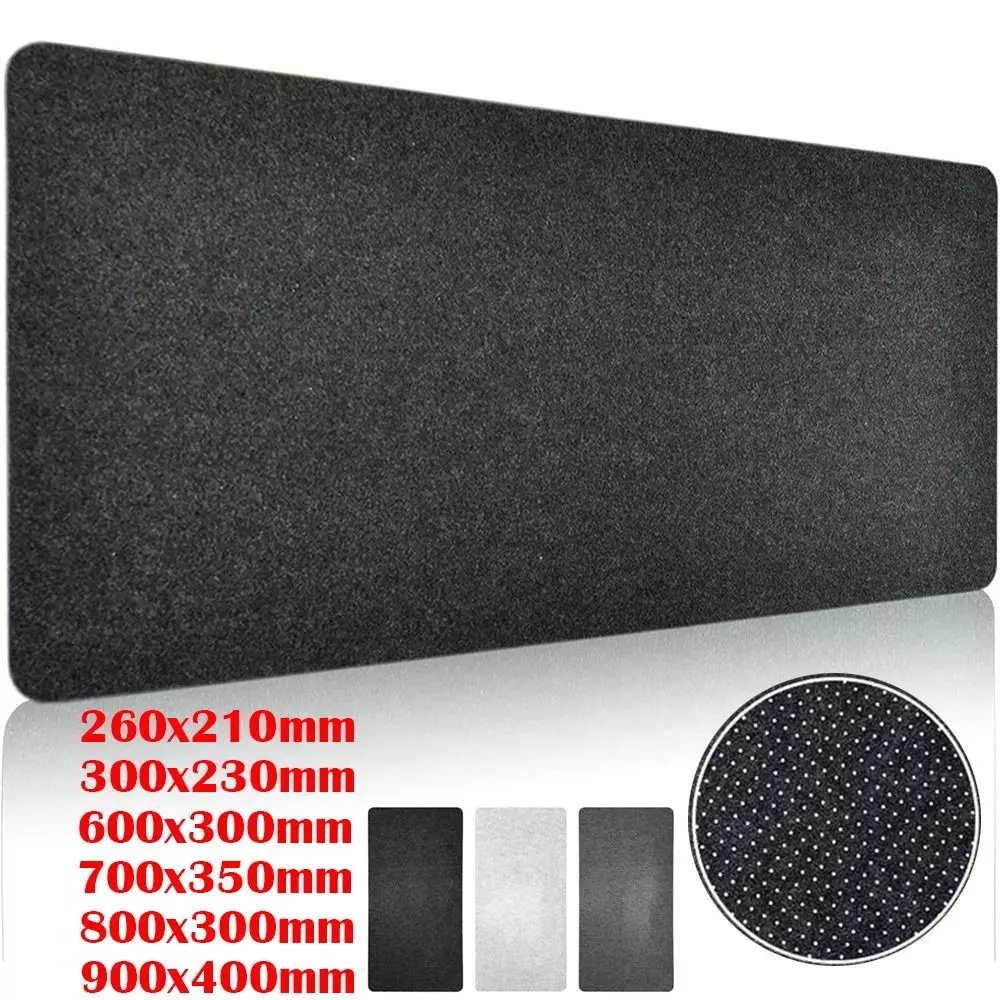
A desk mat covering most of the desk surface defines the work zone visually, protects the surface, and reduces keyboard and mouse noise. In a shared living space it also makes the desk feel like a dedicated workspace rather than a converted dining table.
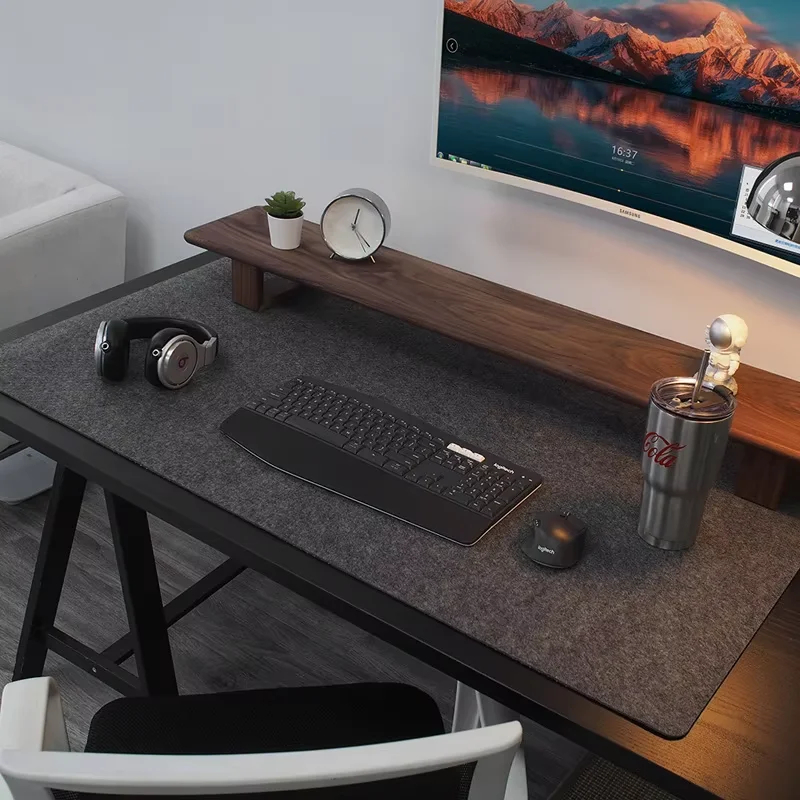
Browse the home office setups gallery for real work-from-home setups. See our ergonomic desk setup guide for the posture details, and our home office setup on a budget guide if you are building from scratch.