A standing desk is not a fitness device. Standing all day is not better than sitting all day — it trades one problem for another. What a standing desk actually gives you is the ability to alternate between positions throughout the day, which reduces the sustained strain that comes from staying in any single posture for hours.
The research on this is consistent: regular posture changes reduce discomfort, improve alertness, and over time contribute to better long-term musculoskeletal health. But the desk itself is just the starting point. How you set it up — the height, the accessories, the monitor position, the daily rhythm — determines whether you feel the benefit.
Getting the heights right
A standing desk has two positions that matter: sitting height and standing height. Both need to be set correctly.
Sitting height: Adjust the desk so your forearms are roughly parallel to the floor when your hands are on the keyboard. Your elbows should sit at or slightly below desk level, with your shoulders relaxed — not hunched up or pulled back unnaturally. This is typically between 68–76 cm for most adults, but your specific measurements matter more than any standard number.
Standing height: The same rule applies. When you stand at the desk, your forearms should be parallel to the floor. For most people this means the desk surface sits at elbow height — roughly 100–110 cm. Set both heights before you start working and save them as presets if your desk has a digital controller.
If the desk is at the correct height for your keyboard but the monitor is at the wrong height for your eyes, the solution is a monitor arm, not raising the desk. Use the desk height for your hands and control the monitor position independently.
Monitor position when standing
The monitor position needs to change between sitting and standing, or be set to a compromise that works for both. A monitor arm with both height and tilt adjustment is the right tool here. A fixed monitor stand cannot accommodate both positions correctly.
At sitting height: the top of the monitor should be at or just below eye level. You should be able to see the full screen without tilting your head up or down significantly.
At standing height: the monitor rises with you. If you have a monitor arm, adjust it when you switch positions. In practice, most people set a compromise position that is slightly low for standing and slightly high for sitting — both are acceptable as long as neither requires a significant head tilt.
The horizontal distance stays the same: roughly 50–70 cm from your eyes to the screen, depending on monitor size. A 27-inch monitor at 60 cm is comfortable for most people. A 32-inch monitor may need to be pushed slightly further back.
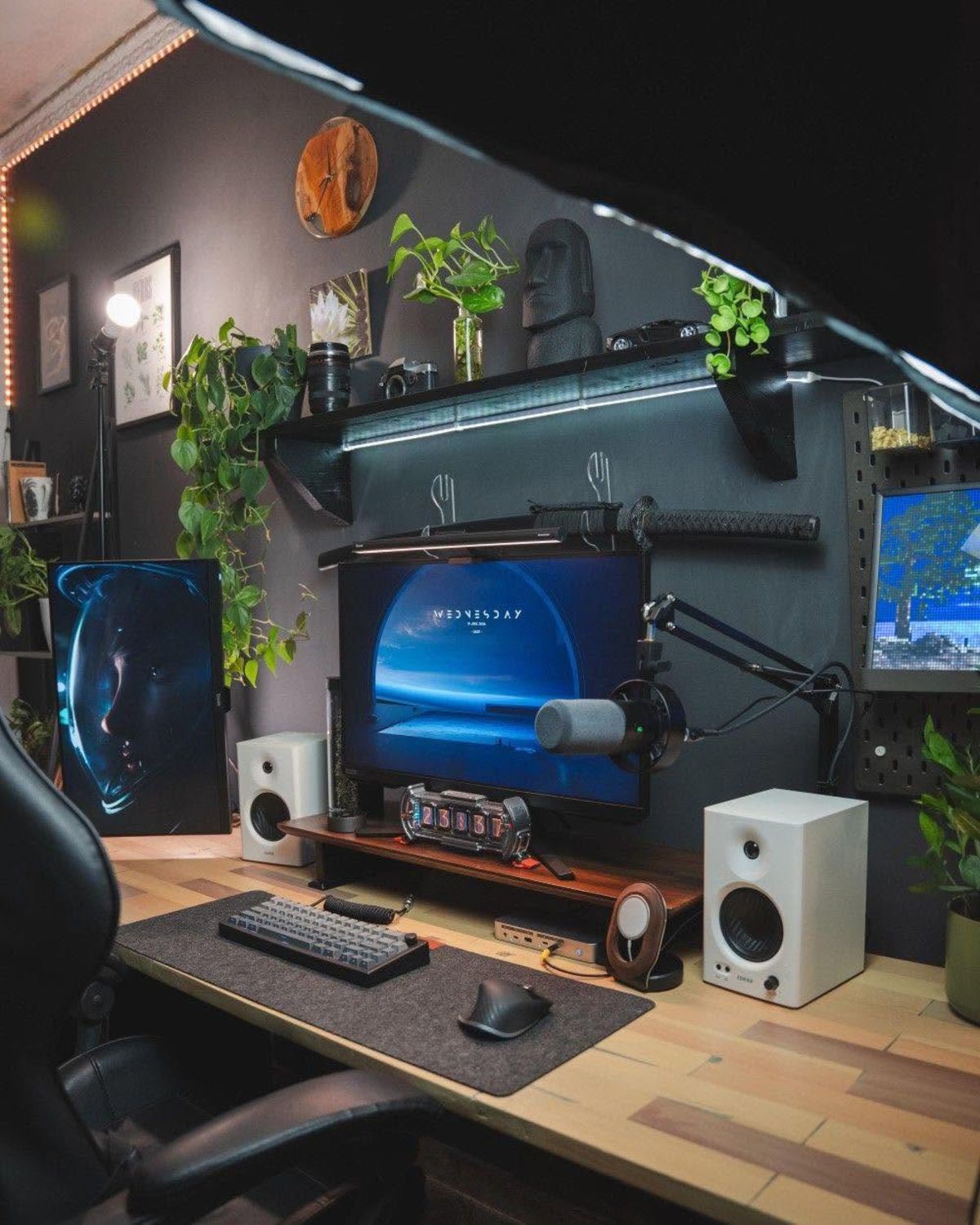
The monitor should be at the same eye-level relationship whether sitting or standing — a monitor arm makes this effortless
Essential accessories for a standing desk
Anti-fatigue mat: If you stand for more than 20–30 minutes at a time, an anti-fatigue mat makes a significant difference. These cushioned mats reduce the pressure on your feet, knees, and lower back while standing. They do not need to be expensive — a basic foam mat works. Keep it under the desk when sitting.
Monitor arm: Already mentioned above, but worth emphasising. A monitor arm is arguably the most important standing desk accessory because it lets you position the monitor correctly in both postures independently. It also frees up the desk surface and improves cable management.
Keyboard tray: A keyboard tray mounted under the desk surface can extend to the correct height in both positions. It is useful if the desk surface does not accommodate both your keyboard height and monitor distance simultaneously, which is a common problem on smaller desks.
Cable management spine: Standing desks create a cable challenge that fixed desks do not: cables need to travel a vertical distance of 30–40 cm as the desk raises and lowers. A cable spine — a flexible sleeve attached to the desk leg — gathers all cables into a single run that accordion-folds as the desk moves. Without this, cables will snag, pull, or loop on the floor.
The sit-stand rhythm
The most common mistake with a standing desk is treating it as a standing desk rather than a sit-stand desk. Standing for four hours straight is not better than sitting for four hours straight — it causes its own fatigue and increases the risk of lower-back pain and varicose veins over time.
A practical rhythm: sit for 30–45 minutes, stand for 15–20 minutes, repeat. Most people find that after two to three weeks of this routine, transitions become automatic. Smart desks with programmable height presets and reminder timers remove the friction entirely — the desk reminds you to switch positions and moves with a single button press.
Standing for short bursts during tasks that require less focused attention — reading email, listening to a call, reviewing documents — is easier than standing during deep work. Build standing time around natural task transitions.
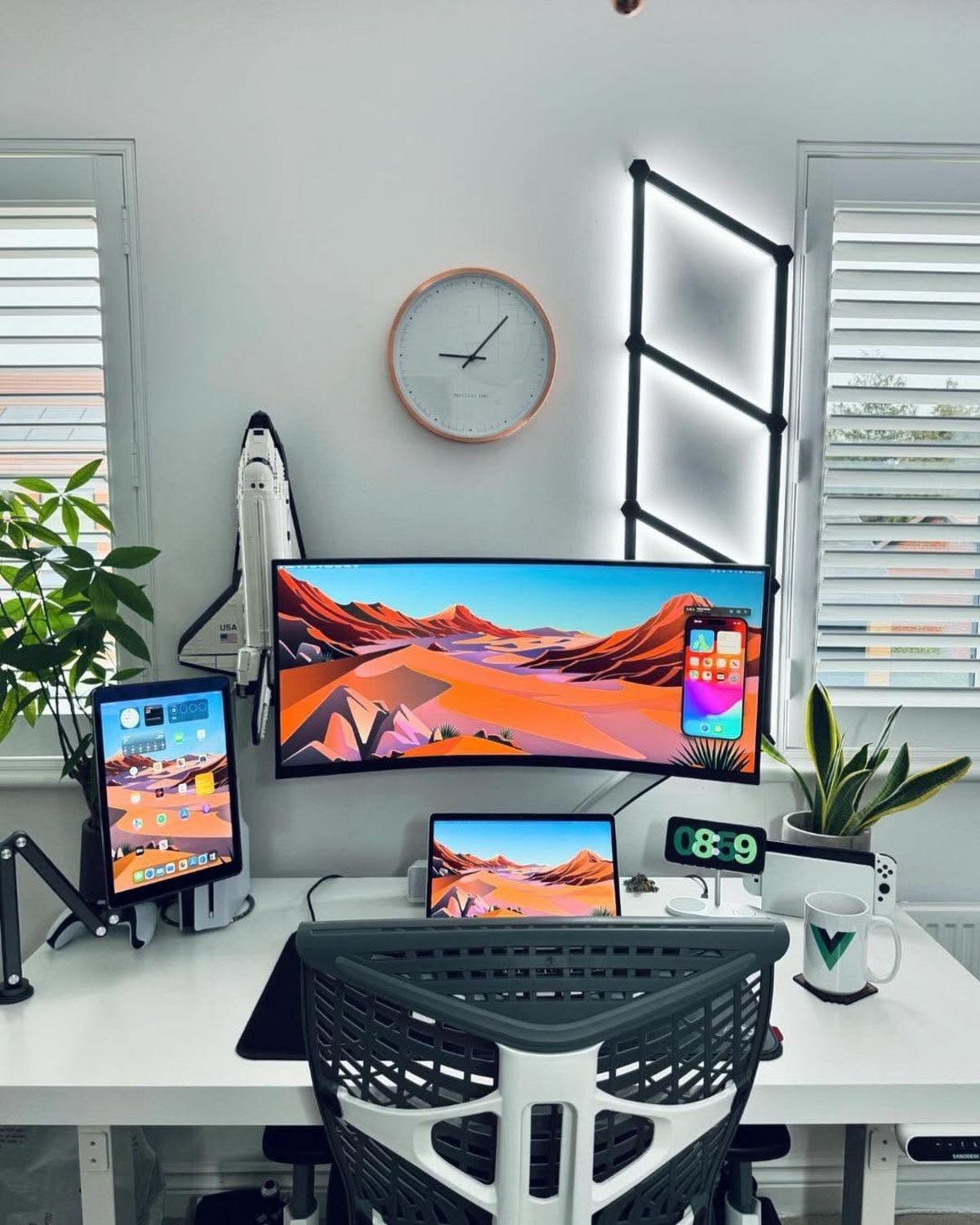
An anti-fatigue mat makes the difference between 15 comfortable minutes of standing and 45 uncomfortable ones
Cable management for a sit-stand desk
The moving desk surface creates a specific cable management challenge. Every cable from the desk to the wall or floor needs enough slack to accommodate the full height range without pulling tight or dragging on the floor.
Measure the difference between sitting and standing height — typically 35–45 cm — and add 20 cm of extra slack in each cable before securing them. Run all desk cables through a cable spine or flexible sleeve attached to the desk leg. At the floor, use a cable tray or floor raceway to keep cables off the ground rather than looping freely.
See our cable management guide for the full approach.
Putting it all together
A well-set-up standing desk feels effortless to use. The transition between sitting and standing takes two seconds, both positions are comfortable, and no cables pull or tangle during the movement. The anti-fatigue mat is out when you are standing and stored when you are sitting.
Browse the home office setups gallery to see how real workspaces incorporate standing desks, and the ergonomic home office setup for a detailed real-world example.