Setting up a home office is one of those tasks where the right order matters. Buy the desk before choosing the location, and the desk may not fit. Buy the monitor before the desk, and the desk may be too shallow. This guide takes each decision in the sequence that prevents those mistakes.
Step 1: Choose the location
Before anything else, decide where the office will be. The ideal home office location is:
Separate from the bedroom: Working where you sleep makes it harder to mentally switch off at the end of the day. A separate room, or at minimum a visually distinct corner of a living space, is better.
With natural light to the side: A window to your left or right provides good natural illumination without screen glare. A window in front of you (facing the window) creates glare on the screen; behind you creates backlighting problems on video calls.
Away from high-traffic areas: Noise and interruption are the main focus killers in a home office. A position with a wall behind it, away from doors and kitchen areas, works better for focused work.
Measure the available space carefully before purchasing furniture.
Step 2: Choose the desk
Based on the available space, select a desk. The minimum practical size for a home office is 120 cm wide and 60 cm deep — enough for a single monitor, keyboard, mouse, and a small item or two.
For most people doing full-time remote work, 140 cm wide is more comfortable and allows a second monitor or spread-out materials without cramping.
Standing desks are worth considering if you plan to work eight or more hours a day at the desk. The ability to alternate between sitting and standing is a meaningful ergonomic benefit for full-time desk workers.
Step 3: Choose the chair
The chair is the second most important purchase after the desk — it directly affects your posture and comfort across every working hour. Minimum requirements: adjustable seat height, lumbar support, and armrests.
Budget chairs (under £100) meet these requirements adequately for part-time use. For full-time work-from-home, spending £150–250 on a decent ergonomic task chair is worthwhile. See the ergonomic desk setup guide for how to set up the chair correctly once it arrives.
Step 4: Set up the monitor
An external monitor is the most productivity-impactful piece of equipment in a home office. If you work from a laptop, an external monitor at 24–27 inches sits at the correct viewing distance, displays more content simultaneously, and is positioned at the right ergonomic height.
Position the monitor at arm's length from your seated position, with the top of the screen at or slightly below eye level. For most people this requires raising the monitor 10–15 cm above its stock stand height. A monitor riser, arm, or stand achieves this.
Step 5: Connect the equipment
Run all cables along the back of the desk before they are visible from the front. Mount the power strip under the desk. Use an under-desk cable tray for the main bundle. This takes 1–2 hours but the desk stays clean indefinitely.
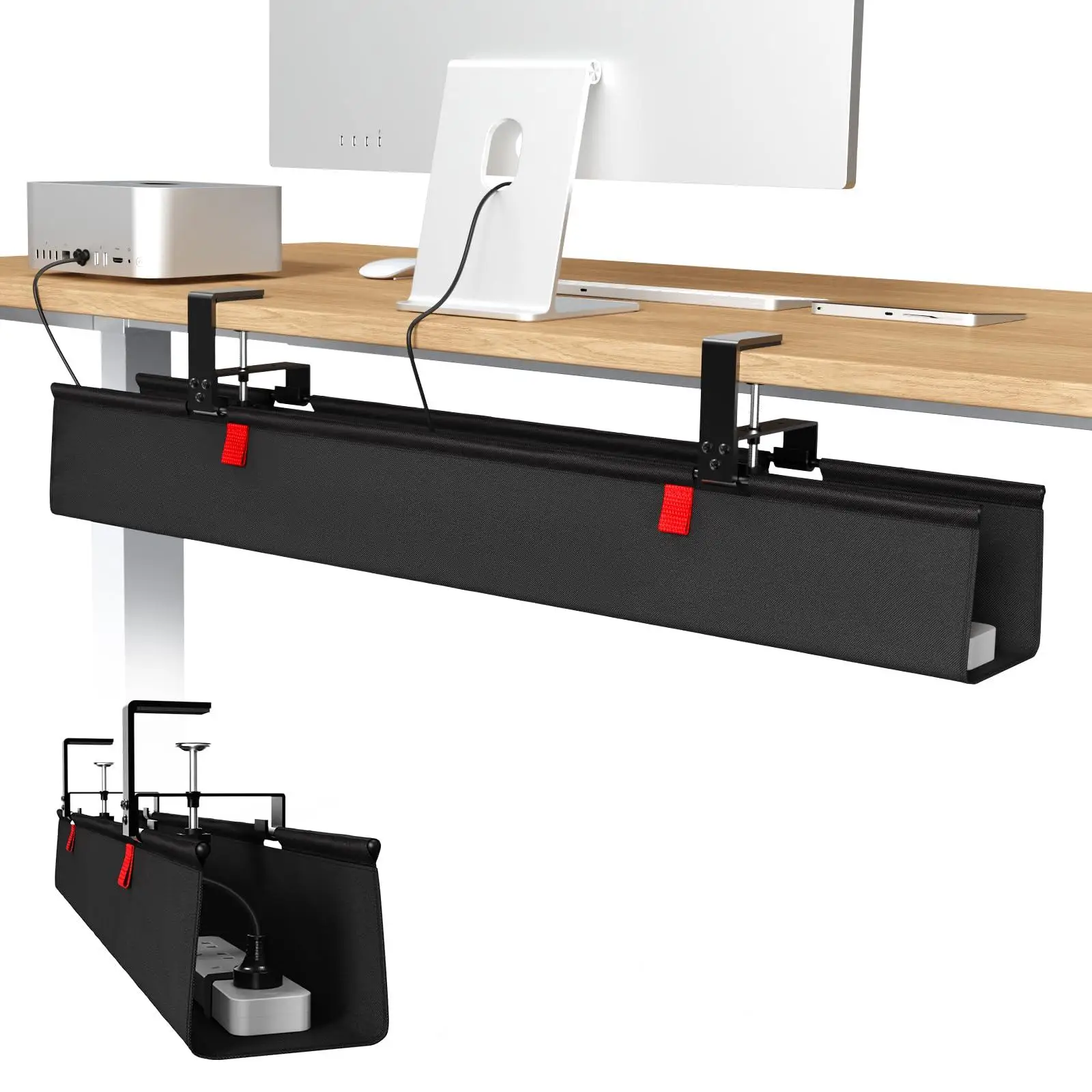
cable management
36-inch No Drill Under Desk Cable Management Tray
$44.11
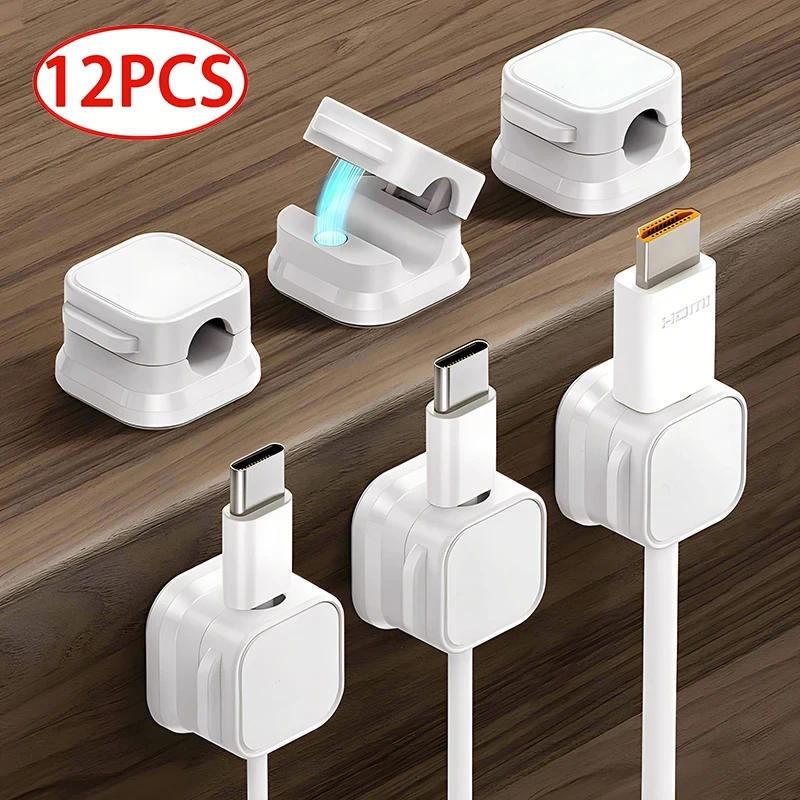
cable management
Magnetic Cable Clip Cable Holder
$6.99
Step 6: Add lighting
A desk lamp or monitor light bar for task lighting prevents the eye strain that comes from a bright screen in a dim room. A monitor light bar on top of the screen is the most space-efficient option. Position it so it lights the keyboard area without creating screen glare.
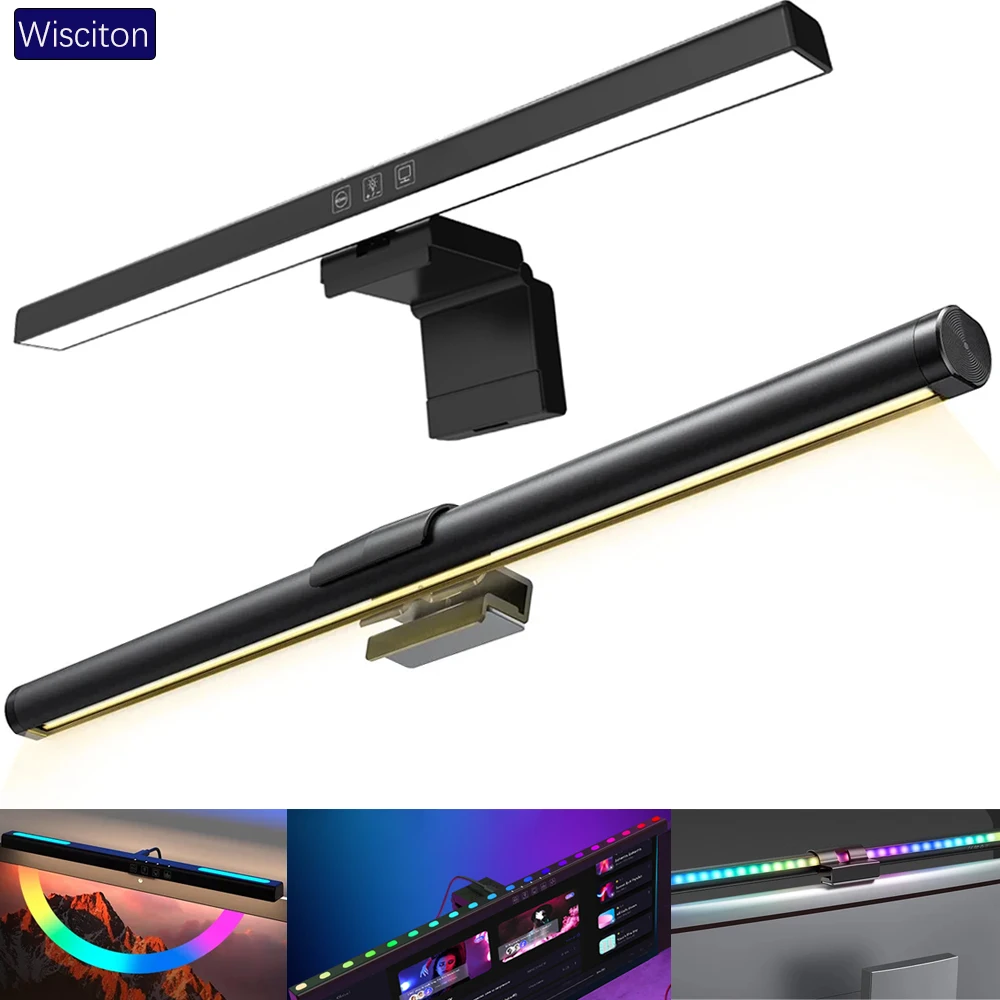
lighting
Wisciton Adjustable RGB Monitor Light Bar
$11.09
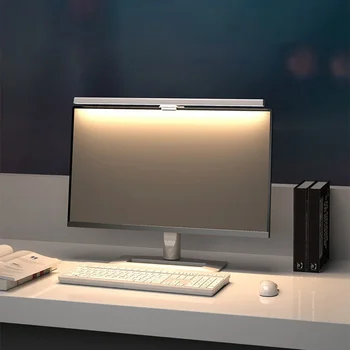
Lighting
HOMEFISH 50cm Monitor Light Bar
$24.99
Step 7: Add a desk mat
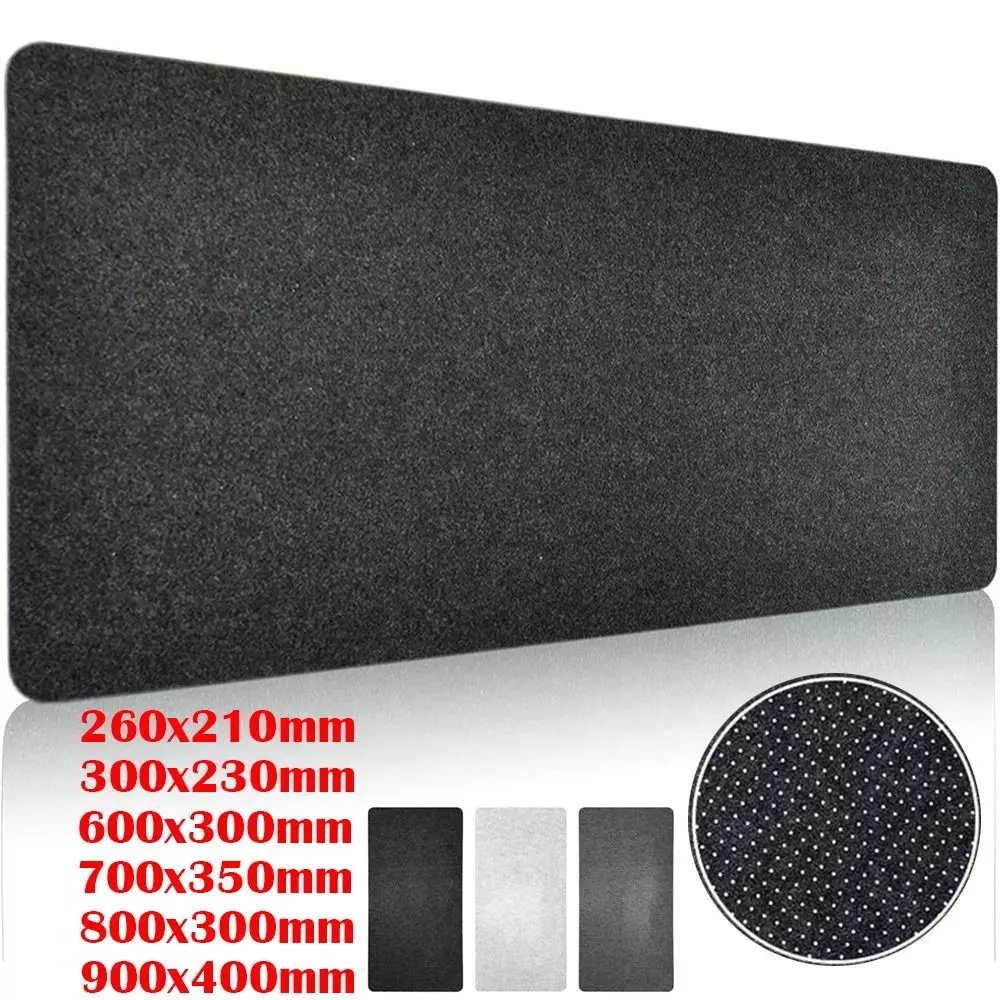
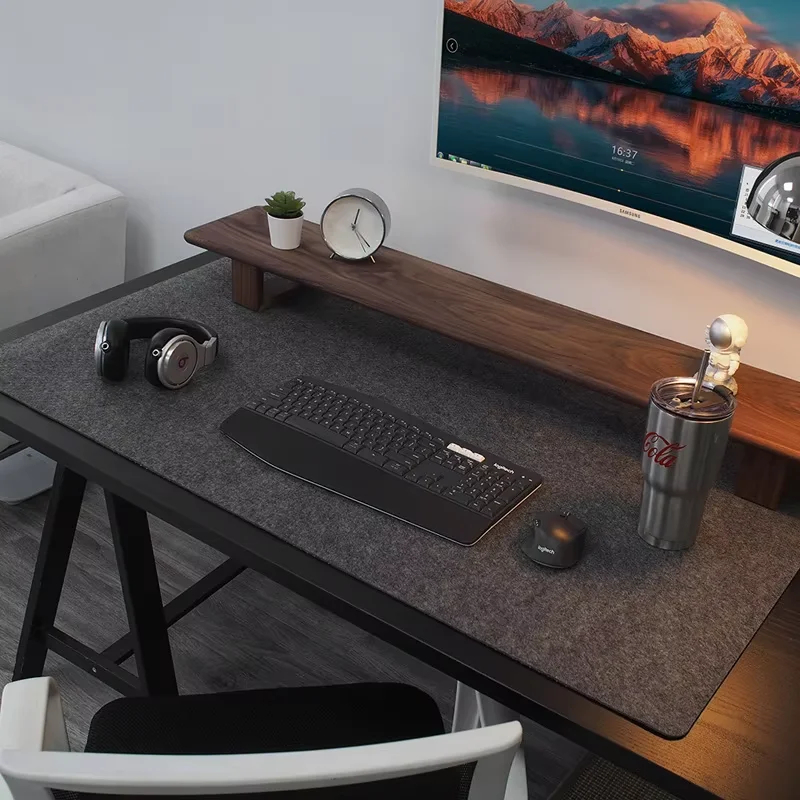
A desk mat covering most of the surface defines the workspace, protects the desk, reduces keyboard and mouse noise, and finishes the setup visually. Buy this last — it ties together whatever else is on the desk.
Browse home office setups for real from-scratch configurations at different budget levels.